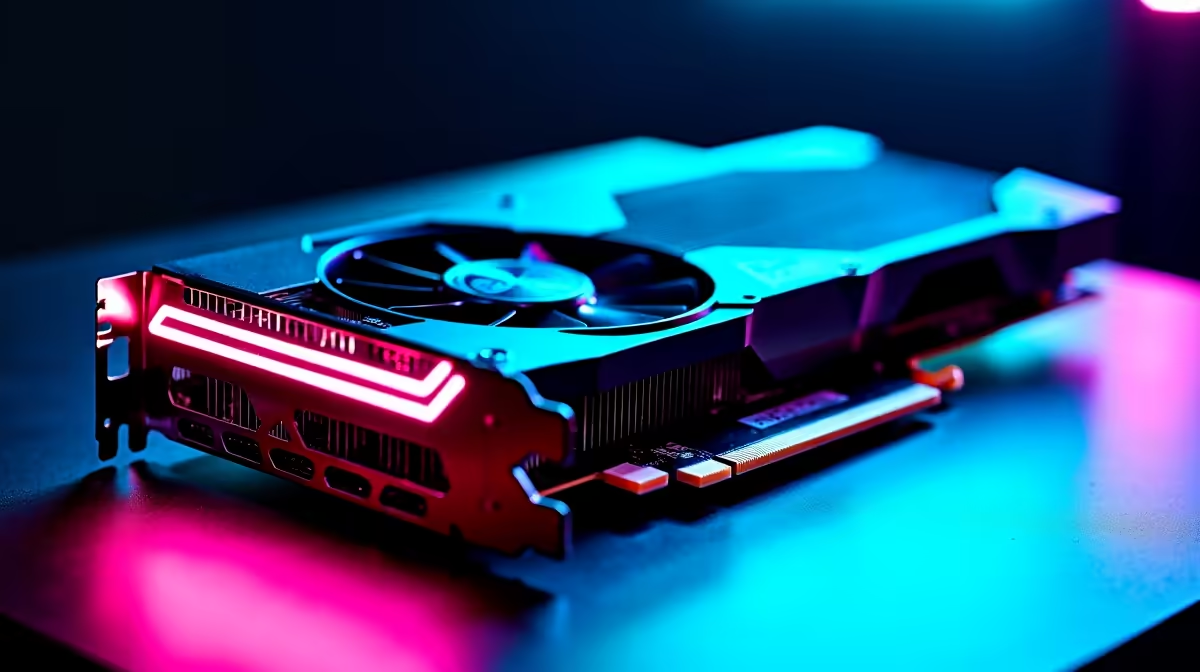
You just dropped over R40,000 on the ultimate GPU. You boot up your favourite game, ready for glorious 4K ray tracing... and your screen goes black. Frustrating, right? RTX 4090 driver issues are still popping up in 2026. Whether it is random stuttering or complete crashes, these software bugs can ruin your night. Let us look at the most common problems and how to get your rig running smoothly again.
Identifying Common RTX 4090 Software Glitches ⚡
Before you panic and think your hardware is broken, check the symptoms. In 2026, most RTX 4090 driver issues stem from Windows updates clashing with Nvidia software. You might experience screen flickering on your desktop. Sometimes, games crash straight to the desktop without warning.
If you are tired of troubleshooting and want a fresh start, you might browse for the latest graphics cards. But hold onto your ZAR for now. Most of these bugs are purely software related and easily fixable.
Step-by-Step Fixes for Display Problems
The easiest fix is often a clean driver installation. Simply updating through GeForce Experience can leave corrupted files behind. This is especially true if a local loadshedding dip interrupted your last update.
If your entire system feels unstable, it might not just be the GPU. Sometimes it is worth looking at our best gaming PC deals if your older motherboard is bottlenecking that massive 4090.
Clean Install Pro Tip 🔧
Always use Display Driver Uninstaller (DDU) in Windows Safe Mode before installing new Nvidia drivers. It completely wipes old files and registry keys, stopping 90% of Nvidia display problems dead in their tracks.
Once you wipe the old files, download the latest 2026 Nvidia Game Ready drivers directly from their official site.
Hardware vs Software... When to Upgrade 🚀
Sometimes a software update cannot fix a dying power supply. The 4090 draws massive power. If your PC shuts down completely during heavy gaming loads, your PSU might be failing.
For gamers who prefer a plug-and-play experience without the hassle of building, checking out pre-built PC deals is a smart move. These rigs are tested extensively to ensure power delivery and software compatibility are perfect out of the box.
Alternatively, if you travel often and need desktop-class power on the go, modern gaming laptops offer incredible performance without the bulky desktop footprint.
Keeping Your System Optimised in 2026
Prevention is always better than cure. Turn off automatic driver updates in Windows. This stops Microsoft from replacing your perfectly working Nvidia drivers with older versions in the background.
Keep an eye on your budget by maintaining your current gear. But if you want to upgrade other parts of your setup to match your GPU, always check our tech specials first. A high refresh rate monitor or a better power supply can make all the difference.
Ready to Upgrade Your Setup?
Troubleshooting PC issues can be exhausting. If you are ready for a completely new rig that just works, Evetech has you covered. Explore our massive range of gaming PC specials and find the perfect machine to conquer your world in South Africa.