Quick Answer
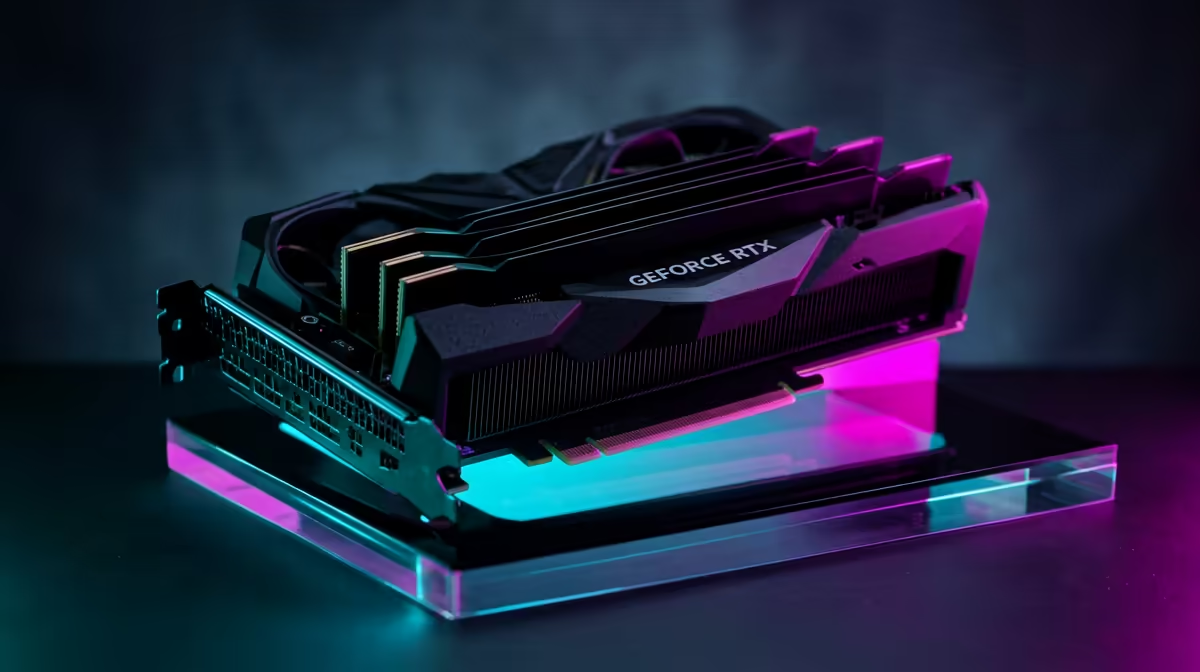
Expect the GeForce RTX 5090 to run Assassin's Creed Origins at 4K around 95-160 fps. That makes it a premium headroom choice, with the best value only showing when you also play newer games or use a high-refresh display. In South Africa, treat the RTX 5090 as a premium R45,000-R70,000 GPU class before adding the screen, PSU and case.
Expected FPS And Settings
At 4K, use High to Ultra settings, then tune shadows and volumetrics if you want quieter fans. A realistic target is 95-160 fps, but busy scenes, old engine limits or large saves can still pull lows down. The RTX 5090 has enough shader, VRAM and memory bandwidth headroom that the rest of the build often decides how smooth the game feels. Judge it by 1% lows, frame pacing and fan noise, not only peak fps.
Is This GPU Sensible For This Game?
A GeForce RTX 4070 Super or RTX 5070-class card is the sensible cheaper comparison for most single-game buyers. In South Africa, treat the RTX 5090 as a premium R45,000-R70,000 GPU class before adding the screen, PSU and case. For Assassin's Creed Origins, the RTX 5090 is usually best when the same PC also has to drive 4K, ray tracing, content creation or several newer AAA games. If the plan is 4K play, compare the spend against a better monitor, more storage or a quieter case.
Build Checks Before You Buy
Pair it with a Ryzen 7 9800X3D or Core Ultra 7 265K-class CPU, 32 GB DDR5 and a fast NVMe SSD. Check a native 12V-2x6 cable, 1000 W PSU headroom, case length clearance and airflow. A 4K 144 Hz monitor can add roughly R8,000-R20,000, so include the screen in the total basket.
FAQ
Is the RTX 5090 overkill for Assassin's Creed Origins at 4K?
Often. The RTX 5090 clears this target easily, but if Assassin's Creed Origins is the only upgrade reason, a cheaper GPU class is usually cleaner.
What CPU should I pair with it?
Use a Ryzen 7 9800X3D or Core Ultra 7 265K-class CPU for high refresh and stronger 1% lows. In sim, modded or VR titles, CPU frame-times still matter.
Should I buy the GPU or upgrade the monitor first?
If you are still on 1080p 60 Hz, upgrade the display first. At 1440p 165 Hz, 4K 144 Hz or VR, the GPU has a clearer job.