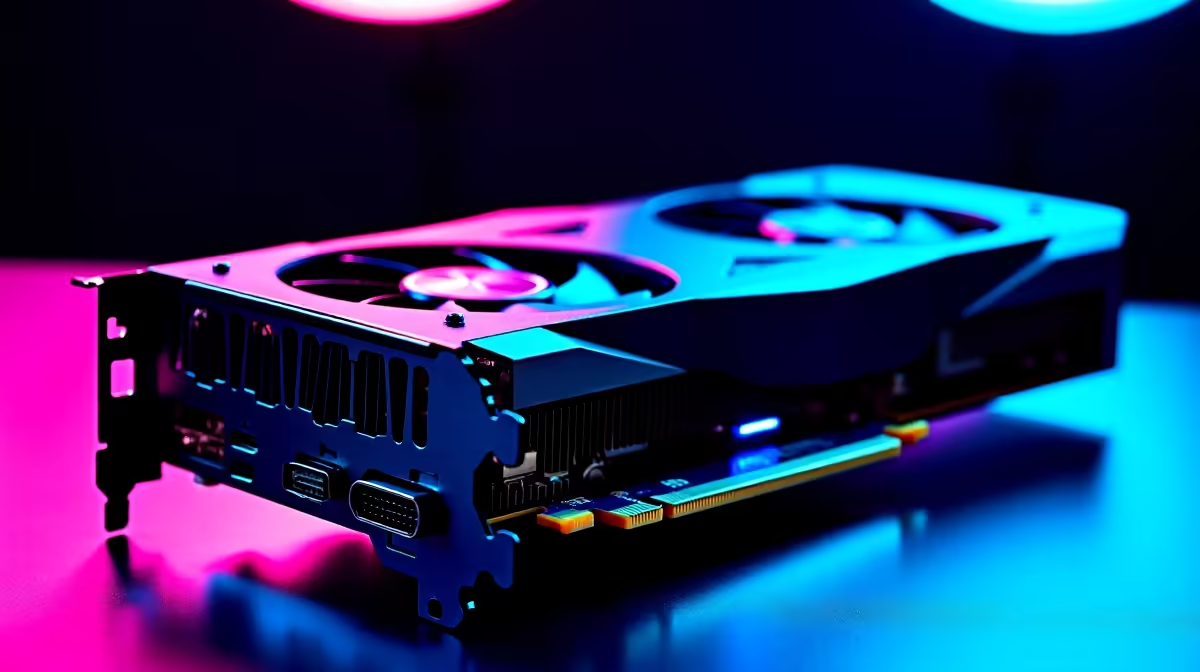
You just dropped a serious chunk of ZAR on the new Radeon beast. You boot up your favourite title... and the screen goes black. RX 9070 driver issues are frustratingly common in 2026. Whether you are dealing with random timeouts or stuttering frames, a software glitch should not ruin your weekend. Let us get your rig back to peak performance with a few easy fixes.
Understanding Common RX 9070 Driver Issues
The AMD Adrenalin software is packed with incredible features. However, early 2026 updates have introduced a few annoying bugs. Many South African gamers report driver timeouts during heavy gaming loads. Others experience weird colour glitches or sudden crashes to the desktop.
If you recently decided to buy graphics cards from the latest generation, you might run into these teething problems. The massive leap in architecture means the software is still catching up. The good news is that these glitches are usually easy to solve at home.
How to Fix Your RX 9070 Problems 🔧
Most RX 9070 driver issues stem from leftover files. Your PC tries to use conflicting data from your old GPU... and everything breaks.
Step 1: The Clean Wipe
Never just install new drivers over old ones. Always use a dedicated cleaner.
Driver Wipe Pro Tip ⚡
Always run Display Driver Uninstaller in Windows Safe Mode. This stops Windows from automatically downloading an outdated driver in the background while you are trying to install the latest AMD Adrenalin package.
Step 2: Stop Windows Update Interference
Windows 11 loves to overwrite your carefully installed AMD drivers. You must disable automatic driver updates in your advanced system settings. This single step fixes most RX 9070 driver issues instantly.
Step 3: Adjust Adrenalin Tuning
Sometimes the default clock speeds are unstable out of the box. Open your AMD software and select the default tuning profile. Avoid aggressive undervolting until a stable driver patch is officially released.
Is It Really a Driver Problem? 🚀
Sometimes your GPU is perfectly fine. The real culprit could be an outdated power supply. A next-gen card needs serious, stable power. Frequent load shedding can also degrade your older components over time.
If your system is struggling to keep up, it might be time to look at pre-built PC deals to balance your hardware. Alternatively, browsing the best gaming PC deals ensures you get a rig engineered specifically for high-end cards. Modern PCs have the correct power delivery to prevent random black screens.
What About Mobile GPUs?
Laptop gamers are not entirely safe from these glitches. If you are running the mobile variant of this card, thermal throttling can sometimes look like a software crash. Always keep your cooling vents clear. Ensure your laptop is elevated on a hard surface.
If you are hunting for a portable powerhouse that handles heat better, check out our massive range of laptops for sale in South Africa. Modern chassis designs offer vastly superior cooling for high-end chips.
Final Thoughts on Optimising Your Setup ✨
Software updates will eventually patch out these RX 9070 driver issues. Until then, keeping your system clean is your best defence. Do not let minor glitches ruin your gaming sessions. If you are ready to upgrade your monitor, chassis, or power supply to match your new GPU, keep an eye on our daily specials for massive savings.
Ready to Find Your Perfect Match?
Troubleshooting hardware is complex, but for maximum power, choice, and value in South Africa, a custom-built rig is hard to beat. Explore our massive range of gaming PC specials and find the perfect machine to conquer your world.