Quick Answer
If your Ryzen 5 9600X is not detected by your BIOS, the most common causes are an incompatible BIOS version on an older board, a loose CPU installation, or missing AM5 socket support on a legacy X570 or B550 motherboard. Most cases are fixable without new hardware.
The Ryzen 5 9600X uses AMD''s AM5 socket and requires a BIOS that supports the Zen 5 architecture. If your build is posting no display output or showing a CPU error LED, working through these steps systematically will identify the cause.
Confirm Motherboard Compatibility
The Ryzen 9600X is AM5 only - it is physically incompatible with AM4 boards (X570, B550, X470 etc.). If you are building on a new AM5 platform (X670E, X670, B650E, B650, or A620), the board is physically compatible but may require a BIOS update to recognise Zen 5 CPUs. Older B650 and X670 boards shipped with BIOS versions that predate Zen 5 support. Check your motherboard manufacturer''s website for the minimum BIOS version required for Ryzen 9000 series support.
Updating BIOS Without a Compatible CPU
If your board doesn''t POST because it can''t detect the CPU, you need to update the BIOS first - but that''s a chicken-and-egg problem without a compatible CPU to boot with. Most AM5 motherboard manufacturers now offer a BIOS Flashback or Q-Flash Plus feature that allows you to update BIOS from a USB drive without any CPU installed. Download the correct BIOS file, place it on a FAT32 formatted USB drive, and follow your motherboard manual''s flashback procedure. After the update, reinstall the CPU and attempt to POST again.
Physical Installation Checks
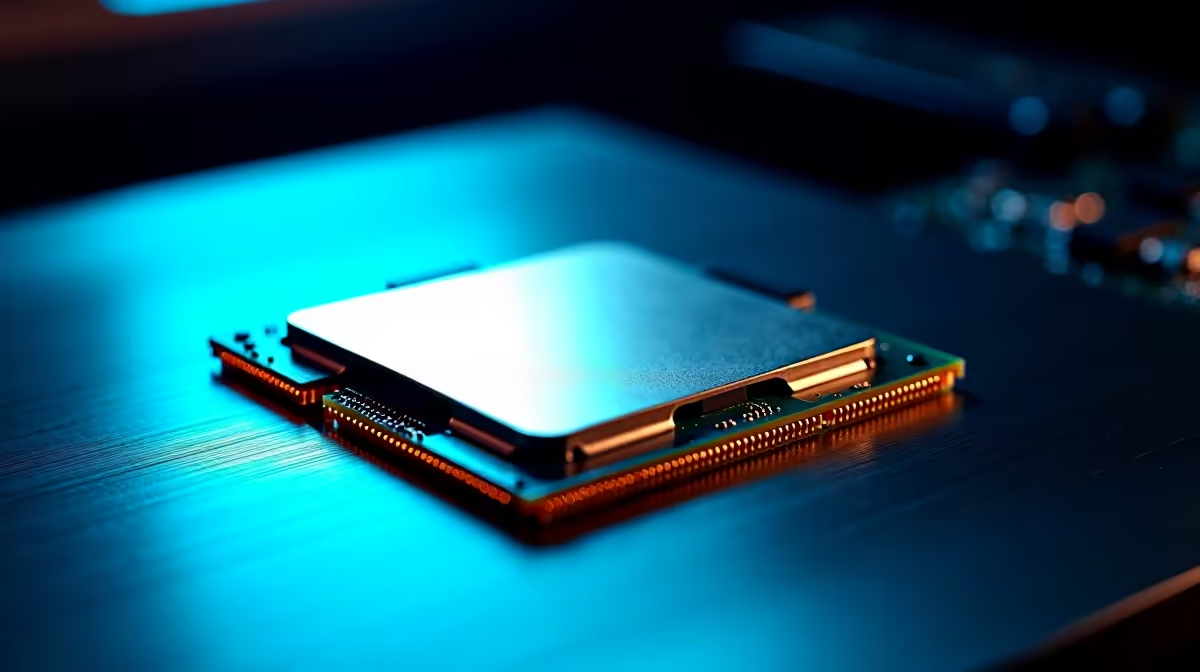
If BIOS compatibility is confirmed, check the physical installation. AM5 uses a land grid array (LGA) socket on the motherboard side - unlike AM4, the CPU has no pins and damage can occur to the socket rather than the processor. Inspect the socket for any bent or damaged pins with a flashlight. Ensure the CPU is seated correctly with the triangle marker aligned to the socket corner indicator. Confirm the CPU cooler mounting pressure is even - insufficient pressure can cause intermittent no-POST conditions that resemble CPU non-detection.
Frequently Asked Questions
Q: Can I use a Ryzen 5 9600X on a B550 motherboard? A: No. The 9600X uses the AM5 socket, which is physically incompatible with B550 and all AM4 motherboards. An AM5 board (B650 or higher) is required.
Q: How do I know if my B650 board supports the 9600X? A: Check your motherboard manufacturer''s CPU support list on their website. Filter by your board model and look for Ryzen 9000 series entries. If supported, note the minimum BIOS version required and update before installing the CPU.
Q: Will a BIOS update fix a no-POST with the 9600X? A: In most compatibility cases, yes. If the board is physically AM5 and the BIOS predates Zen 5 support, a BIOS update using the flashback method typically resolves the issue completely.