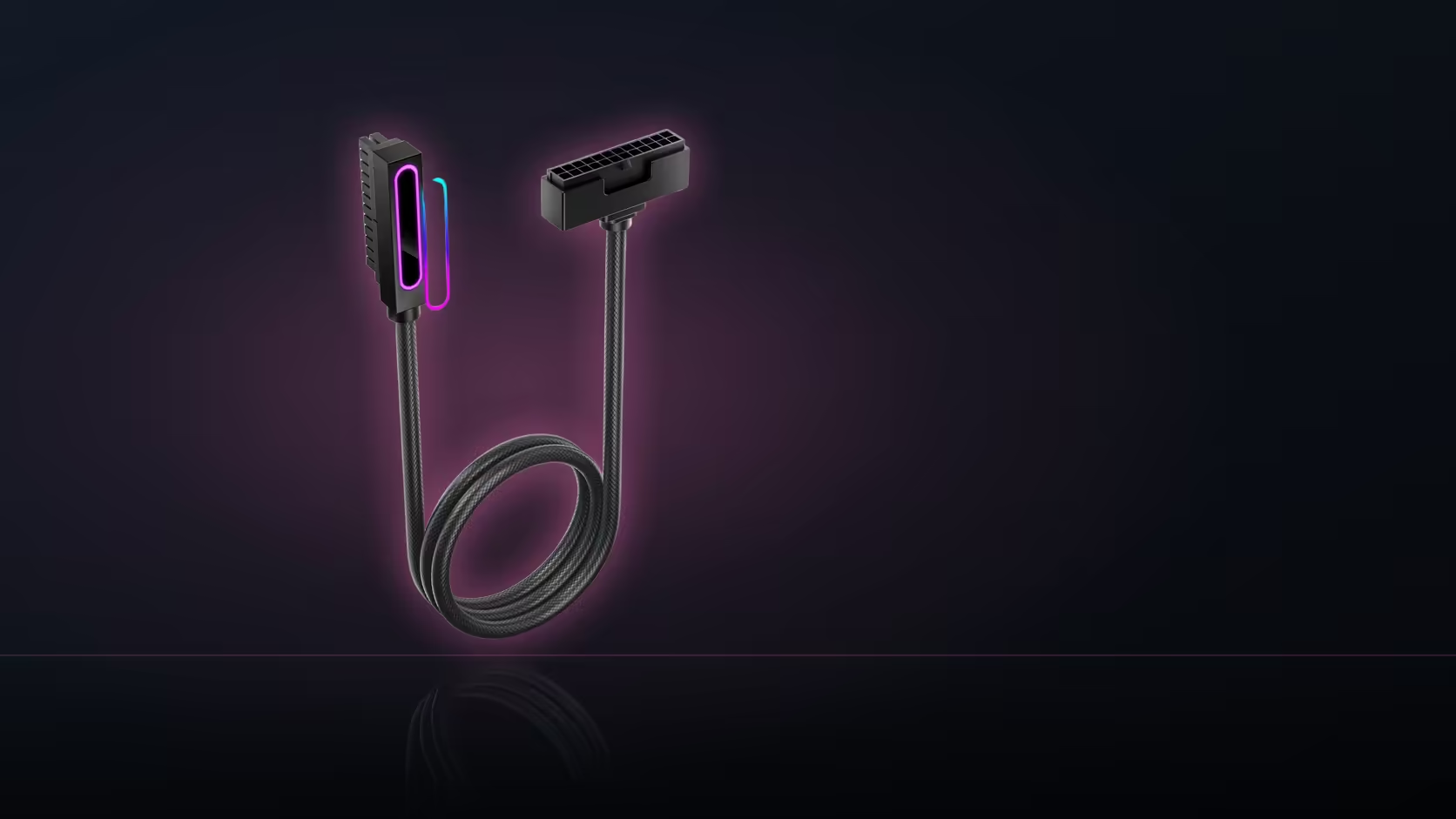
A lighting accessory that refuses to light is not automatically a faulty accessory. Before boxing it back up, it is worth spending two minutes to test the header it is plugged into, because a disabled or misbehaving board connection produces exactly the same dark result as a dead product.
Quick Answer
Connect any other device you know works to the same header before returning anything. If that second device also fails to light, the header - not the R199 to R1,299 AsiaHorse accessory in question - is the problem, and the fix is a different port or a hub rather than a replacement part. If the known-good device lights up fine, you have narrowed the fault to the original accessory instead.
🧪 The swap test settles it in minutes
Motherboards sometimes ship with addressable headers disabled by default, or with a header toggled off in the BIOS or lighting software for an unrelated reason. From the outside, a disabled header and a broken accessory look identical: nothing lights up. Swapping in a device you already trust removes that ambiguity in one step, and it costs nothing but a couple of minutes with the side panel open.
Pay attention to orientation too. Addressable connectors are keyed so they should only seat one way, but a plug that is not pushed home fully can sit close enough to look connected while making no real contact. Reseat firmly before concluding anything has failed.
🔁 What the result actually tells you
If the known-good device works on the header, the fault sits with the original accessory and a warranty conversation is the next step. If it does not, move to a different header or a hub port, since a dead header is a board-side issue, and a hub like the AsiaHorse ASH-S1 sidesteps it completely by giving the device a fresh port to plug into. Testing does not affect the 1 Year Local Warranty either way, so there is no downside to doing it properly before contacting support.
Keep a short note of which header was used, what result each device gave, and what the known-good device was - support will ask for exactly that when a return is genuinely warranted, and the cable solutions range has the routing accessories to keep that retest tidy rather than a tangle of loose leads.
Frequently Asked Questions
How is a header actually tested?
Connect a device known to work to it. If that device also stays dark, the header is the problem rather than the accessory you started with.
Can a header simply be switched off?
Yes, some boards allow individual headers to be disabled in the BIOS or the lighting software, which produces the same symptom as a genuine fault.
Does connector orientation matter here?
Addressable plugs are keyed to prevent a wrong-way connection, though a plug that has not been pushed fully home is a common and easily missed cause of no light at all.
What if the device lights up on a different header?
That confirms the original header was the issue, and moving to another header or a hub is the practical fix.
Will testing void the warranty?
No. Reasonable fault-finding does not affect the 1 Year Local Warranty on any AsiaHorse accessory in this range.
What should I write down before contacting support?
Which headers were tried, what each one showed, and which device served as the known-good reference for the test.
When is a return actually justified?
Once the accessory has failed on a header proven to work with something else. That is a genuine product fault rather than a wiring or settings issue.
Still stuck after testing the header?
Have a look through Evetech's case accessories for hubs that sidestep a flaky header, plus the cable range for tidy routing while you retest.