For casual after-work play, the upgrade-or-replace fan call is simple: only act if your PC runs loud or hot, since light gaming rarely stresses cooling.
Quick Answer
Upgrade fans only if your PC is loud or the CPU passes 80C during a relaxed session; otherwise leave them. Two R200-R350 PWM fans quiet a noisy build, but casual gaming seldom needs more airflow, so check temperatures before spending.
What separates a cheap fan from a good one
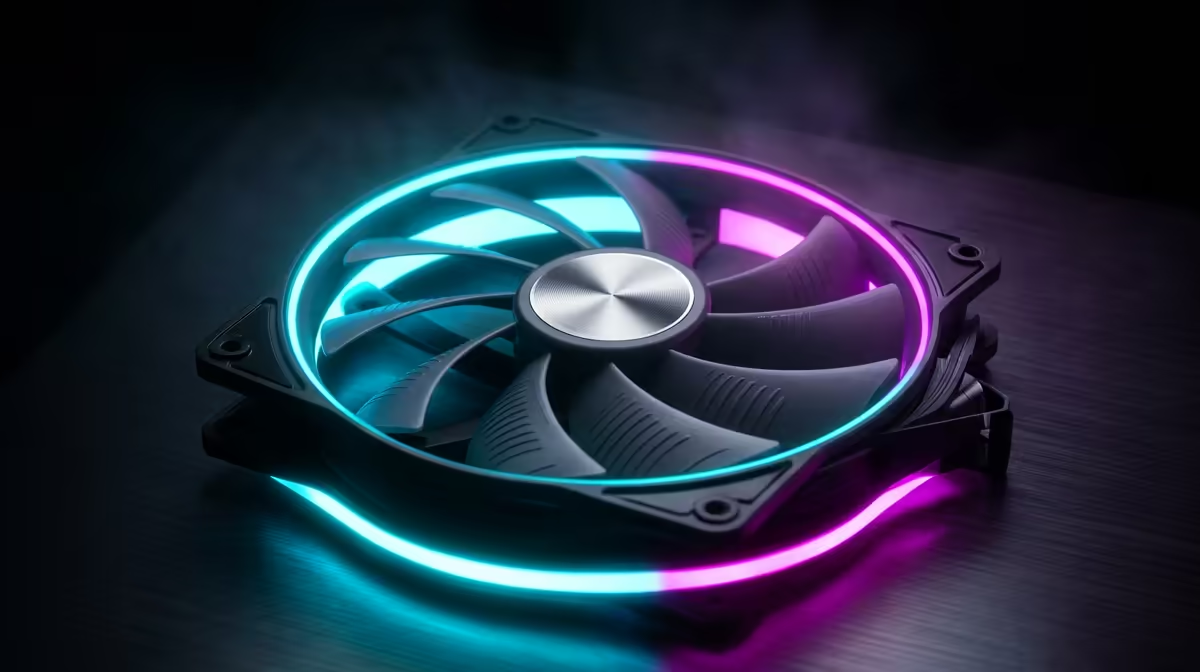
The difference is the bearing and the curve, not the marketing. Sleeve-bearing fans (R60-R120) are rated near 30,000 hours and start clicking within a year, especially mounted vertically. Fluid-dynamic (FDB) or rifle-bearing fans (R250-R450) last 60,000+ hours and stay quiet. A good PWM 120mm fan draws only 2W, moves 50-70 CFM at a livable 25-30dB, and chasing 2,000+ RPM mostly buys noise. For context, the fans are a small slice of a R15,000 build, so spending an extra R600 across three quality units to protect the rest is sensible. Aim for two intake, one exhaust for positive pressure that keeps dust out.
Airflow that actually lowers temperatures
Positive pressure, more intake than exhaust, keeps a build cooler and cleaner because dust enters through filtered intakes rather than every gap. Front-to-back and bottom-to-top airflow follows heat's natural path, so two front intakes feeding a rear or top exhaust suits most cases. Daisy-chainable PWM fans (Arctic P12 PST, ~R200) tidy the cabling and let the motherboard ramp them with temperature, keeping the CPU near 65-75C under load without constant fan roar.
FAQ
How many case fans do I actually need?
Two intake and one exhaust suit most mid-tower builds, holding the CPU under 75C. More fans help only in cramped cases or with very hot GPUs.
Are expensive fans worth it over cheap ones?
Yes for longevity and noise; a R250-R450 FDB-bearing fan lasts 60,000+ hours quietly, while a R80 sleeve unit clicks within a year. The bearing, not the RPM, justifies the price.
Do case fans improve gaming performance?
Indirectly; they stop thermal throttling so the CPU and GPU hold their clocks, which can prevent frame drops in long sessions. They do not raise raw performance on a cool system.
case fans to a PWM curve in the BIOS that ramps from 40% at idle to 80% by 70C; you get quiet at the desktop and enough airflow under load without manual tweaking.