Smartwatch Troubleshooting South Africa: Fix Common Issues Fast
Facing smartwatch troubleshooting South Africa issues? Don't stress! ⌚ Our guide helps you fix battery drain, connection problems, notification failures, and more. Get your wearable back in top shape with these easy, step-by-step solutions for South African users. ✅
|
Loading tags...
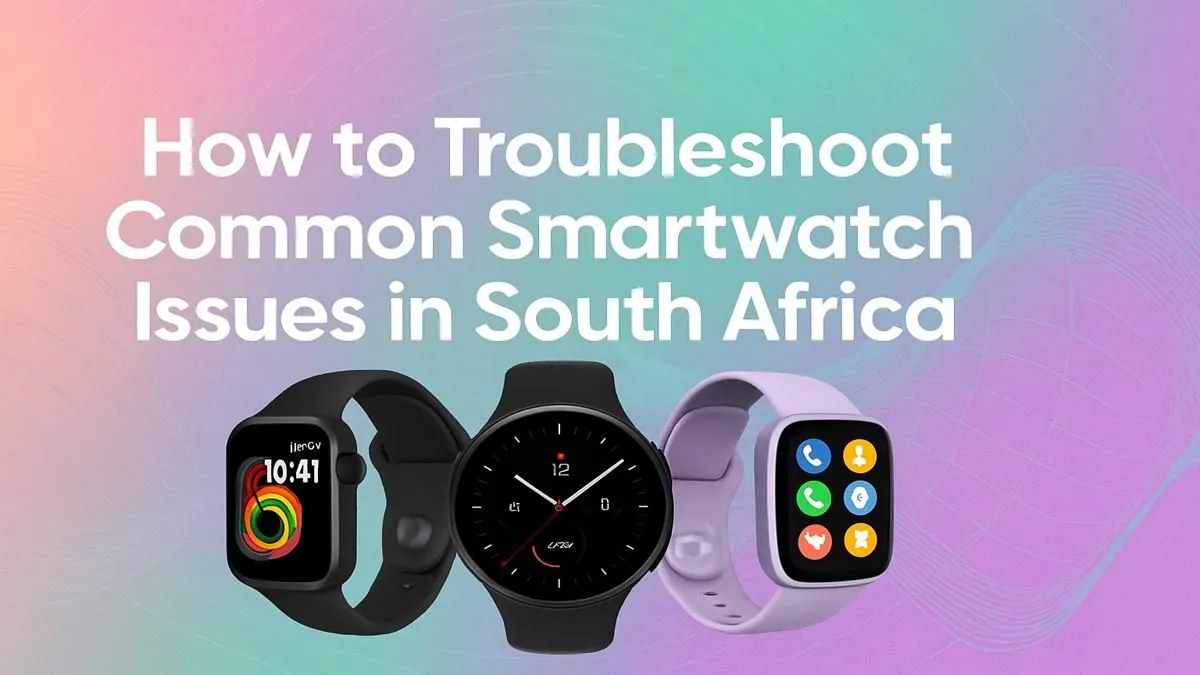
Is your smartwatch acting up? One minute it’s your trusty sidekick tracking your workout, the next it’s refusing to connect or the battery dies before lunch. Don’t stress… you’re not alone. This guide is your go-to for quick smartwatch troubleshooting in South Africa. We’ll walk you through the most common glitches and how to solve them, getting your wearable back in working order without a fuss. Let's get that tech sorted. 🔧
Quick Fixes for Common Smartwatch Issues
Before you think about a replacement, let's run through some easy solutions. Most smartwatch problems in South Africa stem from a few common areas: battery life, connectivity, and notifications.
1. Battery Draining Too Fast ⚡
A smartwatch that can’t last the day is more of a bracelet than a smart device. If your battery life has suddenly tanked, try these steps:
- Lower Screen Brightness: This is the biggest power consumer. Lower the brightness or enable the auto-brightness setting.
- Disable Always-On Display: It looks cool, but it constantly drains power. Switch to a "raise to wake" gesture instead.
- Review Background Apps: Just like on your phone, apps running in the background can sap your battery. Close any you aren't actively using.
- Update Your Software: Manufacturers often release updates that include battery life optimisations.
Sometimes, an older battery just can't hold a charge like it used to. If you've tried everything, it might be a sign that it’s time to explore the latest smart watches with more efficient processors and bigger batteries.
TIP FOR YOU
Power-Saving Pro Tip ✨
Most smartwatches have a "Power Saving" or "Essential" mode. This feature turns off most smart functions like continuous heart-rate monitoring and Wi-Fi, leaving only the basic time display. It's a lifesaver when you're low on juice and can't get to a charger immediately.
2. Bluetooth Connection Drops
Is your watch constantly disconnecting from your phone? This is a classic issue that makes smartwatch troubleshooting so frustrating.
- The Classic Reboot: First, try the oldest trick in the book. Restart both your smartphone and your smartwatch. This simple step resolves more issues than you'd think.
- Unpair and Re-pair: Go to your phone's Bluetooth settings, "forget" the smartwatch, and then go through the pairing process again from the watch's companion app.
- Check for Interference: Are you around a lot of other wireless devices? Wi-Fi routers, microwaves, and other Bluetooth gadgets can sometimes interfere. Try moving away to see if the connection stabilises.
If you find your device is still unreliable, it could be a hardware issue. Brands are always improving Bluetooth stability, with modern options like these Promate smartwatches offering solid, dependable connections.
3. Notifications Aren't Coming Through
If your wrist isn't buzzing when you get a message, your watch is missing half its purpose.
- Check 'Do Not Disturb' Mode: Make sure you haven't accidentally enabled Do Not Disturb or a similar "silent" mode on your watch.
- Verify App Permissions: Dive into your phone’s settings. Ensure the companion app for your smartwatch has permission to access and display notifications from other apps (like WhatsApp, SMS, and Calls). This is a common fix for smartwatch issues on both Android and iOS.
Knowing When It’s Time for an Upgrade 🤔
While this smartwatch troubleshooting guide can solve many problems, sometimes a device is just at the end of its life. If your watch is painfully slow, no longer receives software updates, or the screen is unresponsive, it might be more hassle than it's worth.
The good news? Upgrading doesn't have to cost a fortune. Technology has advanced so much that you can get a fantastic, feature-packed device without breaking the bank. There are many excellent smartwatches available for under R1000 that offer great battery life, reliable notifications, and fitness tracking.
Ready to Upgrade Your Wrist Game? Troubleshooting can fix a lot, but nothing beats the fresh-out-the-box experience of a new device. Explore our huge range of smartwatches and find the perfect tech companion to match your lifestyle and budget.
Fast battery drain is often caused by high screen brightness, too many active notifications, or background apps. Try reducing brightness and disabling non-essential alerts.
Ensure Bluetooth is on and your watch is connected. Check the watch's companion app on your phone to confirm notification permissions are enabled for all desired apps.
First, try restarting both your watch and your phone. If that fails, un-pair the devices from your phone's Bluetooth settings and re-pair them through the watch's app.
For better GPS issues on smartwatch South Africa, ensure your watch's software is updated and you have a clear view of the sky when starting an activity. Syncing it helps.
Make sure the watch is snug on your wrist and the sensor on the back is clean. Sometimes, a simple restart or a software update can fix sensor-related problems.
Yes, but it will erase all your data and settings. Always back up important data through the companion app before you reset smartwatch to factory settings as a last resort.
Related Articles