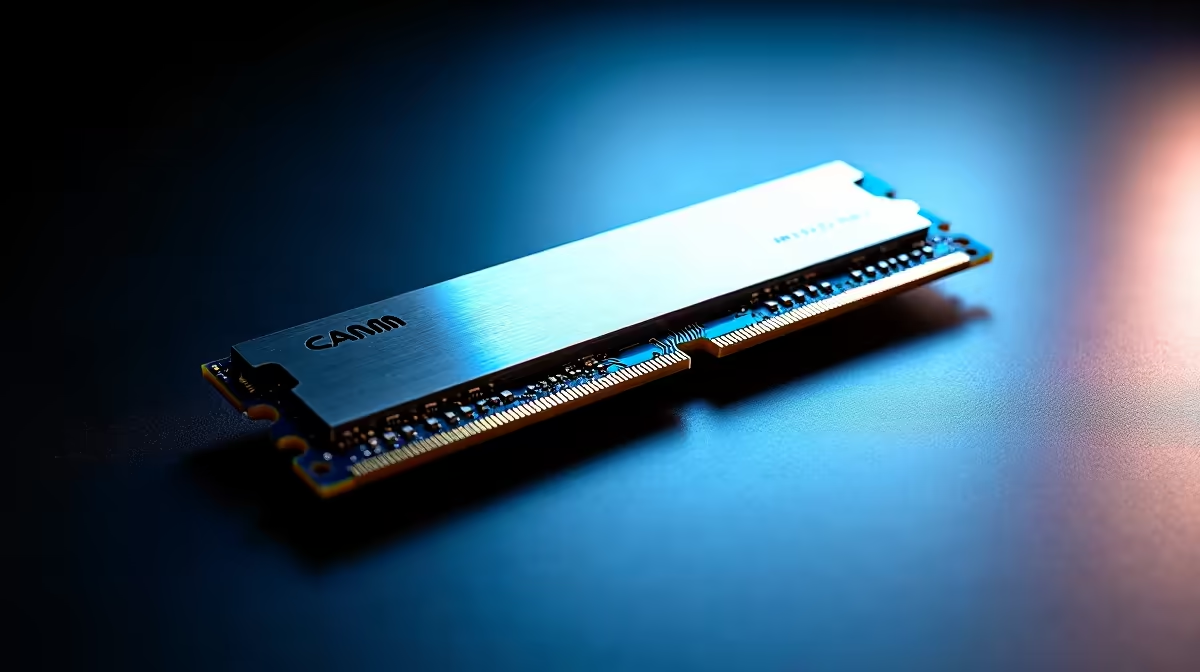
Laptop memory is quietly changing shape, and the connector is the reason. SO-DIMM, the small RAM stick that has slotted into notebooks for decades, is running into a wall as memory speeds climb. CAMM2, the flat module replacing it, was designed to push past that wall with shorter signal paths and a wider bus. If you are weighing a laptop upgrade, the difference is worth understanding before you buy.
Quick Answer
SO-DIMM connectors lose signal stability beyond roughly 6,400 MT/s, which caps how fast laptop memory can safely run. CAMM2 uses shorter traces to support higher speeds, sits about 57 percent slimmer, and doubles the per-module bus to x128. It is the architecture built for next-generation laptop memory, while SO-DIMM remains the established standard you will still find in most current machines.
Why SO-DIMM hits a speed ceiling
SO-DIMM is a vertical edge connector: the memory stick clips into a slot at an angle and the electrical contacts run through that connector. As DDR5 speeds rise, the signal has to travel cleanly at higher frequencies, and the SO-DIMM connector's design starts to introduce instability past roughly 6,400 MT/s. Beyond that point, keeping the signal reliable becomes difficult, which effectively caps SO-DIMM at the slower end of where DDR5 wants to go. You can see the current DDR5 options in the DDR5 memory range at Evetech to compare what is available today.
How CAMM2 gets around it
CAMM2 (Compression Attached Memory Module) ditches the vertical slot for a flat module that lies against the motherboard. That flat layout dramatically shortens the distance the signal travels, and shorter traces mean cleaner signalling at higher frequencies. The result is headroom for memory speeds beyond where SO-DIMM gives up.
Two more advantages come with the design. CAMM2 is roughly 57 percent slimmer than a SO-DIMM setup, which gives laptop makers back precious internal height for thinner chassis or bigger batteries. And CAMM2 doubles the per-module bus to x128, where a single SO-DIMM is x64. That wider bus is a structural reason CAMM2 can feed next-generation systems more effectively from a single module.
What it means for your next upgrade
For now, SO-DIMM remains the standard you will find in the majority of upgradeable laptops, and it is perfectly capable for most users at current speeds. CAMM2 is the forward-looking standard, built for where laptop memory is heading rather than where it has been. If you are buying a machine you want to keep at the cutting edge of memory performance, CAMM2 support is the feature to watch. If you are upgrading an existing laptop, check which standard your machine actually uses before buying, and browse the best-selling memory options to match the right modules to your system.
Frequently Asked Questions
What is the main difference between SO-DIMM and CAMM2?
SO-DIMM is a vertical slotted stick that loses stability beyond roughly 6,400 MT/s, while CAMM2 is a flat module with shorter traces that supports higher speeds. CAMM2 is also slimmer and uses a wider x128 bus per module.
Is CAMM2 faster than SO-DIMM?
It is built to run faster. SO-DIMM struggles past about 6,400 MT/s, whereas CAMM2's shorter signal paths give it headroom for higher memory speeds in next-generation laptops.
Can I put CAMM2 in a SO-DIMM laptop?
No. They are physically and electrically different connectors, so a laptop is designed for one or the other. Check your machine's specification before buying memory.
Why is CAMM2 slimmer?
Its flat module lies against the motherboard instead of clipping into a vertical slot, making the package roughly 57 percent slimmer. That frees internal space for thinner designs or larger batteries.
Should I wait for a CAMM2 laptop?
Only if you specifically want the newest memory architecture. SO-DIMM machines remain capable and widely available, so base the decision on the laptop's overall value rather than the connector alone.
Knowing which memory standard your laptop uses saves you from buying the wrong module entirely. Compare current DDR5 modules in the memory range at Evetech and match the right RAM to your machine.