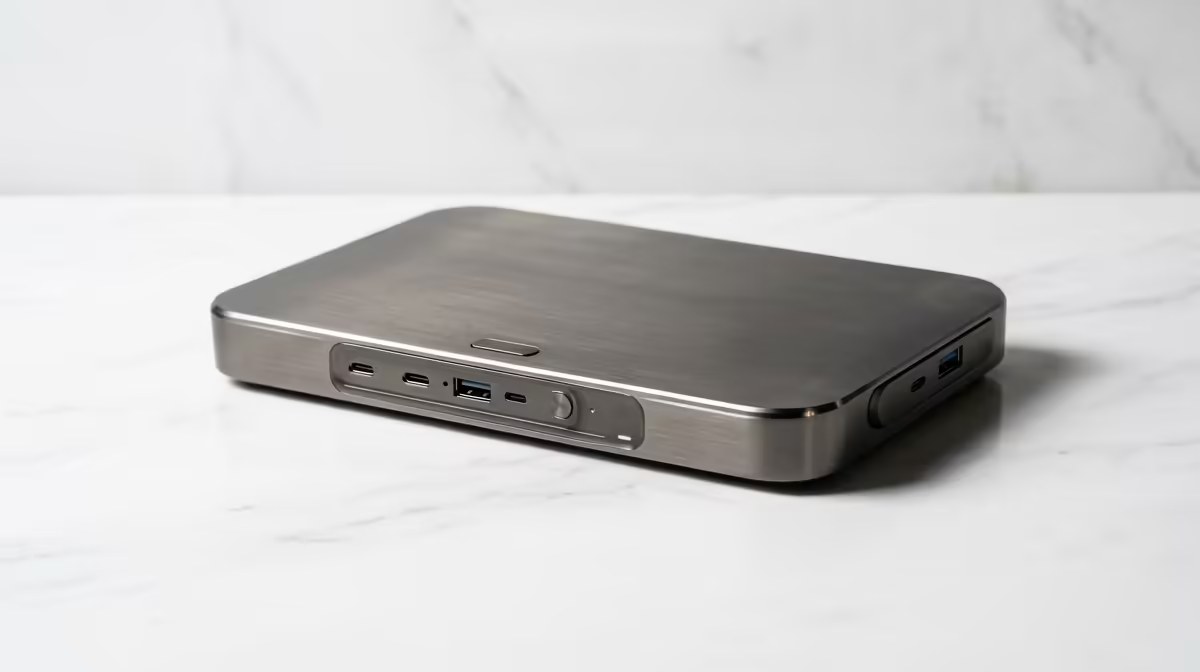
A docking station is only as capable as the laptop feeding it, so the whole decision is about matching the dock's display, charging and port standard to your machine.
Quick Answer
The practical docking-station spec floor for architecture portfolio work is a TB4 or USB4 dock that drives dual 4K monitors at 60Hz with 100W charging - around R3,000-R4,500. Architecture needs the screen real estate for plans and 3D views, so display capability, not port count, is the spec that matters most.
Why dual-4K is the floor here
Architecture portfolio work means large drawings, 3D models and reference images open at once - a single screen forces constant window-juggling. The dock's job is to drive two 4K monitors at 60Hz cleanly, which needs a Thunderbolt 4 or USB4 dock and a laptop that supports it. That dual-display capability is the real spec floor, above any number of USB ports.
Round out the rest
Beyond display, you want 100W PD to keep a creator laptop charged under load, an SD reader for site photos, and gigabit Ethernet for fast file transfers. A TB4 dock (R3,000-R4,500) covers all of it over one cable. Confirm your laptop has Thunderbolt 4 first - on a plain USB-C laptop the dock can't deliver dual 4K, which is the spec you're really buying.
FAQ
What dock do I need for architecture work?
A Thunderbolt 4 or USB4 dock that drives dual 4K monitors at 60Hz with 100W charging - around R3,000-R4,500. The dual-display capability matters more than port count for plans and 3D views.
Will a cheap USB-C dock run two 4K monitors?
Usually not at 60Hz - many cap a second output at 4K 30Hz or 1080p. For smooth dual-4K you need a TB4/USB4 dock and a laptop that supports it.
How much charging does my creator laptop need?
100W PD is the safe target for a 15-16 inch creator laptop under load. Match the dock's PD to your charger so it doesn't drain during heavy rendering.
confirm your laptop has Thunderbolt 4, then buy a dock that guarantees dual 4K at 60Hz - the display capability is the spec that actually matters.