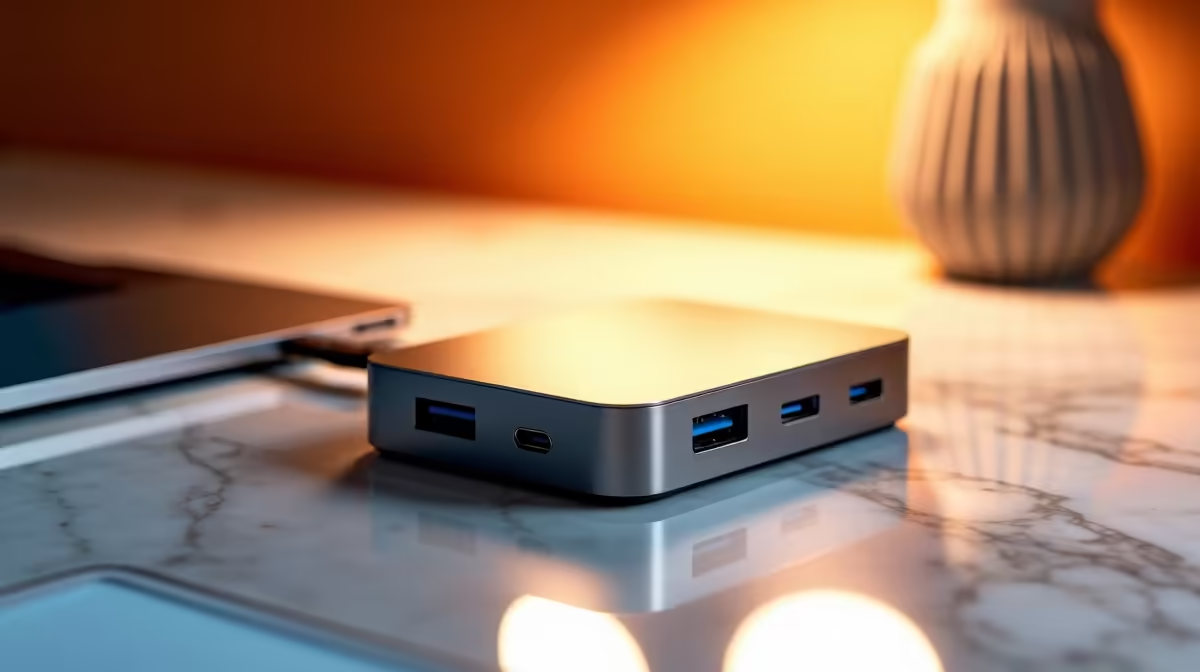
A docking station for a first-year student setup needs to hit a practical spec floor: enough ports and power to turn a laptop into a desk workstation without overspending. Buy below that floor and you end up juggling adapters; buy above it and you pay for ports you will not use. The right minimum keeps it simple.
Quick Answer
The practical docking floor for a first-year student is a USB-C dock with at least one HDMI output, two or three USB-A ports, Ethernet and around 60W to 100W power delivery. Such docks at Evetech run from about R1,200 to R3,000, with 65W PD charging most student laptops while you work.
Why This Floor Makes Sense
A first-year setup means plugging a laptop into a monitor, keyboard, mouse and charger with one cable. An HDMI output drives a res-room monitor, two or three USB-A ports cover peripherals and a flash drive, and Ethernet gives a stable wired link for assignment uploads. Power delivery of 60W to 100W charges the laptop through the same cable, so 65W covers most student machines.
Below this, you lose the single-cable convenience that makes a dock worth buying.
Matching The Dock To Your Laptop
Confirm your laptop's USB-C port supports DisplayPort Alt Mode for video and Power Delivery for charging, since some budget laptops lack one or both. Check the PD wattage your laptop needs; a 65W laptop wants at least 65W from the dock to charge under load. A 4K monitor needs the dock to support 4K output.
Avoiding Overspend
A first-year student rarely needs Thunderbolt 4 or dual 4K outputs. A solid USB-C dock at the spec floor handles a single monitor and peripherals for far less, leaving budget for storage or a better laptop.
FAQ
What docking station does a first-year student need?
A USB-C dock with HDMI output, two or three USB-A ports, Ethernet and 60W to 100W power delivery. That turns a laptop into a desk setup with one cable for most student needs.
Will any laptop work with a USB-C dock?
Only if its USB-C port supports DisplayPort Alt Mode for video and Power Delivery for charging. Some budget laptops lack one or both, so check the port spec before buying.
How much does a student dock cost in South Africa?
At Evetech, capable student docking stations generally run from about R1,200 to R3,000, depending on ports and power delivery.
laptop's USB-C port supports DisplayPort Alt Mode and Power Delivery before buying a dock. Without them, you lose video output or charging.