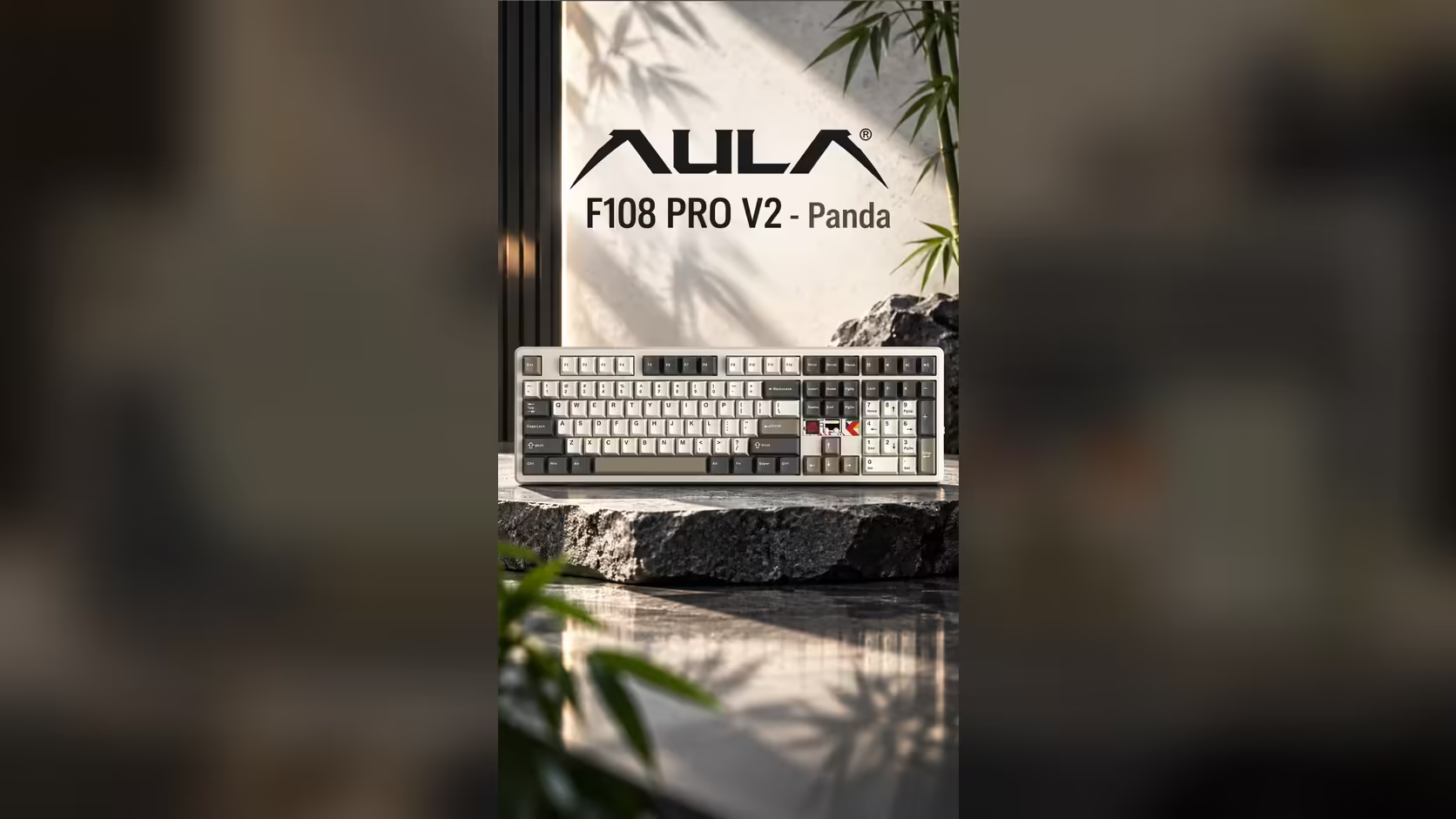
Per-key RGB is where most keyboards stop. Light shines up through each cap, the colours cycle, and that is the show. The AULA F108 PRO V2 goes further, adding light in places a keycap cannot reach. If you care about keyboard lighting beyond the keys, this board spreads it across four separate elements, and each one can play a different role on your desk.
Quick Answer
The F108 PRO V2 lights up in four ways. There is per-key RGB under every cap, a strip of three LEDs beneath the spacebar that AULA describes as separately programmable, a linear light bar, and an audio-reactive dot-matrix display tucked in beside the arrow keys. Both editions, Sea Dome and Panda, carry the same lighting set. Evetech prices the board at R949 in Black/Grey/White and R1,099 in Dark/Light Grey.
💡 The four lighting elements, one by one
Per-key RGB
The base layer is RGB lighting for each individual key, so neighbouring keys can show different colours. That is useful for more than looks: you can pick out the keys you use most, or colour a group of shortcuts so your eye finds them faster.
Three LEDs under the spacebar
The spacebar is the widest key on the board, and a single LED under it rarely lights it evenly. AULA gives the F108 PRO V2 three LEDs in that spot and lists them as separately programmable. Treating the spacebar as its own lighting zone lets you give it a colour or effect of its own rather than leaving it as one dim stripe.
A linear light bar
AULA's spec sheet also lists a linear light bar, a line of light that exists apart from the keycaps. It adds glow to the board itself rather than only to the keys, which is where most of the ambient effect on a desk comes from.
The dot-matrix display
The fourth element is the small panel between the arrows and the navigation keys. It reacts to audio and runs animations, and you can upload your own GIFs through AULA's driver software. It is not RGB in the usual sense, but it is the most eye-catching light source on the board.
🎨 Putting the layers to work
Having four elements means you can build a look instead of accepting one preset. A few approaches worth trying:
- Calm office mode: one soft colour on the keys, the spacebar LEDs matched to it, and the display showing a still image of your own.
- Music desk: let the display follow audio and set the light bar to a slow effect so the board moves with whatever is playing.
- Focus on function: light only the keys you use in a particular app, and keep everything else dark.
How much of this you can fine-tune depends on AULA's driver, so explore the software once the board is connected rather than assuming every combination exists.
🧱 What sits under the light
Lighting is only part of the F108 PRO V2. It is a full-size mechanical board with a number pad, seven dampening layers in a gasket build, and switches that lift out of their sockets without solder. LEOBOG Sea Dome linears come in the two-tone grey edition, and LEOBOG Panda linears in the version finished in black, grey and white. Light shines through either colourway, so pick the shell that suits your desk.
Evetech sells both with a 1 Year Local Warranty. You can compare the F108 PRO V2 with other lit boards in the gaming keyboards category, and the keyboard best sellers list shows which designs are drawing the most attention.
Frequently Asked Questions
How many LEDs sit under the spacebar?
Three, and AULA describes them as separately programmable from the per-key lighting.
Is the RGB per key or zoned?
Per key. Any single key can take a colour of its own, independent of the keys around it.
Does the display follow music?
Yes. It reacts to audio, and it can also run animations or show GIFs you upload.
Which edition has more lighting?
Neither. The Sea Dome and Panda editions list identical lighting; only the switch and colourway change.
Can I switch the lighting off for work?
The product page does not list an off setting, so check AULA's driver software for the options that suit a quieter desk.
Want light that goes past the keycaps?
Explore Evetech's gaming keyboard range and compare boards with light bars, displays and per-key RGB side by side.