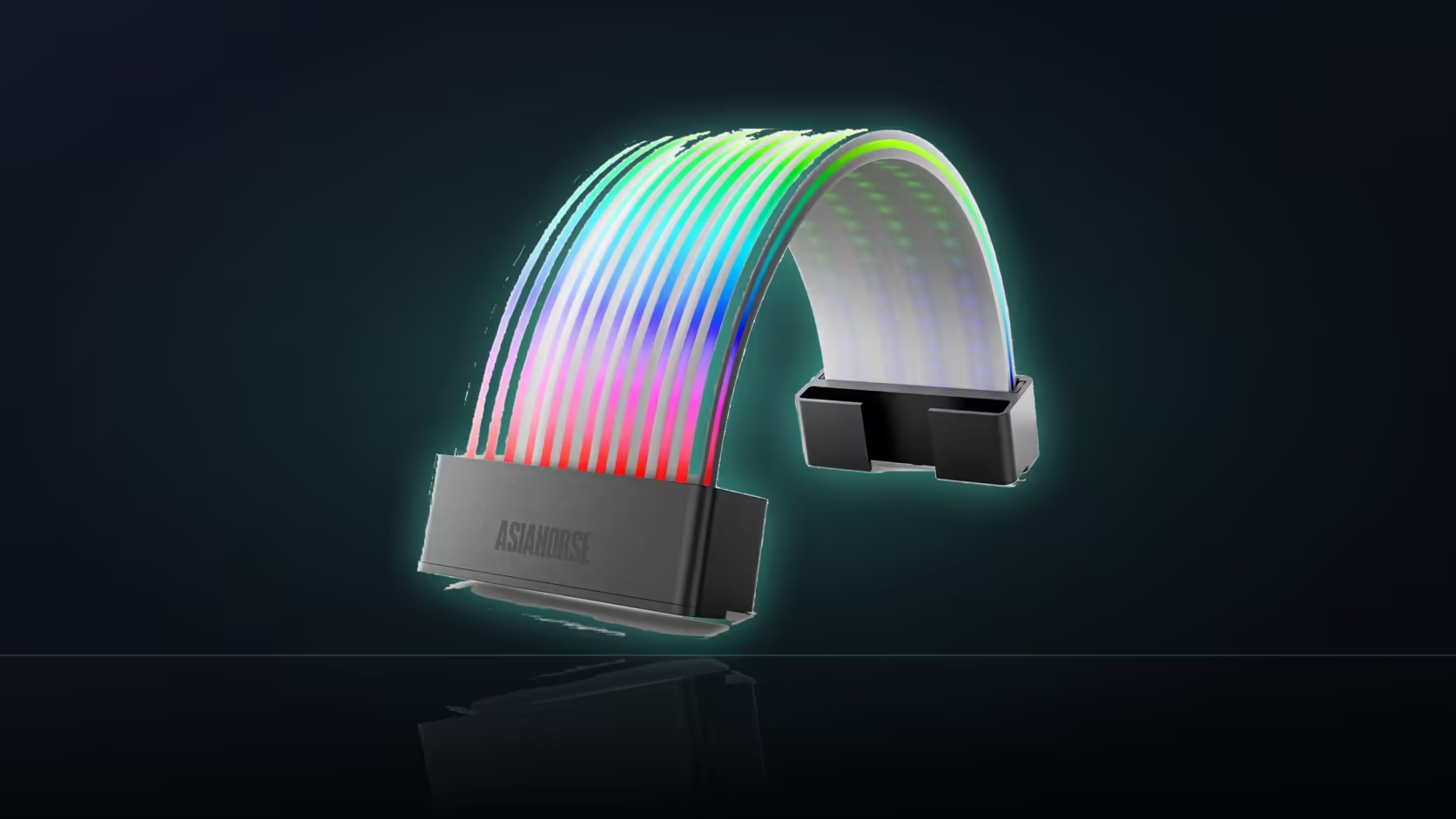
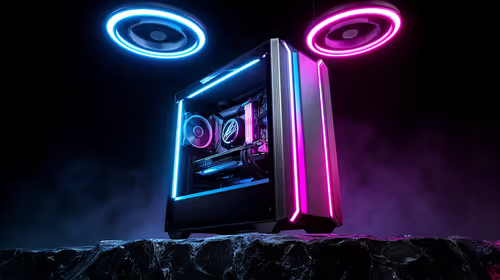
Doubling up on a lighting accessory rarely means doubling the parts list in a simple way. This Aurora Learn cable cover is a good example of that: fit one on the board cable and another on the graphics run, and you are not just adding a second shell, you are adding a second full set of control hardware behind the tray.
Quick Answer
Each Aurora Learn cover ships with its own SATA-powered controller and remote, so fitting two means placing two control boxes and running two SATA connections rather than sharing one setup between them. That is real space to plan for behind the motherboard tray, on top of the two shells themselves. Working out where both controllers will sit before ordering a pair saves a scramble once the parts arrive.
🧮 Two covers, two full setups
Neither Learn cover shares hardware with the other. Buying the 24-pin version for your board cable and the three-plug version for your graphics card run means two controllers, two remotes, and two SATA connectors drawn from your power supply, all coexisting in the same case.
📐 Counting the space before it counts against you
The rear chamber behind the tray is often already carrying spare cable length from the supply, and two control boxes plus their leads add real bulk to that same space. Compact cases feel this first, so a rough measure of what is available there is worth doing before a second cover is ordered.
🎚️ One shortcut worth knowing
Switching either cover to 5V 3-pin motherboard sync removes the reliance on its remote, but the controller itself still sits in the path between cover and board in that mode. It does not remove the box, only the need to keep track of a second handheld remote alongside the first, and it folds both covers into whatever scheme a case lighting range elsewhere in the build is already running.
Frequently Asked Questions
Does each cover really need its own controller?
Yes. Every Learn product ships with one, so two covers arrive as two full sets of control hardware rather than a shared system.
Can a single controller run both covers together?
The documented setup pairs each cover with its own supplied controller, so sharing one between two shells is not part of the stated arrangement.
How much SATA capacity does a pair actually need?
One connector per controller, which is worth checking against what your supply's SATA leads already have committed to drives and other devices.
Where do most builders place the two controllers?
Behind the motherboard tray, where there is usually enough depth to secure both and route their leads out of sight.
Does fitting two covers crowd that rear space?
It does add two boxes and their cabling to an area that is often already tight, particularly in compact or slim cases.
Would switching to board sync reduce the clutter?
It removes the need to track two remotes, though each controller still sits physically in place between its cover and the board.
Is a single cover usually enough for most builds?
For many it is, since one lit span across the visible area of the case achieves most of what a matching pair would add.
Planning two Aurora Learn covers in one build?
Check Evetech's power supply range to confirm you have the SATA capacity two controllers will need.