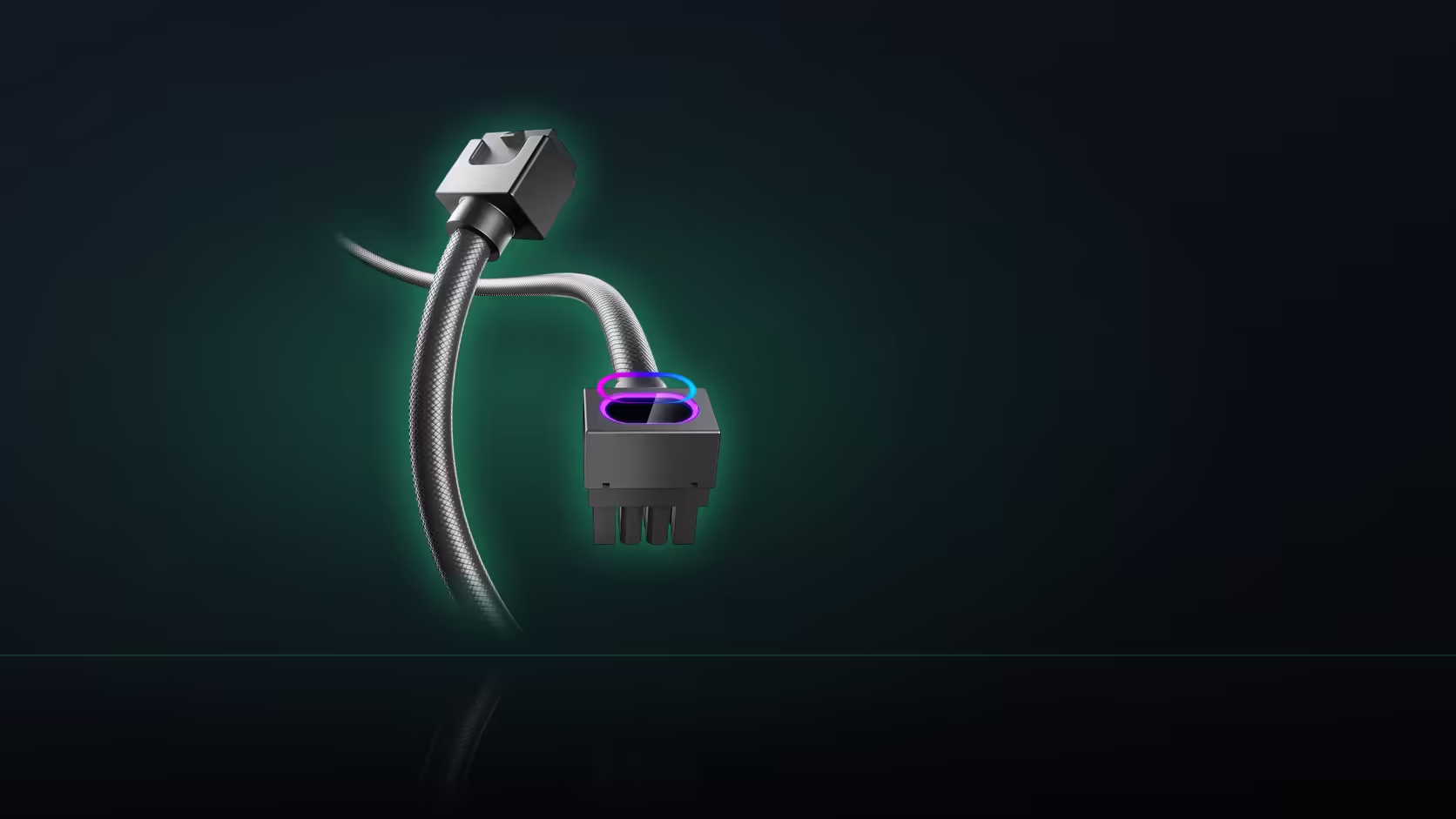
Type T and Type L sound like they could mean almost anything on a first read of a product listing, and getting them backwards is a genuinely easy way to end up with a connector turning the wrong direction relative to your case.
Quick Answer
The labels are simple once you know them: Type T is the left side-exit and Type L is the right. Both are ATX cables in black at R599. Getting the pair the right way round matters, because the direction has to match the free space beside your own socket.
🔤 What each label actually means
Type T is the left side-exit version - its head turns to the left when facing the installed board - while Type L is the right side-exit version, turning the opposite way. There is no deeper logic to memorise beyond that direct pairing; the letters simply distinguish one direction from the other within the product naming convention.
🎨 Colour is identical across both
Both side-exit versions, Type T and Type L alike, are listed exclusively in black - there is no white option on either directional variant. White is reserved specifically for the straight-down ATX cable elsewhere in the Hydrus range, so a build committed to a white cable theme cannot use either side-exit version regardless of which direction would otherwise fit.
💰 Pricing is identical too
Both Type T and Type L sit at the same R599 price point, which also happens to match what the straight-down 24-pin cable costs in this same product family - direction genuinely does not carry any price premium or discount either way, so budget plays no role whatsoever in choosing between the two.
🧭 What actually decides which one you need
The deciding factor is entirely physical: where the genuinely free space sits beside your specific board's 24-pin socket, and which direction leads toward a usable cable opening somewhere in the case. Neither label is inherently better - the correct choice depends completely on your own board's particular layout. It is worth being honest about this too: turning the cable toward a wall of other components, or away from every available opening in the case, defeats the entire purpose of a side-exit head even if it technically manages to seat physically. A connector that seats but has nowhere useful to route toward has solved nothing. The type designation itself is always stated directly in the product name - it spells out either left side-exit Type T or right side-exit Type L explicitly alongside the rest of the listed specification, so there is no need to infer direction from a photo alone when ordering. Check cable solutions for the rest of this shelf, and once the direction is confirmed, further accent pieces are worth a browse at NZXT case lighting.
Frequently Asked Questions
Which label means left?
Type T. It is the left side-exit version, while Type L is the one that turns to the right of the socket.
Are both sold in the same colour?
Both side-exit versions are listed in black. The white option applies to the straight-down ATX cable rather than these.
Do they cost the same as each other?
Yes, both are R599, which also matches the price of the straight-down 24-pin cable in the same family.
What decides which one I need?
Where the free space sits beside your 24-pin socket, and which direction leads towards a usable cable opening in the case.
Is the lighting the same on both?
Identical. Each carries the ARGB window in its head and syncs over the same 5V 3-pin connection.
Can I use the wrong one if space allows?
Turning towards a wall of components or away from every opening defeats the purpose, even if the head physically seats.
Where is the type stated?
In the product name itself, which spells out left side-exit Type T or right side-exit Type L alongside the rest of the specification.
Making sure you order the right direction?
Check Evetech's power supply range and confirm which way your socket's free space actually points.