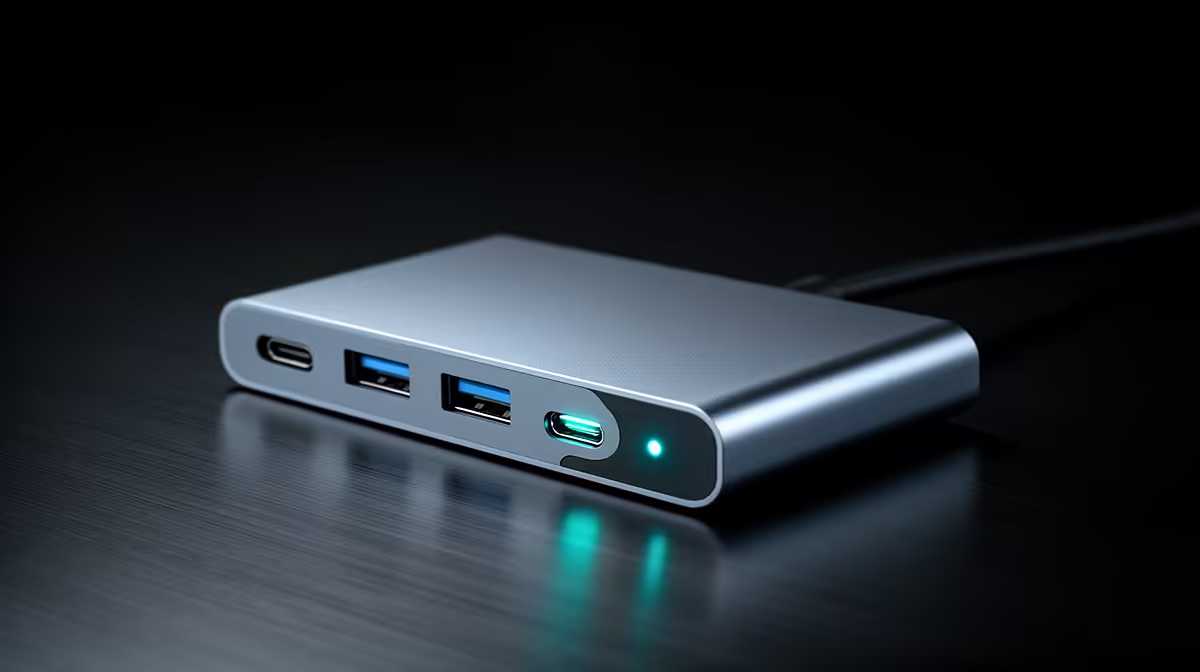
A USB-C hub can keep a laptop desk organised during power dips, but it does not provide backup energy or surge protection. Its value is in reconnecting the display, network and accessories cleanly after the laptop changes power state. Runtime depends on the laptop battery and any suitable protected power equipment, not on the hub.
Separate docking from power continuity
List the display, Ethernet, storage and charging requirement, then verify what the laptop USB-C port can accept. The Minisforum TB4-01 is a verified Thunderbolt 4 dock priced at R2,600. Confirm current host compatibility and power-delivery details before purchase. A quality dock may simplify recovery after a brief interruption, but its power adapter still loses input unless connected through an appropriate protection and backup plan.
Rehearse the interruption safely
Save work, close sensitive transfers and use a controlled test rather than pulling plugs during an update. Check whether the laptop remains running on battery, whether the external display returns, and whether network and storage reconnect without corrupted files. Never assume a bus-powered drive completed a write because its light went off. Keep important work synchronised or backed up independently.
Use proper surge protection for the desk and check electrical work against applicable local requirements. An 80 PLUS power-supply rating is about efficiency, not protection. If continued internet access matters, the router and network termination need their own suitable runtime solution as well.
Building a more resilient laptop desk? > Ask Evetech about USB-C docking and appropriate power-protection options as separate parts of the plan.