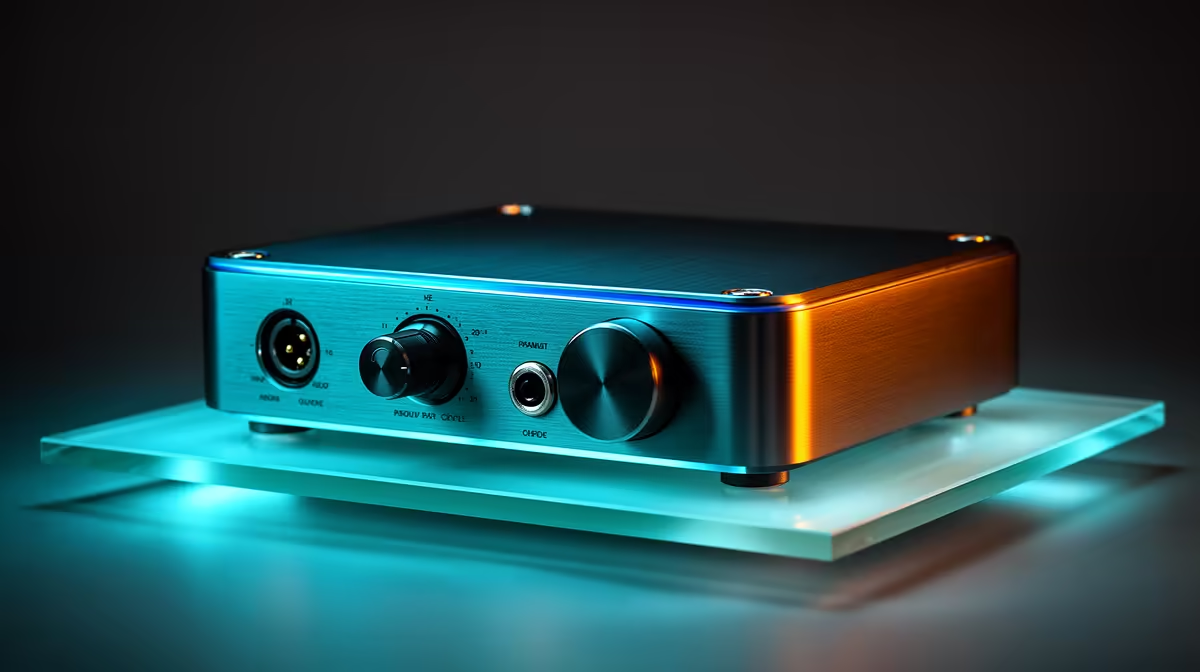
A USB DAC is worthwhile for video editing when the computer output has audible noise, insufficient headphone level or lacks the required speaker connection. It does not improve the original track or video export. Editors should test monitoring accuracy before adding another audio device.
Define the monitoring path
List the headphones, powered speakers, microphone and operating system. No priced USB DAC appears in the verified facts for this edit suite. Compare current models by output power, supported sample rates, volume control, driver support and microphone input. A headphone-only DAC cannot replace an interface needed for XLR recording.
Test a reference sequence
Play dialogue, music and a quiet scene through the existing output and the proposed DAC at matched volume. Listen for hiss, distortion and channel balance. Check lip sync and confirm the editing application, browser and conferencing software switch devices without losing settings.
The Logitech Z150 desktop speakers are verified at R421 as a simple powered-speaker comparison. The Logitech H390 USB headset costs a verified R320 for direct wired monitoring and calls. Neither is a reference-grade studio system, so judge them from the delivery requirement and room.
Buy the DAC when the matched test reveals a repeatable output problem. Keep one known-good wired fallback and store audio-device mappings with the project notes. Back up original tracks before driver or sample-rate changes.
Improving edit monitoring? > Compare Evetech speakers, headsets and current DAC options around the exact audio chain.