


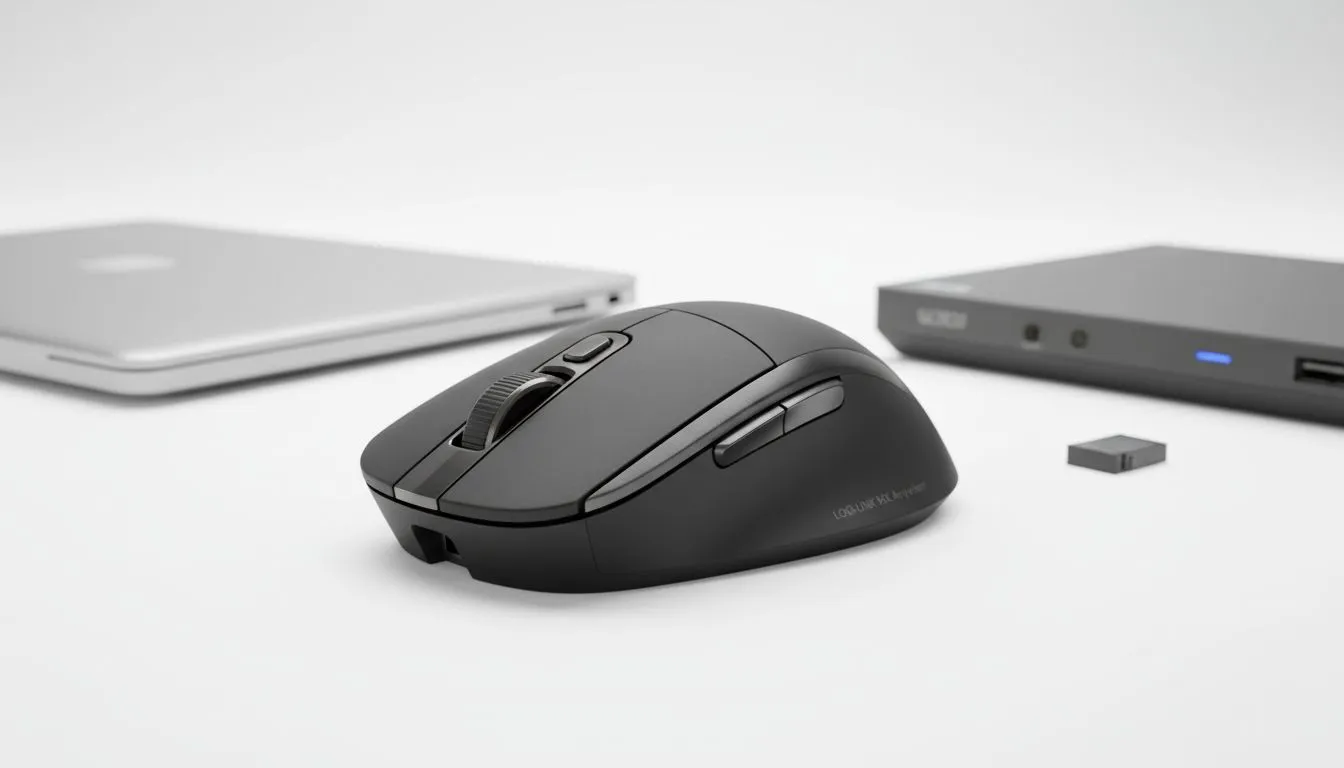
Tired of the cable clutter on your desk? You can easily use one mouse with a laptop docking station to streamline your workflow. It is the perfect solution for South African gamers who switch between work and play. No more unplugging cables every single afternoon... just one click and you are ready to go. Let us explore how this setup improves your daily productivity and gaming performance.
The Benefits of a Single Peripheral Setup
If you have a laptop for work and a PC for gaming, you know the struggle. Swapping cables every day is frustrating. By choosing to use one mouse with a laptop docking station, you simplify your entire environment. This setup is a massive win for South African users who value a clean desk. It allows you to keep your favourite peripherals connected to all your devices at once without the constant "plug and pray" routine.
Most modern docking stations act as a central hub. You plug your reliable wired mouse into the dock rather than the laptop itself. When you connect your laptop via a single USB-C or Thunderbolt cable, the mouse works instantly. This saves wear and tear on your laptop ports. It also keeps your cables tucked away behind your monitor... out of sight and out of mind. 🔧
How to Connect Your Mouse to a Docking Station
Setting up your station is straightforward. Most docks offer multiple USB-A ports. If you prefer a cable-free experience, you might want to buy a wireless mouse. Many wireless models use a small USB dongle. You can leave this dongle permanently in the docking station.
Whether you are using a MacBook for design or a Windows laptop for admin, the mouse follows the connection. This is the most efficient way to maintain a minimalist aesthetic while ensuring you are always ready for a quick match of Counter-Strike after hours. ⚡
Latency Check ⚡
When connecting via a dock, ensure your mouse is plugged into a USB 3.0 port or higher. This helps maintain a stable polling rate. For competitive gaming, avoid using unpowered USB hubs that might introduce tiny delays in your flick shots.
Choosing the Right Mouse for Your Dock
For the competitive players in Johannesburg or Cape Town, performance matters most. You do not want to sacrifice speed. A high-quality gaming mouse provides the precision needed for modern titles. Even when routed through a dock, modern hardware ensures minimal input lag. Keeping an eye on the best gaming mouse deals helps you get pro-level tech for fewer Rands. 🚀
Do not forget the extras. Sometimes, a dock might be positioned further away from your mouse pad. You can find various mouse accessories like USB extenders or high-quality pads to round out your setup. In South Africa, where desk space can be a premium, every centimetre counts. Optimising your setup today means less time fiddling with cables and more time in the server. ✨
Ready to Streamline Your Setup? Switching between devices should be seamless, not a chore. Whether you need a high-performance sensor or a sleek office companion, we have the right gear for you. Browse our latest mouse specials and upgrade your South African gaming station today.











