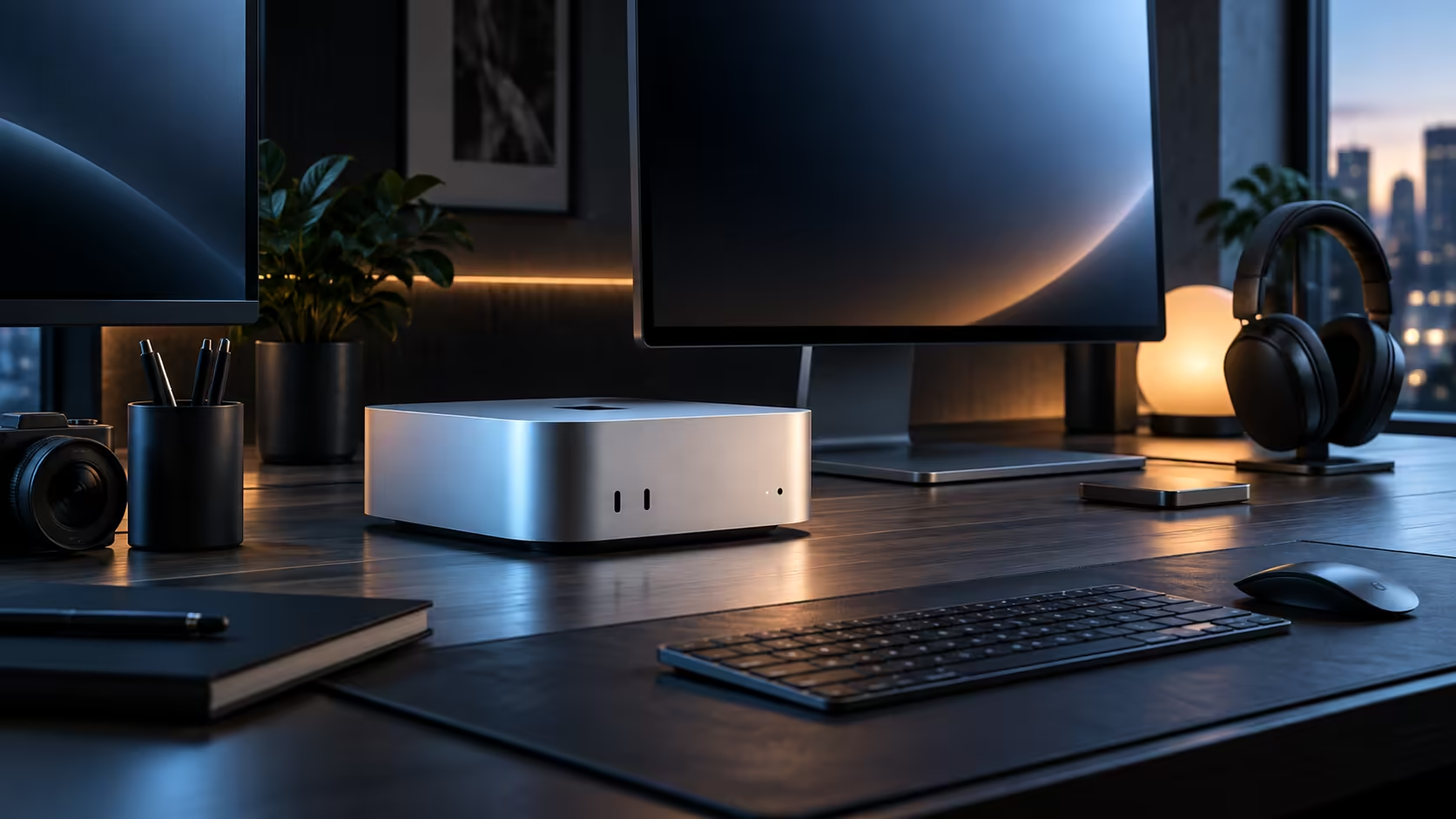
A compact desktop trades internal slots for sockets, so every one of them has to earn its place on the desk. Send video to HDMI where you can, keep Thunderbolt 4 for drives and docks, and leave plain USB-C for everyday peripherals.
Quick Answer
Plug a basic screen straight into HDMI with nothing else needed, save Thunderbolt 4 for a demanding monitor, a fast drive or a dock, and leave plain USB-C for a keyboard, a mouse or a phone cable. A Mac Mini M6 fits all three port types on its case, plus 2.5Gb LAN, for R21,699.
🖥️ HDMI: the simplest video connection
HDMI asks nothing of the connected device beyond a standard cable, which is precisely why it remains the go-to for a television, a projector, or any panel too old to carry USB-C video at all. Because it shares the same display engine as the Thunderbolt sockets, the real screen-count limit lives inside that engine, not in however many video-capable ports happen to be on the back of the case.
⚡ Thunderbolt 4: reserve it for what actually needs it
Thunderbolt 4 carries video, data and charging power at bandwidth well beyond plain USB-C, which is why a fast external drive or a docking station belongs here rather than a simple mouse receiver that would run identically from any socket. Reserving these ports for demanding devices avoids running short of fast connections later.
🔌 Plain USB-C: perfectly fine for the basics
The remaining USB-C ports run at a standard baseline speed, plenty for a keyboard receiver, a mouse dongle or a phone lead plugged in every day. A cable properly rated for whatever it is carrying quietly rules out most of the intermittent connection gremlins people otherwise chase for hours.
Browse the wider mini PC range for other compact desktops built around the same port logic.
Frequently Asked Questions
Does a compact desktop lose capability by having no internal expansion?
Not for most everyday and creative work; the port selection covers displays, storage and networking without needing to open the case at all.
Will a data-only hub add bandwidth a Thunderbolt port did not already have?
No, a basic hub only splits what is already there, so demanding devices plugged into a low-quality hub can bottleneck rather than gain anything.
Should a printer use a Thunderbolt or a plain USB-C port?
Plain USB-C is the better choice; a printer gains nothing from the extra bandwidth a Thunderbolt port offers over any other socket.
Is there any downside to leaving Thunderbolt ports unused most of the time?
None at all; an idle Thunderbolt port draws negligible power and costs nothing to leave free for the day a fast drive or a dock actually needs it, so reserving one or two in advance is a sensible habit.
Ready to match each port on your compact desktop to the right job?
Reserve Thunderbolt for drives and docks, and plain USB-C for everyday peripherals.