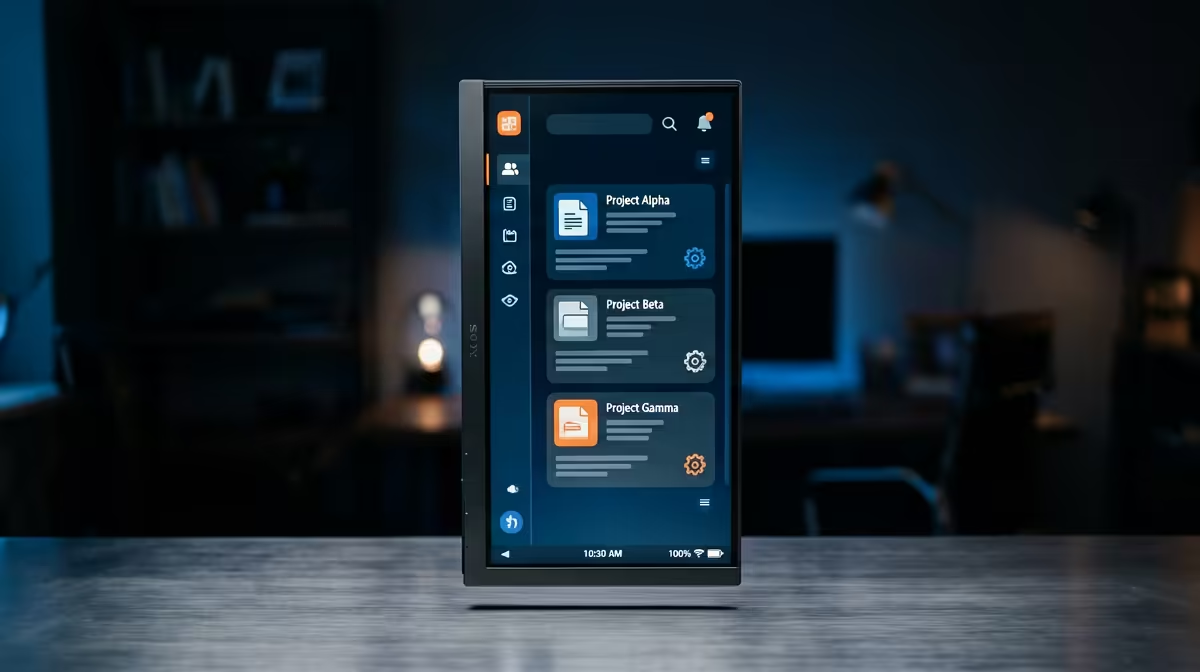
Dell SE2426H 23.8in FHD at R1,532 suits a remote worker who wants a practical second monitor for email, chat, documents, and video-call notes without turning the desk into a command centre. A vertical screen is not overkill when it removes constant window switching, but it should stay modest if the main work is admin, writing, spreadsheets, browser tabs, and team messaging.
Best Fit For A Remote Desk
The Dell SE2426H 23.8in FHD at R1,532 is the sensible starting point because the 23.8in size is easier to place beside a laptop or main display. In portrait orientation, FHD is enough for long documents, inbox triage, CRM notes, or reference pages while the primary screen stays focused on the meeting or main task.
The Dell SE2726H 27in FHD 144Hz at R1,797 makes more sense if the remote setup doubles for after-hours gaming or smoother scrolling through long dashboards. The 27in panel gives more physical room, while 144Hz is a useful upgrade if the same desk handles both work and entertainment.
Dahua LM27 100Hz at R1,500 is the value pick when a larger 27in FHD screen matters more than brand polish. The 100Hz refresh rate is a nice middle ground for everyday browsing, Teams-style movement, and keeping text-heavy windows feeling less tiring through a long day.
South African Home Office Reality
In a shared home office, bedroom desk, or dining-table work corner, vertical makes sense only if it solves a real layout problem. The MSI PRO MP275W at R1,850 is a clean option when you want a dedicated 27in-class work screen that can keep work documents visible while the laptop handles calls, calendars, or browser research.
Ready to choose the right monitor?
For vertical monitor overkill remote worker, put Dell SE2726H 27in FHD 144Hz at R1,797 first and judge the setup around its listed spec.