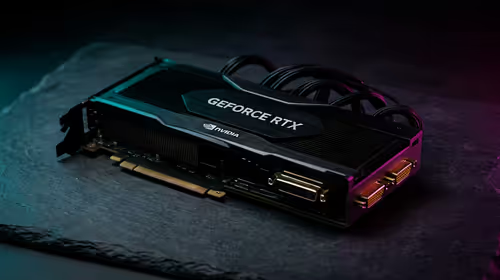
A video-editing PC is usually worth reusing for photo editing when it has enough memory, fast catalogue storage and a suitable display. Strong video hardware does not automatically provide accurate colour, quiet culling or a sensible backup workflow.
Benchmark the complete photo sequence
Import a representative RAW card, build the preferred previews, rate images rapidly and export a batch. Record memory, CPU, GPU, storage and fan noise. Check card-reader speed, monitor scaling and whether video projects must remain open simultaneously.
The Palit RTX 5060 8GB GPU is verified at R4,800, the WD Blue SN5000 2TB SSD at R1,684 and the Dell S2725QC 4K USB-C monitor at R6,128. These separate components do not form a validated colour-managed PC. Confirm current application support, memory, storage interface, display characteristics, ports, power and warranties.
Keep originals, catalogues, footage, project files and presets in independent versioned backups. Confirm card-reader and display connections, preserve licences and test exported colour on the intended destination. Maintain enough free storage for both media types.
Use the video PC when the full photo benchmark passes. Upgrade the measured memory, storage, display or input limitation rather than buying another broad creative system.
If the photo application shares cache space with video projects, set clear limits and monitor free capacity so one workflow cannot silently slow the other.
Adding photo work to an edit PC? > Compare Evetech GPUs, SSDs and 4K monitors after the benchmark.