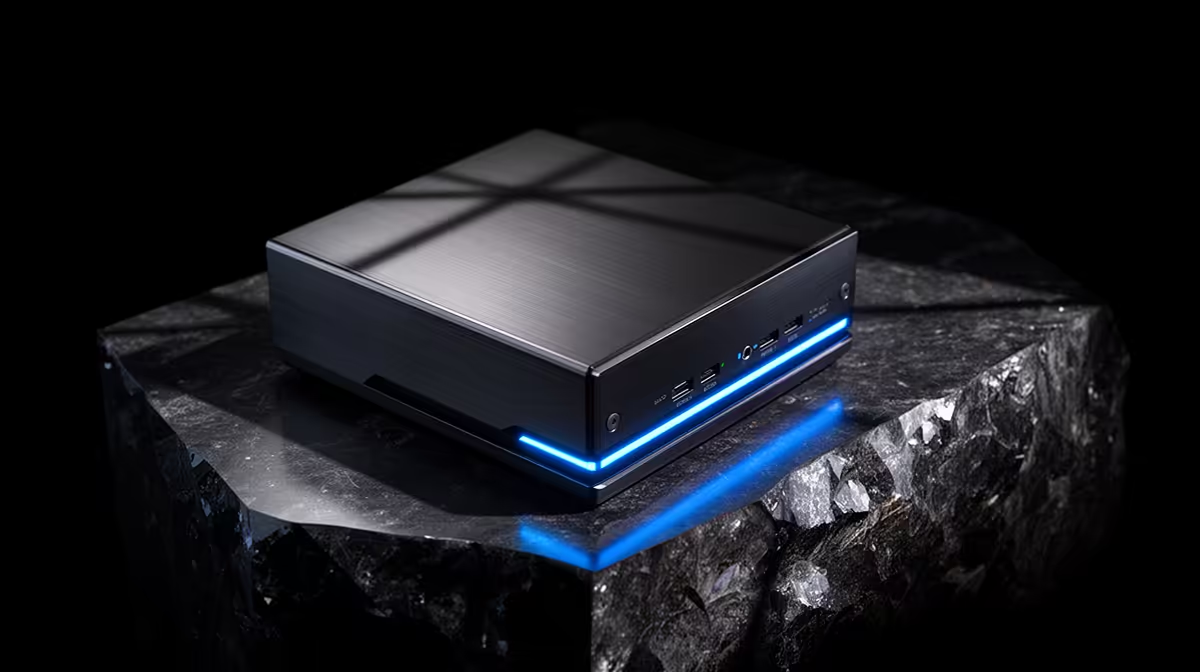
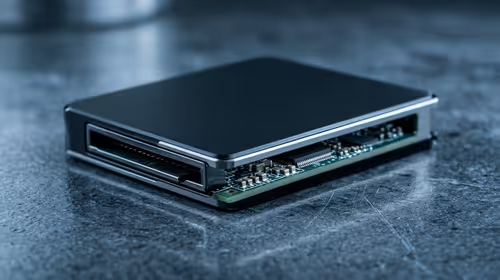
A mini PC that drops Wi-Fi across the room or stutters on Bluetooth audio rarely has a faulty radio. The usual culprit is a tiny coaxial antenna lead that slipped off the wireless card during assembly or shipping. Weak Wi-Fi or Bluetooth on a mini PC is most often a five-minute fix once you know the M.2 card and its delicate U.FL connectors are the place to look.
Quick Answer
Open the mini PC and check that both thin black antenna leads are clipped firmly onto the gold U.FL pins of the M.2 2230 Wi-Fi card. A detached or pinched lead is the most common cause, and reseating it restores full signal. If the card itself is dated, swapping in a newer Wi-Fi 6E or Wi-Fi 7 module is a cheap upgrade.
Check the antenna leads first
Most mini PCs use a standard M.2 2230 wireless card with two hair-thin coaxial cables running to the case antennas. These cables end in small gold U.FL connectors that simply press onto pins on the card, and they pop off easily if the case was knocked or the leads were never seated properly. Power down, unplug, open the base, and find the small card near the rear ports. Gently press each connector back onto its pin until it clicks. Do not force them, because the cables are fragile and the connectors clip on with very little pressure. A single missing lead can cut range dramatically while still showing a connection, which is why the symptom looks like a software bug rather than a loose wire.
Rule out the easy software causes
Before blaming hardware, confirm the basics. The crowded 2.4GHz band interferes badly with Bluetooth, so connecting your mini PC to the 5GHz network often clears up both stuttering audio and slow throughput at once. Update the wireless driver, since a stale driver can throttle a perfectly good card. Move the device away from metal shelving and the back of a desk, because a mini PC tucked behind a monitor sits inside a signal shadow. If reseating the leads and these steps do not help, the card may simply be old. A modern Wi-Fi 6E or Wi-Fi 7 M.2 2230 module drops straight into the same slot and is one of the most cost-effective upgrades you can make. You can compare current small-form-factor machines in the mini PC range if yours is past upgrading. For a broader view of what SA buyers are picking up right now, the PC best sellers at Evetech shows where mini PCs sit against full desktops.
Frequently Asked Questions
Why does my mini PC connect to Wi-Fi but the signal is still weak?
A connection can hold on a single working antenna while the second lead is detached, which roughly halves your effective range. Reseating both U.FL connectors on the Wi-Fi card usually restores full signal strength.
Can I upgrade the Wi-Fi card in a mini PC?
Most mini PCs use a removable M.2 2230 card, so yes. A newer Wi-Fi 6E or Wi-Fi 7 module fits the same slot and connectors, giving better range and speed for a small outlay.
Why is my Bluetooth audio stuttering on a mini PC?
The 2.4GHz band that Bluetooth shares with older Wi-Fi gets congested easily. Moving your Wi-Fi to 5GHz, keeping the antenna leads seated, and clearing line-of-sight to the device usually fixes the dropouts.
Are the antenna cables hard to reconnect?
The U.FL connectors clip on with gentle pressure, so reseating is easy once you can see them. The cables themselves are delicate, so work slowly and avoid pulling on the wire rather than the connector.