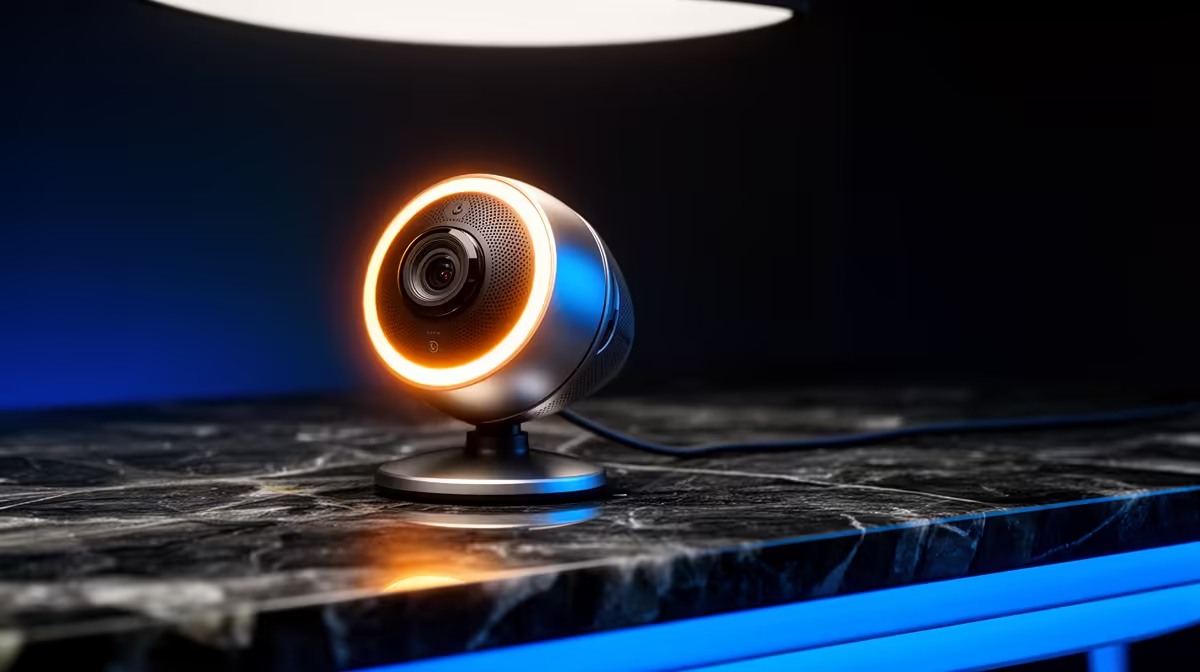
For space-limited buyers, low-light webcam performance matters because a small desk often sits in a corner or against a wall with limited lighting, so the sensor does the work a big lamp cannot. It is worth paying for once your cramped setup means you cannot flood the area with light.
Quick Answer
Low-light performance is worth paying for on a tight desk: a compact 1080p webcam with a larger sensor runs R700 to R1,800 at Evetech and stays clear in a dim corner where a sub-R400 cam goes grainy. In a small space you often cannot add a big light, so the sensor matters more. A slim clip-on model keeps the limited desk surface free.
Why small spaces depend on the sensor
A corner or wall-facing desk rarely has room for bright lighting, so the webcam's low-light handling carries the image. A cam with a larger sensor and auto-exposure holds detail at low lux where cheap models smear. Aim for 1080p at 30fps and a slim, clip-on body that does not crowd the desk. At R700 to R1,800, that keeps a cramped corner looking professional on calls without needing to rearrange the whole space for lighting.
Save desk space, not just money
On a tight setup, a clip-on webcam mounted on the monitor beats a tripod model that eats surface area. If you can fit one small light, a sub-R300 clip-on LED frees more space than a lamp and lifts the image further. Skip bulky 4K cams over R2,000; they add size and cost a small desk does not need. A slim low-light 1080p cam plus a compact light is the space-efficient combination for dim corners.
FAQ
Is a low-light webcam worth it for a small desk?
Yes. A cramped corner rarely allows big lighting, so a 1080p webcam with a larger sensor at R700 to R1,800 carries the image in dim conditions where a cheap cam goes grainy.
How do I light a small webcam setup?
Use a compact clip-on LED light under R300 rather than a desk lamp; it frees surface space and lifts the image. Pair it with a low-light 1080p cam for clean calls in a tight corner.
Should a space-limited buyer get a tripod or clip webcam?
A clip-on cam on the monitor saves desk space that a tripod model would take up. Choose a slim 1080p clip-on with good low-light handling for a cramped setup.
tight desk, clip the webcam to the monitor and add a sub-R300 clip-on LED instead of a lamp; a slim low-light 1080p cam plus that light keeps a dim corner looking sharp without eating space.