Quick Answer
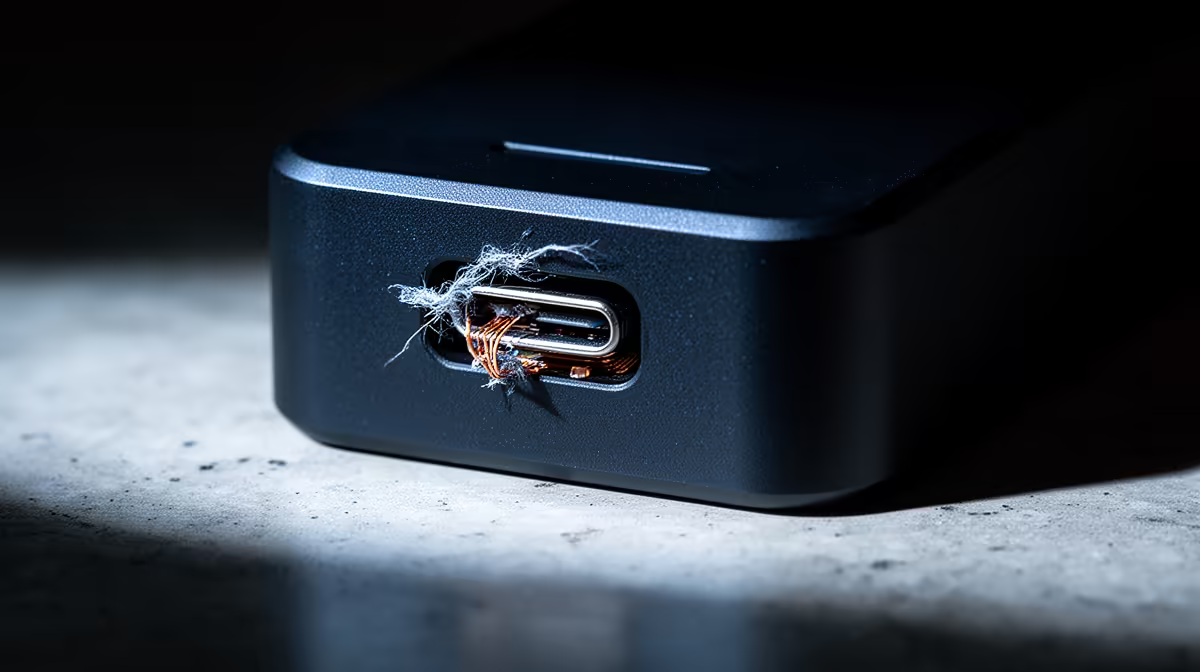
In cheap docking stations used for campus residence rooms, the USB-C connector and power circuit break first, leaving your laptop uncharged and your monitor dropping out during late-night study. For daily res reliance, spend R1,200-R2,500 on a powered dock with 65-100W charging and 4K60 output rather than a sub-R500 hub that quits within a semester.
Why Res-Room Docks Die Early
In a res room a dock gets plugged and unplugged constantly and runs in a warm, cramped space, which is exactly where cheap ones fail. The USB-C connector wears loose from daily cycling and starts dropping the connection. The power circuit on a bus-powered hub cannot keep a laptop charged, so you study on battery. Heat in a small room accelerates both. A R1,200-R2,500 powered dock with its own adapter survives this routine and lasts the full degree.
The Reliability Specs That Matter In Res
Prioritise a powered dock with 65-100W power delivery so it charges your laptop on one cable, a connector rated for thousands of insertions, and confirmed 4K60 or native-resolution display output. Gigabit Ethernet is worth having, because wired access is far steadier than congested res WiFi in the evenings. Avoid stacking a cheap hub on top of another adapter, which adds heat and failure points in a small space. One solid powered dock beats a chain of budget parts.
Getting A Full Study Station From One Cable
The reward for a good dock is turning a cramped res desk into a workstation with a single connection: monitor, power, Ethernet and peripherals all live. Confirm your laptop's USB-C supports DisplayPort Alt Mode and power delivery first. Tie the dock's cables off at the back of the desk so the morning routine is one click. This setup also protects the laptop's own ports from daily wear, since you plug into the dock instead of the laptop directly.
FAQ
What breaks first in a cheap res-room dock?
The USB-C connector and power circuit, leaving the laptop uncharged and the monitor dropping out. A powered branded dock at R1,200-R2,500 survives daily res use far better.
Why do cheap docks fail faster in a res room?
Constant plugging, a warm cramped space and a weak power circuit all accelerate wear. A powered dock with its own adapter and a durable connector lasts the full degree.
What should a res dock be able to do?
Charge your laptop with 65-100W power delivery, drive a monitor at native resolution, and ideally offer Gigabit Ethernet for steadier-than-WiFi access. All on a single cable.
Pick a powered dock at Evetech with 65-100W charging and confirmed 4K60 output, so your res desk works on one reliable cable instead of a failing hub.