Quick Answer
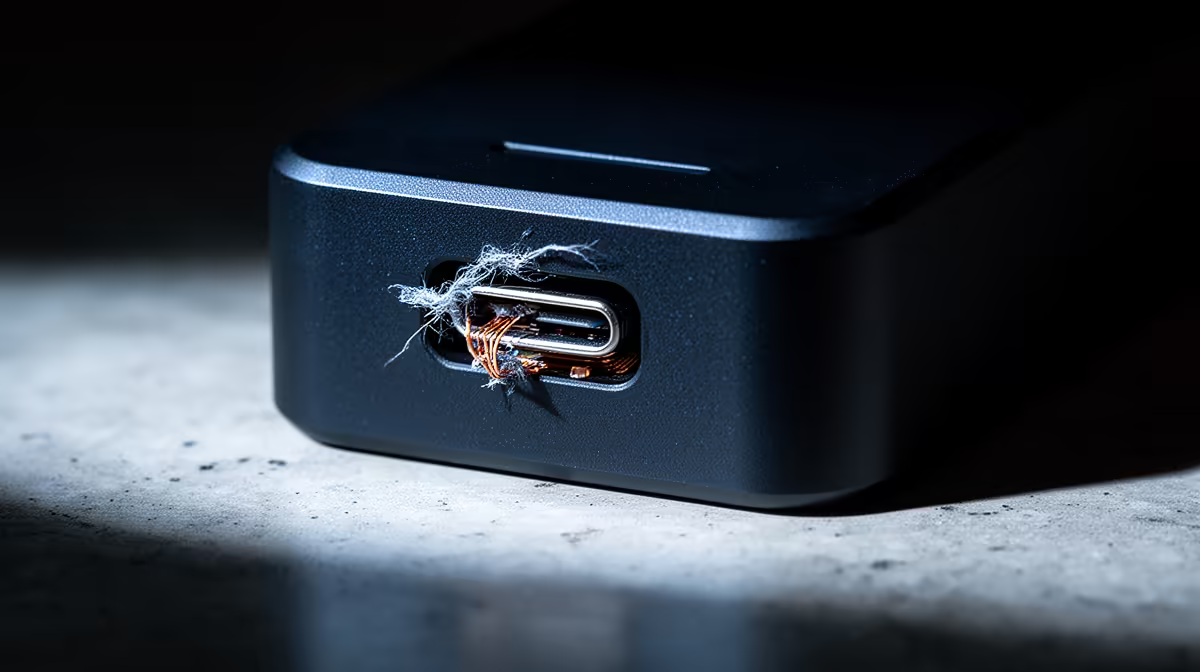
In cheap docking stations used for university assignments, the connector and display output fail first, dropping your monitor or external drive while you work to a deadline. For coursework reliability, budget R1,200-R2,500 on a powered dock with 65-100W charging and native-resolution output rather than a sub-R500 hub that dies mid-semester.
The Failures That Cost You Marks
For assignment work, a dock's failures hit at the worst times. The USB-C connector loosens with daily use and drops the connection while you write. The display chipset on a cheap hub overheats during a long working session and blanks the monitor. Bus-powered models leave the laptop on battery so it dies before you submit. Each of these can lose unsaved work near a deadline, which is exactly why a R1,200-R2,500 powered, branded dock is the safer spend for coursework you cannot afford to lose.
What To Buy For Dependable Coursework
Choose a powered dock with its own adapter and 65-100W power delivery so the laptop charges while you work, confirmed display output at your monitor's native resolution and refresh, and a durable connector. Gigabit Ethernet gives a steadier link than evening campus or res WiFi for uploading large submissions. A couple of USB-A ports cover a mouse, keyboard and a backup drive. These reliability features matter more than extra gimmick ports for assignment use.
Habits That Protect Your Submissions
Beyond the hardware, protect the work itself. Keep the document you are editing on the laptop's internal SSD, not a dock-attached drive, so a disconnect cannot corrupt an open file. Use autosave and cloud sync, and keep a backup drive. Plug the dock into a rear port and avoid hub chains. With a reliable dock plus these habits, a dropout costs seconds rather than a rewritten assignment the night before it is due.
FAQ
What breaks first in a cheap dock for assignments?
The connector and display output, dropping your monitor or drive mid-deadline. A powered branded dock at R1,200-R2,500 with durable parts is far safer for coursework.
Can a failing dock lose my assignment work?
Yes, a dropped connection can corrupt an open file or lose unsaved changes. Keep the document on your laptop's internal SSD and use autosave so a dropout costs seconds, not a rewrite.
What dock specs matter most for university work?
65-100W power delivery to charge the laptop, native-resolution display output, and a durable connector. Gigabit Ethernet also helps for steady large-file uploads on busy WiFi.
assignment you are editing on your laptop's internal SSD, not a dock-attached drive, so even if a cheap dock drops you never lose an open document.