Quick Answer
The first failures in cheap mini PCs are usually physical: cables, switches, batteries, fans, sockets, or weak cooling. For cybersecurity labs, durability beats cosmetic extras. Use R6,000-R18,000 for useful compact PCs; high-end often above R20,000 as a cautious South African band and compare named options such as Intel NUC-style Core i5 mini PC, Minisforum UM790 Pro, ASUS PN-series mini PC; do not treat the premium tier as automatic.
Where The Saving Disappears
Start with the part of the setup that can actually fail the job. In cybersecurity labs, the useful baseline is 16GB RAM, 512GB NVMe, dual display output, Wi-Fi 6; anything below that is a compromise you should choose knowingly. A model such as Intel NUC-style Core i5 mini PC gives you a reference point for build quality, connector layout, and warranty expectations.
For course and creator work, fewer slowdowns during long projects matter more than a spec sheet that looks impressive for one benchmark. If the upgrade needs another cable, hub, bracket, battery, or shelf to work properly, include that in the real cost before judging the item alone.
Specs Worth Paying For
The money trap is sealed memory, one-display models, tiny storage, or adapter-heavy setups. A useful spec number beats vague premium language, so use 16GB RAM, 512GB NVMe, dual display output, Wi-Fi 6 as the first filter and only move higher when the use case proves it.
Check The Setup Before Checkout
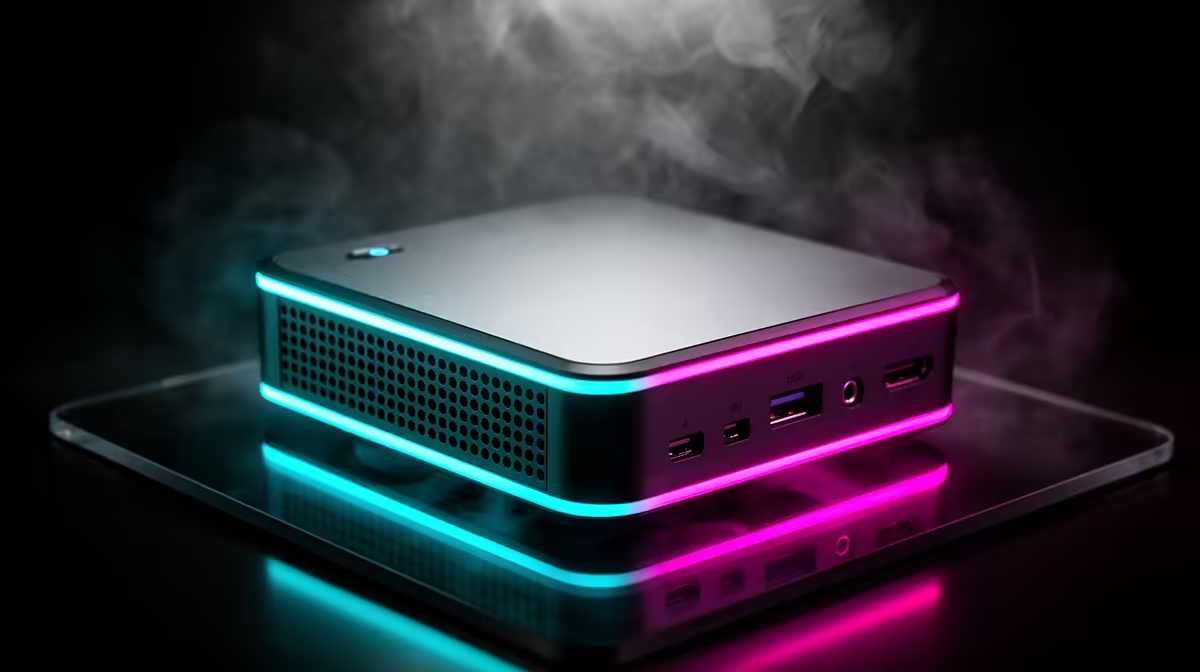
Before ordering, check HDMI/DisplayPort, front USB, Ethernet, fan noise, and RAM or SSD access. This matters in South African homes because one room often handles work, study, streaming, and gaming on the same desk. If a mid-range option already solves fit, reliability, and comfort, put the saved money into a better monitor, chair, storage, or network cable.
FAQ
What spec should SA buyers start with?
Start with 16GB RAM, 512GB NVMe, dual display output, Wi-Fi 6. That gives enough headroom for normal study, work, and gaming rooms without forcing premium spend from the first purchase.
When is the higher tier worth paying for?
Pay for the higher tier when it removes a proven limit: heat, latency, missing ports, weak storage, noise, or unreliable controls.
What should I check before ordering online?
Check the exact connector, size, mounting, wattage, software, and warranty needs before paying.
the one problem this mini PC must fix, then reject any option that does not improve that problem with a clear spec, connector, or fit advantage.