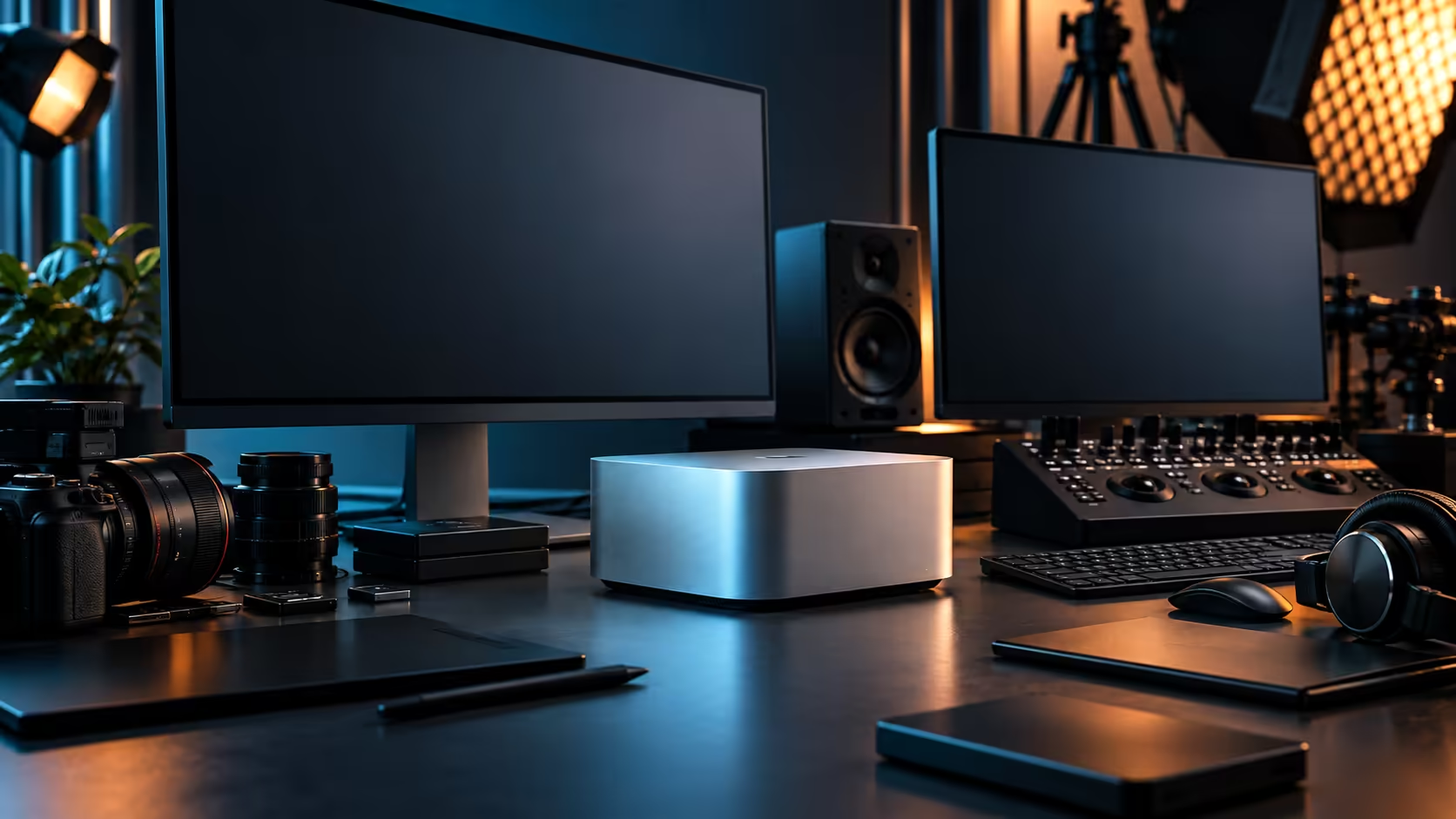
Four sockets on the back of a machine and four USB-C ports on a random hub look identical from across the desk. What they can actually do at the same time is where the Mac Studio M5 Max's Thunderbolt 5 ports separate themselves completely.
Quick Answer
Each of the four Thunderbolt 5 ports carries data, display and power at full speed simultaneously, which is what separates them from four ordinary USB-C sockets sharing a smaller total bandwidth. In practice that's enough for a monitor, a fast scratch drive, an expansion dock and one lane still spare, all running at once without contention. The Mac Studio M5 Max carrying them is R49,499.
⚡ Full bandwidth, on every port, at the same time
This is the core difference that makes planning around these ports straightforward rather than a balancing act.
A cheap USB-C hub typically splits a single upstream connection's bandwidth across every downstream port, meaning the more devices you plug in, the less each one gets. Each Thunderbolt 5 port on the Mac Studio, by contrast, is an independent full-bandwidth connection back to the chip, so a drive on one port isn't competing with a monitor on another. That independence is exactly what makes it realistic to run genuinely demanding accessories on separate ports without one degrading the others, a principle that holds across the whole mini PC range.
🖥️🖨️💾 A realistic four-port allocation
Picture a working desk rather than an abstract spec sheet, and the allocation becomes obvious.
A monitor takes the first port, connected directly for the most reliable display link. A fast external drive holding the project you're actively cutting takes the second. A docking station consolidating keyboard, mouse and other lower-bandwidth peripherals takes the third, since those devices don't need a dedicated lane of their own. The fourth stays free for whatever a client brings in or whatever accessory you add next, which is worth protecting rather than filling immediately just because the port exists.
🎛️ When a hub is the right call instead
Not every device deserves its own dedicated port, and using a hub sensibly is part of managing four ports well rather than a compromise.
Low-bandwidth peripherals, a keyboard, a mouse dongle, a webcam, share a hub without any noticeable downside, freeing up direct ports for the accessories that actually need dedicated bandwidth: displays, fast storage and anything moving large amounts of data continuously. The skill here is knowing which category a given accessory falls into before deciding whether it earns a direct connection or can happily share.
Frequently Asked Questions
Do all four Thunderbolt 5 ports on the Mac Studio M5 Max perform identically?
Yes, each is an independent full-bandwidth connection carrying data, display and power, rather than sharing bandwidth the way ports on a basic hub often do.
How many accessories can four Thunderbolt 5 ports realistically support?
Comfortably a monitor, a fast external drive and a docking station for peripherals, with one port still free, before you need to start sharing connections through a hub.
Should I use a hub or a direct port for my external SSD?
A direct port, where possible. Storage benefits most from a dedicated, uncontended connection, while lower-bandwidth accessories share a hub without issue.
Does a Thunderbolt 5 port supply power as well as data?
Yes. Power rides the same single cable as data and display signal, which is exactly why plugging straight into the machine beats adding another box in between.
Ready to plan which accessory goes on which port?
Map your four ports against your actual desk setup before buying hubs or docks you may not need.