



1000W PSU Planning for RTX 5090 Builds in SA
1000W for RTX 5090 needs a full-build check, not a simple yes. Review GPU guidance, CPU draw, transient load, connectors, PSU quality, and upgrade plans before deciding.
Read moreForty-five-degree lumbar rotation changes movement range, but usefulness depends on contact, pressure and fit. The HBADA X7 offers automated lumbar tracking and multi-directional support; compare any required rotation separately.
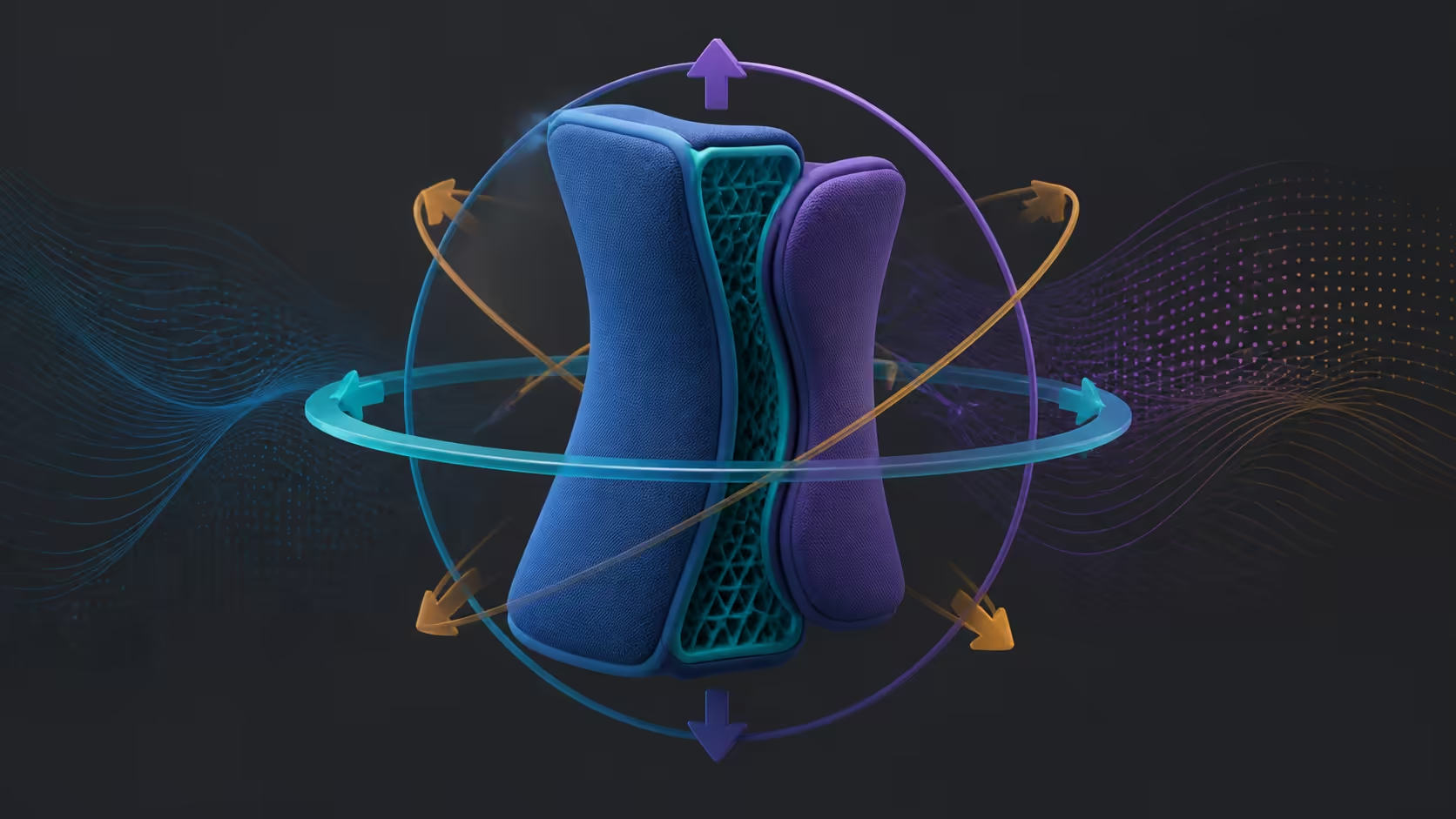
A rotation figure describes available movement, not whether lumbar support stays comfortable for a person. A 45 degree lumbar rotation in a smart chair should be verified through real turns. The R14,999 X7 follows lower-back posture automatically and permits directional adjustment, but it should not receive that number.
The X7 lumbar unit uses a 10-degree adaptive tilt, 50mm depth travel and 45mm vertical adjustment rather than 45-degree rotation.
Forty-five-degree lumbar rotation can let a support assembly follow wider movement, yet value depends on contact, pressure and fit. Priced at R14,999, the X7 pairs automatic lumbar following with adjustment across directions. Buyers requiring exactly 45 degrees should confirm it on another candidate.
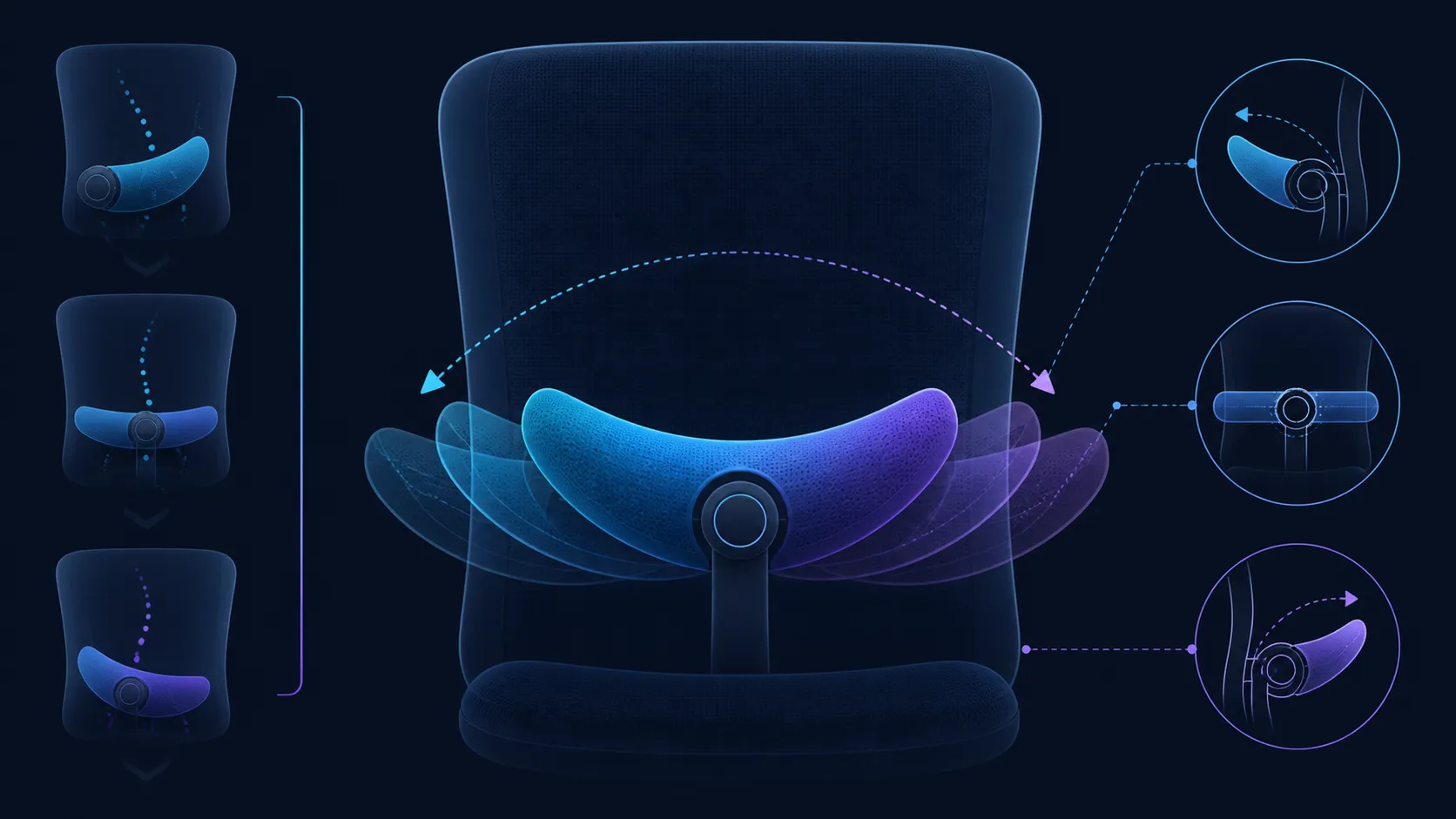
The angle says nothing about where support meets the user, how resistance feels or whether the motion suits the desk. A smaller useful movement can outperform a larger range that creates pressure or rarely enters the routine.
Inspect adjustable options in Evetech's HBADA chair selection with the user's common reach and turn tasks listed. Keep the test centred on contact instead of a maximum endpoint.
Rotation generally describes mechanical travel. Automated tracking describes support that adapts through a smart system. The X7 supplies the latter, but its sensor arrangement, timing and exact travel are not reasons for assumptions.
Turn toward a side monitor, return to the keyboard and settle back briefly. Record broad contact, sharp pressure and correction effort. Reset the chair before changing another control so the result remains attributable.
Observe how often the user actually moves through the range during a working week. If the chair remains centred nearly all day, ventilation or reliable baseline support may deserve more value. If side tasks are frequent, easy return to centre becomes a stronger criterion.
Find an exact rotation specification through Evetech's office-chair range. Keep massage, heat and battery planning outside the movement score because they answer different buying questions.
Place the side item where it is normally used and run the turn. Then move that item within easier reach and repeat. If broad lumbar contact improves without requiring a larger rotation, workspace layout may be the more effective adjustment.
When the side task cannot move, record the exact angle and support behaviour needed. A chair that documents 45 degrees still has to keep contact comfortable through the useful portion of that range. Maximum travel alone does not close the requirement.
Keep the desk-layout result beside the chair test. This prevents a future user from moving the equipment away and blaming automated support for a new reach problem. It also shows whether the buyer is paying for a necessary movement range or compensating for an avoidable workstation issue.
That movement helps the support follow changes in waist contour while the user leans or reclines. Do not confuse the 45mm vertical range with degrees. Wider rotational figures belong elsewhere on the chair, including 360-degree armrest rotation and 70-degree headrest rotation.
Use the chair's real ranges to describe motion accurately in a comparison.
It can change how the support follows a seated turn or posture shift. The practical result depends on contact, pressure and return movement.
No. The useful range depends on the user's tasks and body fit. A maximum figure does not define comfort.
Do not assign 45-degree rotation to the X7. Its lumbar features are automated tracking and multi-directional adjustment.
Tracking lets a smart system respond to posture; rotation names mechanical travel that belongs to an exact chair specification.
It cannot promise treatment. Stop an uncomfortable test and seek appropriate advice if pain or other symptoms persist.
Track contact location, pressure, desk reach and ease of returning to centre. Stop when movement feels unstable or painful. Keep the actual documented range with the result so a successful 45-degree chair is not confused with the X7. Repeat after moving the side task closer, which reveals whether larger rotation is genuinely required or compensating for an avoidable reach problem.
Preserve both desk layouts and the contact result so another user can reproduce the decision. This shows whether larger rotation is necessary or merely compensates for a side task placed too far away.
Keep the HBADA X7 labelled as the automatic-tracking comparison, not the 45-degree candidate.
Ready to compare useful lumbar travel with a real desk turn? Explore Evetech chair options after defining the exact angle and movement sequence needed.
It can change how the support follows a seated turn or posture shift. The practical result depends on contact, pressure and return movement.
No. The useful range depends on the user's tasks and body fit. A maximum figure does not define comfort.
Do not assign 45-degree rotation to the X7. Its lumbar features are automated tracking and multi-directional adjustment.
Tracking lets a smart system respond to posture; rotation names mechanical travel that belongs to an exact chair specification.
It cannot promise treatment. Stop an uncomfortable test and seek appropriate advice if pain or other symptoms persist.
Track contact location, pressure, desk reach and ease of returning to centre. Stop when movement feels unstable or painful. Keep the actual documented range with the result so a successful 45-degree chair is not confused with the X7. Repeat after moving the side task closer, which reveals whether larger rotation is genuinely required or compensating for an avoidable reach problem. Preserve both desk layouts and the contact result so another user can reproduce the decision. This shows whether larger rotation is necessary or merely compensates for a side task placed too far away. Keep the HBADA X7 labelled as the automatic-tracking comparison, not the 45-degree candidate.
1000W for RTX 5090 needs a full-build check, not a simple yes. Review GPU guidance, CPU draw, transient load, connectors, PSU quality, and upgrade plans before deciding.
Read more
RTX 5080 Super with a 750W PSU is more comfortable than lower wattage if the unit is quality. SA builders should still confirm GPU guidance, CPU draw, connector type, airflow, and upgrade room.
Read more
How to fix FPS drops after a RX 9070 XT starts with driver cleanup, chipset updates, thermals, and power checks. For SA gaming PCs, confirm PCIe seating, monitor refresh, frame caps, and per-game graphics settings before replacing parts.
Read more
How to fix low FPS Windows 11 Wi-Fi 7 issues starts by checking whether the problem is frame rate or network lag. Test ping, drivers, power settings, Ethernet, and game FPS before adjusting visuals.
Read more
AM5 is smart for SA builders because it supports newer Ryzen CPUs, DDR5 memory, and a longer upgrade path. Compare board cost, cooling, gaming needs, and local part availability before choosing your next PC platform.
Read more
AM5 gives Randburg gaming builders a longer upgrade path. For SA buyers, DDR5 support, newer board features, and future CPU options can justify the platform. Weigh board cost, cooler support, BIOS maturity, and upgrade timing before choosing.
Read more
RTX 5090 on a 550W PSU leaves almost no practical room for OC plans. Treat the setup as constrained, with CPU draw, power spikes, cable quality, thermals, and stability checks more important than chasing extra clocks.

FPS drops on a Ryzen 9 9950X3D build often have a fixable cause. Check settings, drivers, thermals, background tasks, network conditions, and bottlenecks before assuming a part must be replaced.

The difference between PCIe 5.0 and PCIe 4.0 for SA gamers is mostly bandwidth headroom. Compare GPU slot needs, NVMe speed, motherboard support, and upgrade timing before paying extra for a newer platform.

Gaming PC stuck pixel checks in South Africa should confirm the monitor fault first. Use colour tests, screenshot comparison, cable swaps, display menu checks, and clear photos before deciding on support.

AMD's current driver now lists a Radeon RX 9050 4GB, while product coverage details a narrowed memory system. SA buyers should weigh the low VRAM ceiling against current local Radeon options.

Samsung Display has demonstrated a 16-inch 2.5K OLED laptop panel running at 300Hz. SA buyers should wait for a named notebook, full panel specifications and a local price before planning an upgrade.

Microsoft says some Windows 11 game crashes after recent updates are linked to RGB-related drivers. Affected SA gamers should confirm the update and driver before using the published registry workaround.

Thermalright's Fan Frame Vision-1 adds a 640x172 status screen to a standard 120mm fan. SA builders should check clearance, USB routing and local support before treating it as an easy upgrade.
1000W for RTX 5090 needs a full-build check, not a simple yes. Review GPU guidance, CPU draw, transient load, connectors, PSU quality, and upgrade plans before deciding.

Wi-Fi 6E vs Wi-Fi 6 matters for 4K video editing when files move across a network. The real-world difference between Wi-Fi 6E and Wi-Fi 6 for video editing in 4K depends on NAS access, cloud uploads, router range, and SA creator workflows.
RTX 5080 Super with a 750W PSU is more comfortable than lower wattage if the unit is quality. SA builders should still confirm GPU guidance, CPU draw, connector type, airflow, and upgrade room.

Wi-Fi 6E vs Wi-Fi 6 for Video Editing in 4K comes down to router support, latency, client devices, band support, and home network layout. SA buyers should match the choice to their setup instead of assuming one option always wins.