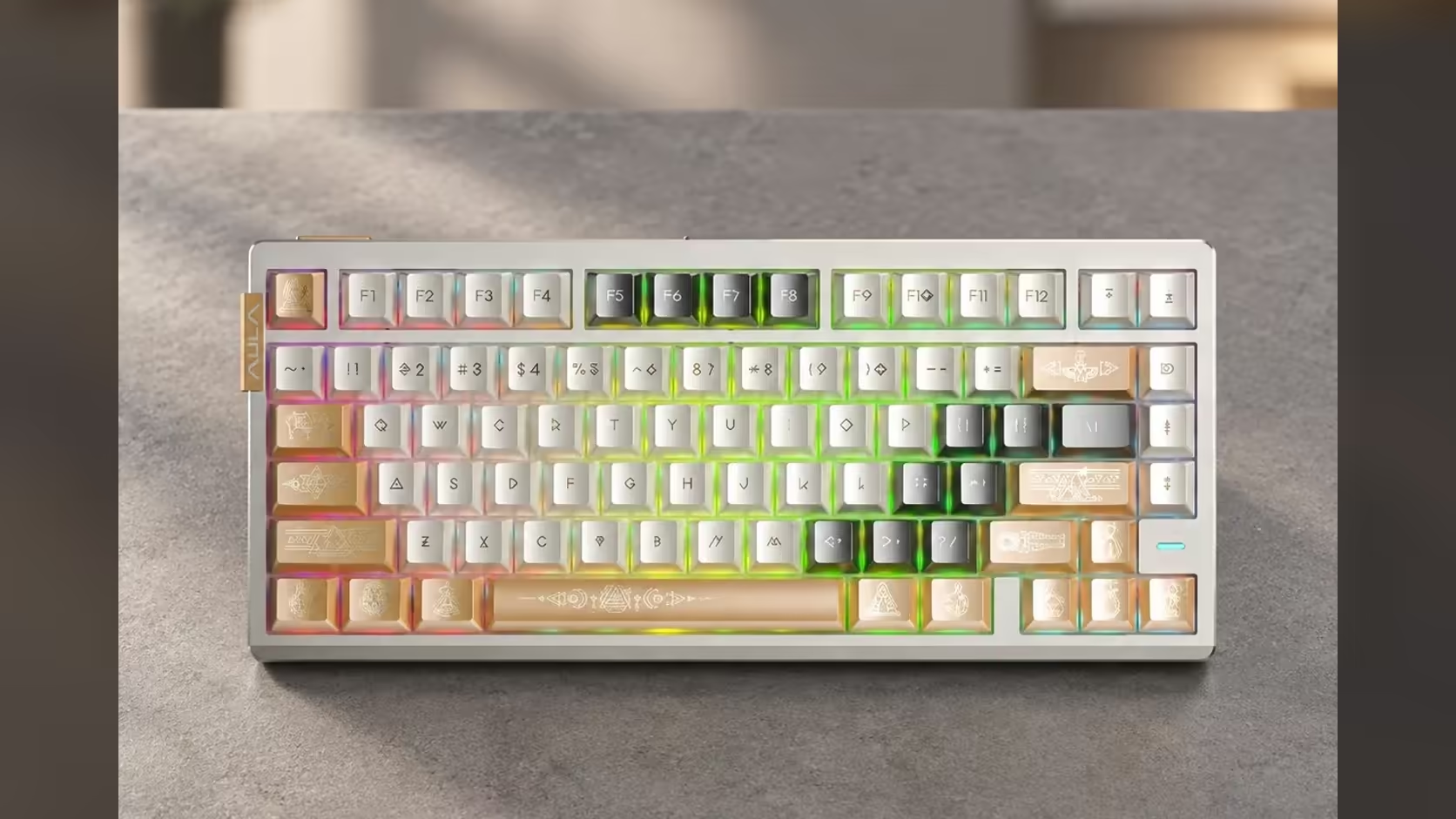
Most of a keyboard's sound and feel is decided inside the case: the plate, the foam, the switches. The AG75 adds one more variable underneath all of that, a spring-loaded base you can turn on or off. It is an unusual feature, and its effect is easy to misunderstand. A switchable spring base does not change the switches or the key travel; it changes how the whole board meets your desk.
Quick Answer
The AULA AG75's switchable shock-absorbing base sits under the keyboard and uses springs to cushion how the board meets the desk. Engaged, it softens the impact of heavy typing and can reduce the knock carried into a hollow desk. Disengaged, the 1532g aluminium case sits firmer and more solid. It works in addition to the six dampening layers inside the case, and it is found on every AG75 edition, which Evetech prices between R2,399 and R2,799.
🪑 What the base actually does
Every keystroke sends a small shock down through the switch, the plate, the damping, the case and finally into the desk. On a heavy metal keyboard, that last step can matter: a solid case transmits a firm tap into the surface beneath it, and some desks turn that tap into a hollow thud.
A spring base adds give at that final point. With it switched in, the board rests on a structure that can absorb a little movement, so less of each impact reaches the desk and the typing feel becomes slightly softer. With it switched out, the case sits directly and firmly, which some typists prefer for a crisp, planted feel.
AULA describes it as switchable, so you can try both and keep whichever you like. The product pages do not spell out the mechanism for changing it, so check AULA's guidance for your board rather than prying at the base.
🔊 Hollow desks, echo and sound
Desks vary a lot. A solid wooden top swallows vibration; a thin laminated panel over a hollow frame can drum under every keystroke. The spring base is most useful on the second kind. By softening the contact, it helps reduce that drumming, although the room, the desk mat and your own typing force play their part too.
A thick desk mat is still a good idea with the AG75. It protects the anodised finish and adds a layer of softening of its own.
⚙️ How it fits with everything else
The base is one part of a larger approach to sound and feel. Above it are six dampening layers, among them a Poron switch pad and PET, and a carbon fibre plate that carries the magnetic switches. The internal layers deal with echo inside the case; the base deals with what passes out of it.
It has no effect on the magnetic side of the board. Rapid Trigger at 0.001mm, the zero dead zone and actuation settings all depend on how far each switch travels, which the base does not change. Whether it is on or off, those settings in AULA's web HUB behave the same.
Why turn it off? If you like a firm, dense typing feel, or your desk is already solid, the extra give may feel unnecessary. Try a full session each way before deciding.
The AG75 Pro and Ultra both carry this base. They are part of Evetech's gaming keyboards line with a 2 Years Local Warranty, and a quick look at the keyboard best sellers shows what else is popular at Evetech. Pricing is on the product pages.
Frequently Asked Questions
Where does the spring base sit?
Under the keyboard, below the case, where the board meets the desk.
Is typing softer with it engaged?
Slightly. It cushions the impact at the desk, which takes some of the hardness out of heavy keystrokes.
Can it help on a hollow desk?
Yes. Softening the contact reduces how much each keystroke drums into a hollow surface.
Why would anyone switch it off?
For a firmer, more planted feel, or on a desk solid enough that the extra give is not needed.
Does it change Rapid Trigger or actuation?
No. Those depend on switch travel, which the base does not alter.
Does it replace the internal damping?
No. It works alongside the six layers inside the case.
Want to tune how a keyboard feels on your desk?
Browse Evetech's gaming keyboard range and see the AG75 with its switchable spring base.