A computer that makes no sound at all sounds like a contradiction, yet a fanless mini PC runs silently by design. With no fan and no spinning parts, it cools itself through metal alone, which makes it one of the most reliable and quietest machines you can put in a living room or leave running for years.
Quick Answer
A fanless mini PC cools passively with no fan and no moving parts, relying on low-power N-series chips and a finned aluminium chassis to stay within safe temperatures. Silent operation and zero mechanical failure points make it ideal for always-on media boxes, home servers and quiet desks.
How passive cooling works
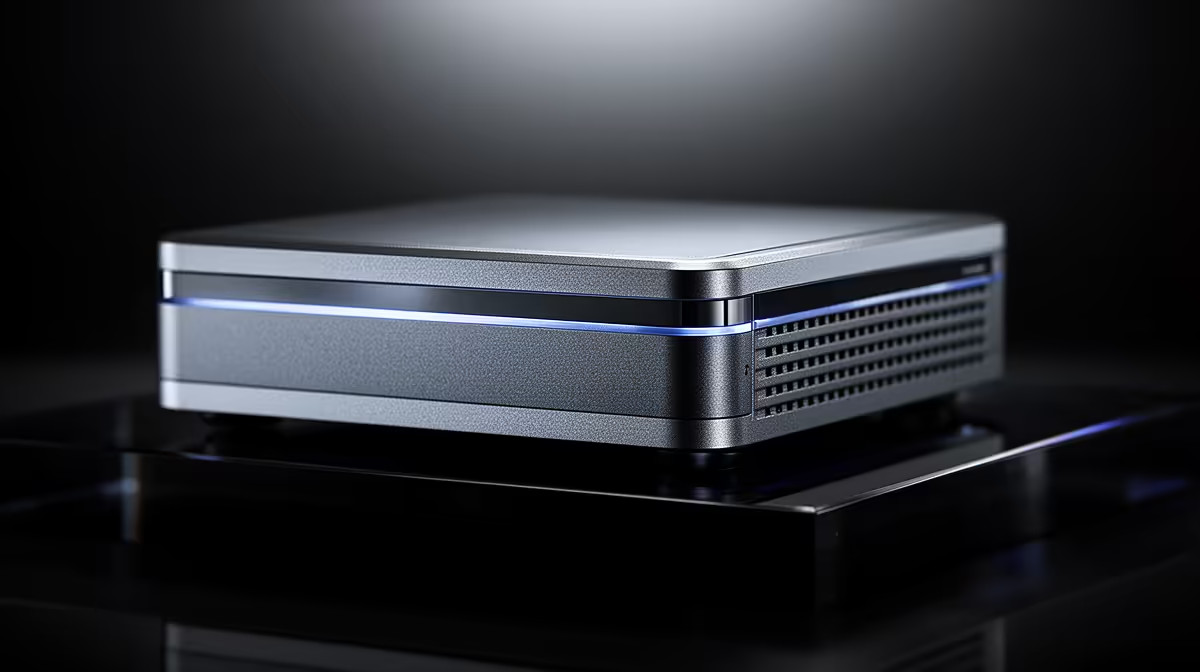
In a normal PC, a fan blows air across a heatsink to carry heat away from the processor. A fanless mini PC skips the fan entirely. Instead, the processor is bonded to the chassis itself, and the whole metal case acts as the heatsink. The finned aluminium body spreads and radiates heat into the surrounding air.
This only works because the chips inside are deliberately low-power. The N-series processors common in these machines sip a few watts rather than tens or hundreds, so the heat they produce is small enough for the case to shed without any airflow. Pair a low-power chip with enough metal and you get stable temperatures and total silence.
You can see the current passively and actively cooled compact options side by side in the mini PC range, which helps when matching a chassis to the workload you have in mind.
When a fanless mini PC is the right call
Media and home theatre
A fanless unit tucked behind a TV plays 4K video, streams from your services, and makes no noise to compete with the film. There is no fan whine during quiet scenes, which is exactly what a home theatre wants.
Always-on home servers and small workloads
For a machine that runs continuously, a network drive, a home automation hub, a small file server, the absence of a fan removes the part most likely to fail and the dust trap that shortens lifespans. Low power draw also keeps the running cost modest, which matters for something that never switches off.
Quiet desks and reception spaces
In a study, a bedroom or a front-desk setup, silence is the feature. For web browsing, email, documents and light productivity, a fanless mini PC handles the load without ever drawing attention to itself.
Where it is the wrong choice
Be honest about the ceiling. Passive cooling caps how much heat the machine can dissipate, which caps performance. Gaming, video editing, heavy multitasking and demanding creative work all generate more heat than a fanless chassis can shed, so they will throttle. If your workload is heavy, choose a compact PC with active cooling instead. For broader desktop comparisons, the best-selling PC builds show where more power is worth the extra noise.
Frequently Asked Questions
Will a fanless mini PC overheat?
No, provided it is used within its design. The low-power chip and metal chassis are matched so the case can shed the heat produced. It only struggles if you push demanding workloads it was never built for.
Can I game on a fanless mini PC?
Light, older or low-demand games may run, but modern gaming generates far more heat than passive cooling can handle and will throttle performance. For gaming, an actively cooled machine is the right choice.
Why choose fanless over a normal mini PC?
The main reasons are silence and reliability. With no fan, there is no noise and no moving part to fail or clog with dust, which suits always-on and media uses. The trade-off is lower peak performance.
Are fanless mini PCs good for a home server?
Yes. Low power draw, silent running and no fan to wear out make them well suited to lightweight always-on roles like file sharing, home automation or a small media server.