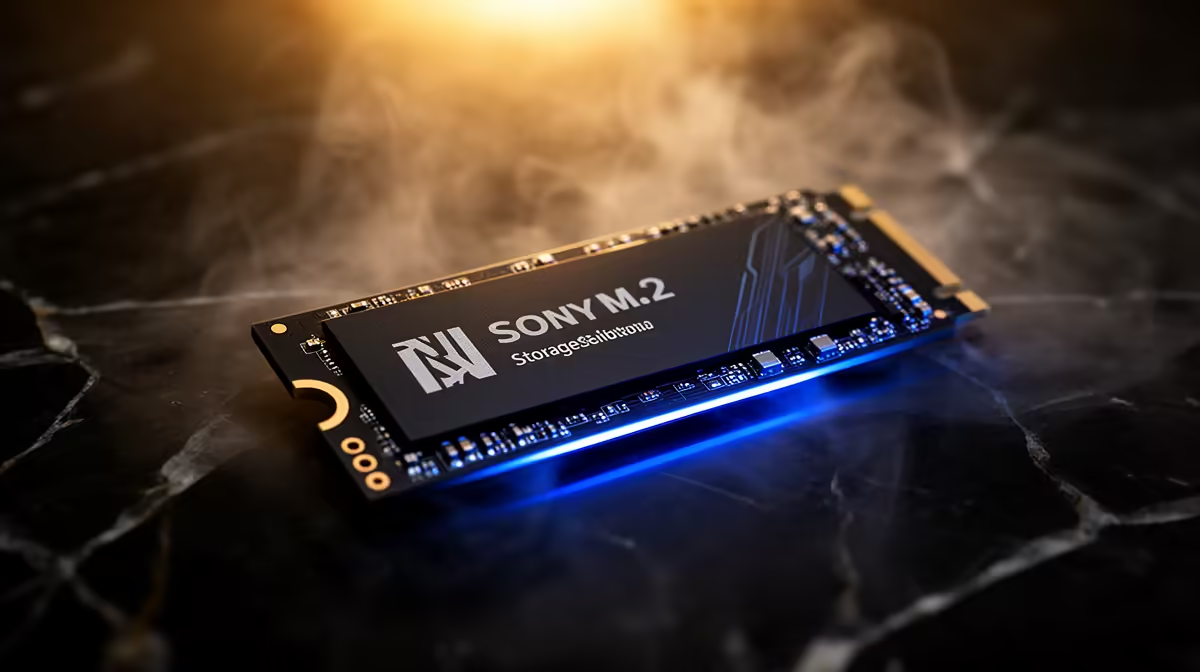
A choppy 4K timeline in Premiere or Resolve is usually not your CPU or GPU giving up, it is your storage trying to read footage, write cache and serve previews all from the same overworked drive. An NVMe scratch disk solves that by giving the editor a fast, dedicated SSD purely for cache, proxy and preview files, separate from your operating system and your raw media. Split those jobs across drives and playback smooths out almost immediately.
Quick Answer
An NVMe scratch disk is a fast SSD used solely for an editor's temporary files: cache, proxies and previews, kept separate from the OS drive and the media drive. That separation is what enables smooth 4K RAW playback and quicker exports. A dedicated Gen 4 NVMe pointed at your cache is the single most effective storage upgrade for video work.
What a scratch disk actually does
Video editing generates a constant stream of temporary data. Every time you scrub a clip, the application caches frames; when you work with heavy formats, it builds previews and proxies so the timeline stays responsive. All of that has to be written and read continuously while you edit.
If those temporary files share a drive with your operating system or source footage, that drive does several demanding jobs at once and becomes the bottleneck. A scratch disk moves the cache, proxy and preview workload onto its own NVMe, so each drive does one thing well.
Why NVMe specifically
Editing temporary files are read and written in large, fast bursts, exactly the workload NVMe drives handle far better than older SATA SSDs or hard drives. A Gen 4 NVMe offers the sustained throughput that keeps a 4K or RAW timeline fed without stutter, and the low latency means previews appear quickly as you scrub.
You do not need the most expensive drive on the market, but you do want a reliable NVMe with solid sustained write performance, because cache files are written constantly during a session.
How editors set it up
In Premiere Pro, you point the project's media cache and scratch disk locations to the dedicated NVMe in the preferences. In DaVinci Resolve, you set the cache and optimised media drive to the same dedicated SSD. The principle is identical across both: keep the operating system on one drive, your footage on another, and the temporary files on the scratch NVMe.
For a typical workstation that means at least three drives: a system drive, a media drive and the scratch disk. If you are pricing the GPU side of an editing rig at the same time, the workstation graphics card range at Evetech shows what pairs well with this kind of storage layout for serious timeline work.
Does it really make a difference?
Yes, and noticeably. Editors working in 4K RAW or with multiple stacked layers see the biggest gains, because that is exactly where a single shared drive chokes. Smoother scrubbing, fewer dropped frames during playback and faster render and export times are the practical results of giving the cache its own fast home.
If you are building or upgrading an editing machine, the best-selling PC list is a useful reference for how capable systems are specced, which helps you judge where a dedicated scratch NVMe fits in your build.
Frequently Asked Questions
What is the difference between a scratch disk and a media drive?
The media drive holds your source footage, the files you import and edit. The scratch disk holds temporary cache, proxy and preview files the application generates. Keeping them on separate drives stops one from bottlenecking the other.
How big should an NVMe scratch disk be?
It depends on your projects, but cache and previews for 4K work can grow quickly, so a drive with comfortable headroom is wise. Many editors clear the cache periodically, so capacity needs are about working sessions rather than long-term storage.
Can I use one NVMe for both OS and scratch?
You can, but it defeats much of the purpose. The benefit of a scratch disk comes from separating the cache workload from everything else. A dedicated NVMe gives smoother playback than sharing one drive across jobs.
Do I need Gen 5, or is Gen 4 enough?
A good Gen 4 NVMe is plenty for scratch duties in most editing setups. The practical gain from Gen 5 for cache files is small, so prioritise reliability and sustained write speed over the newest tier.
Building or upgrading an editing rig? Add a dedicated scratch NVMe and pair it with the right GPU from the workstation graphics card range at Evetech for smoother 4K timelines and faster exports.