Paying a monthly fee to store your own photos and files is not the only option. Self-hosting means running the software yourself, on hardware you own, instead of renting space on someone else's cloud. Your data lives on your network, you pay no recurring subscription, and a single small machine in a cupboard can quietly replace several of the services you currently rent. It sounds technical, and parts of it are, but the core idea is simple: own the box, own the data.
Quick Answer
Self-hosting is running applications on hardware you control rather than a third-party cloud, so your files stay on your own network with no monthly fees. A low-power mini PC can self-host open-source replacements for cloud drive storage, photo backup and a password manager, giving you privacy and ownership for a one-time hardware cost.
What Self-Hosting Actually Means
A cloud service like a hosted drive or photo library stores your data on a company's servers and charges you monthly for the privilege. Self-hosting flips that. You install the same kind of software on your own machine, point your phone and laptop at it, and that machine becomes your personal cloud. Nothing leaves your home network unless you choose to allow remote access.
The appeal comes down to three things: privacy, because your files are not sitting on a third party's servers; cost, because you replace recurring fees with a single hardware purchase; and control, because you decide how the software is configured and when it updates.
What You Can Self-Host
The open-source world has mature replacements for most everyday cloud services. A file-sync tool can stand in for a hosted drive, syncing documents across your devices and sharing folders without a subscription. A photo app can back up your phone's camera roll automatically and organise it by date and face, replacing a paid photo service. A self-hosted password manager keeps your vault on your own machine instead of a company's servers. Add media servers, note apps and personal dashboards and you can rebuild much of your subscription stack on one box.
Many of these run inside Docker containers, which package each app so it installs cleanly and stays isolated from the others. You do not need to be a sysadmin, but you do need to be comfortable following setup guides and using a terminal occasionally.
The Hardware Question
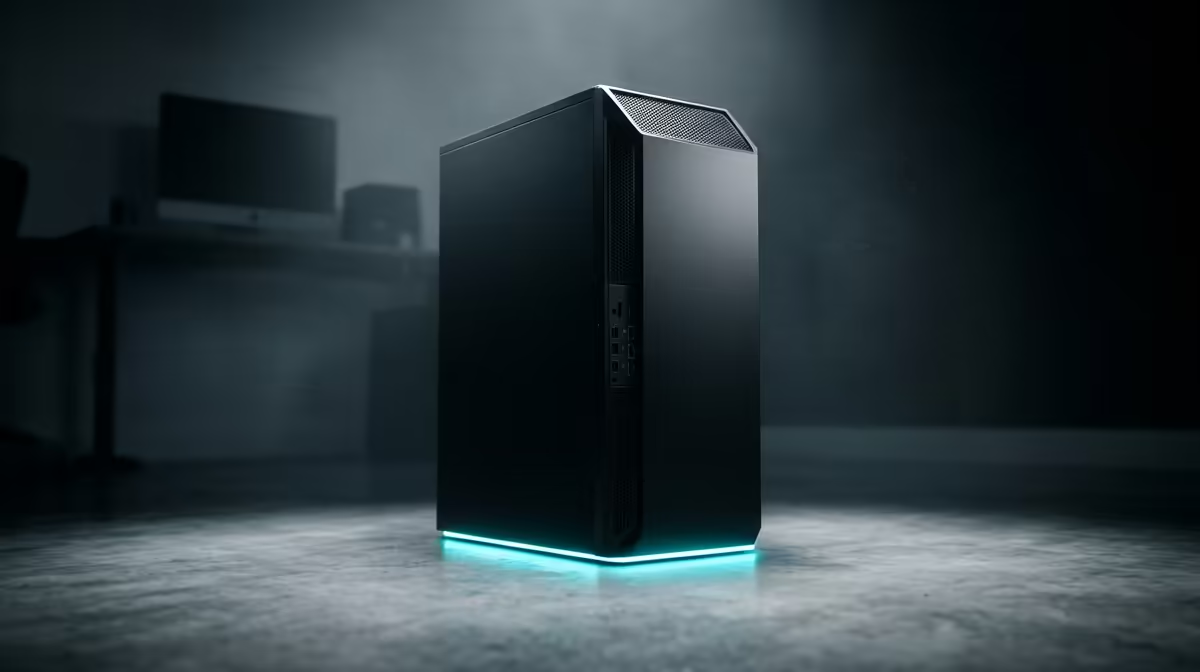
You do not need a server rack. A mini PC sips power, fits anywhere and is more than enough for a household's self-hosting needs. Models built around efficient low-power chips draw very little at idle, which matters when the machine runs around the clock. For a starting point on suitable hardware, the mini PC range at Evetech covers the compact, always-on class of machine that self-hosters favour. Pair it with a decent amount of RAM and reliable storage and you have a capable home server.
Self-Hosting Versus The Cloud
The honest trade-off is responsibility. A cloud service handles backups, uptime and security for you, which is exactly what you pay for. Self-hosting hands those jobs to you. You are responsible for keeping a backup of your data, for installing updates, and for securing remote access if you want to reach your files away from home. In return you get privacy, no ongoing fees and full ownership.
For some people that responsibility is a hobby they enjoy. For others it is a fair price for cutting subscriptions and keeping personal data off corporate servers. Either way, start small with one service, get comfortable, then expand. If you want a sense of which compact machines other buyers reach for, the popular small-form builds this season make a useful shortlist for a first home server.
Frequently Asked Questions
Do I need to be a programmer to self-host?
No, but you should be comfortable following technical guides and using a terminal occasionally. Tools like Docker make installing apps far simpler than it used to be, though self-hosting still asks more of you than clicking sign up on a cloud service.
Is self-hosting cheaper than paying for cloud services?
Over time, usually yes. You trade recurring monthly fees for a one-time hardware cost plus a small amount of electricity. The savings grow the more subscriptions you replace, though you take on the work of maintaining the machine yourself.
Is my data safe if I self-host?
It is private, since it stays on your network, but safety depends on you. You must keep your own backups and secure any remote access. A self-hosted setup with no backup is riskier than a cloud service, so plan a backup routine from day one.
Can I access my self-hosted apps away from home?
Yes, with the right configuration you can reach your services remotely, typically through a secure connection back to your home network. This adds setup complexity and is the part that most rewards careful attention to security.
What is the best hardware to start self-hosting?
A low-power mini PC is the popular starting point because it runs quietly around the clock, draws little electricity and handles a household's needs comfortably. Pair it with ample RAM and reliable storage for the best experience.
Ready to own your data instead of renting it? Start with a quiet, always-on machine from the mini PC range at Evetech and build your own private cloud.