



1000W PSU Planning for RTX 5090 Builds in SA
1000W for RTX 5090 needs a full-build check, not a simple yes. Review GPU guidance, CPU draw, transient load, connectors, PSU quality, and upgrade plans before deciding.
Read moreSynology DSM is a web-based NAS OS with a desktop-style browser interface and apps for backup, media, surveillance and productivity. It is widely regarded as the most polished consumer NAS OS on the market, with a large app ecosystem and regular security updates.
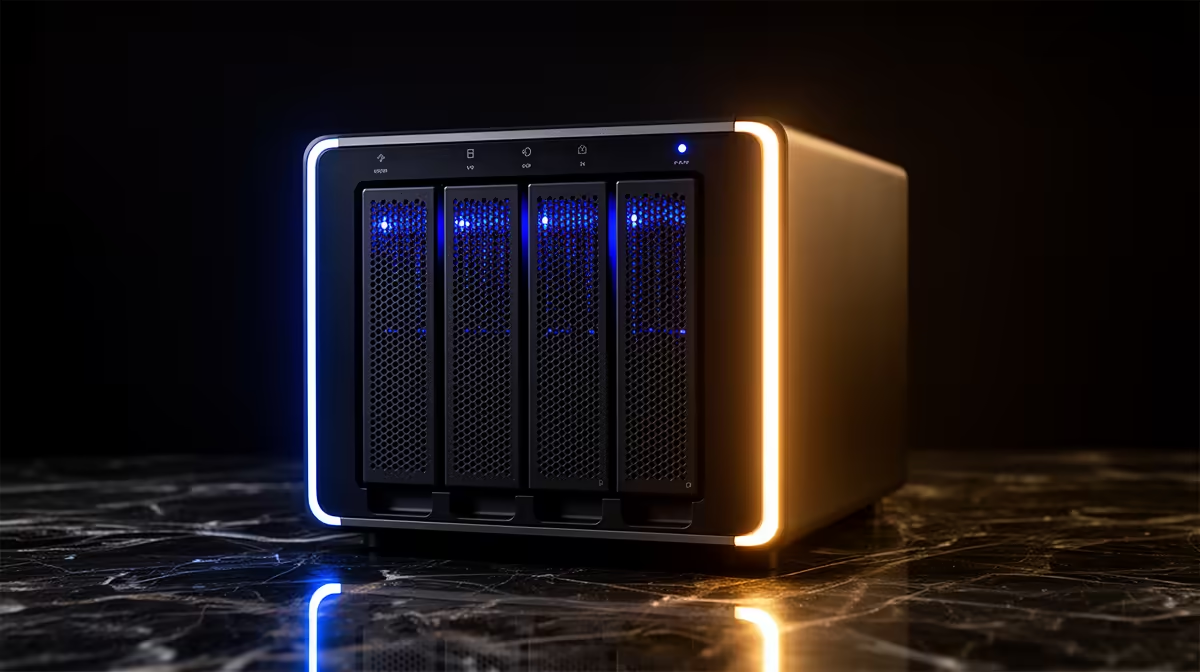
The hardware in a NAS is only half the purchase. The software is what you live with every day, and on a Synology box that software is Synology DSM, short for DiskStation Manager. It runs entirely in your web browser, looks and behaves like a desktop operating system, and is the main reason Synology keeps its reputation as the most polished consumer NAS platform around.
Synology DSM is the browser-based operating system that powers every Synology NAS. It presents a familiar desktop-style interface with windows, icons, and a control panel, plus a large library of apps for backup, media, surveillance, and productivity. Its polish, app ecosystem, and steady security updates are what set Synology apart from cheaper drive enclosures.
When you set up a Synology NAS, you do not stare at a command line. You open a browser, log in, and a full graphical desktop loads, complete with a taskbar, draggable windows, and a control panel that would not look out of place on a laptop. That is DSM. It manages the drives, the user accounts, the shared folders, and every app you install, all from that one interface.
This approachability is the whole point. A NAS is fundamentally a small always-on server, and most people do not want to administer a server from a terminal. DSM hides that complexity behind a layout anyone who has used a desktop can navigate, which is exactly why it gets recommended so consistently.
If you are weighing up a Synology purchase, the diskless NAS range at Evetech is where to see which models run DSM and how many drive bays each offers.
DSM ships with first-party applications that cover the jobs people actually buy a NAS for, and you add more from the Package Center as you need them.
For backup and data protection, DSM handles automatic backups from your PCs and phones and guards against drive failure and accidental deletion. For media, packages centralise your photos, music, and video so you can stream from any device on the network. For surveillance, the platform manages IP cameras and recordings. For productivity, there are collaboration and file-sharing tools that let a household or small team work from shared folders. Container Manager, the renamed Docker interface, lets more advanced users run containerised apps with a clean front end, and the virtualisation tools can host full virtual machines on capable models.
That breadth is the ecosystem advantage. Rather than stitching together separate services, you run them as integrated apps on one box.
DSM 7.2 leaned hard into security with features like WriteOnce shared folders, which use Write Once Read Many technology to lock data against modification or deletion for a set period or permanently, useful protection against ransomware and accidental changes. Full Volume Encryption protects data if a drive is physically stolen, and Adaptive Multi-Factor Authentication adds a confirmation step when an admin account is reached from an untrusted external connection.
Just as importantly, Synology keeps DSM patched with regular security updates, and the platform has moved on since 7.2, with DSM 7.3 arriving in late 2025 bringing further storage and security improvements. Steady patching is a real part of the value, since an always-on device exposed to your network needs to stay current.
Yes. DSM is the operating system that comes with every Synology NAS at no extra cost, and most of the core apps are free to install from the Package Center. You pay for the hardware, not the software.
Officially no. DSM is tied to Synology hardware and is not sold as a standalone product for third-party machines. If you want a NAS OS you can run on your own build, you would look at other platforms instead.
Not for the basics. The desktop-style interface is built for ordinary users, so creating shared folders, setting up backups, and installing apps are point-and-click tasks. More advanced features like containers and VMs are there when you want to grow into them.
Each major version adds features and security improvements. DSM 7.2 introduced immutable WriteOnce folders and volume encryption, and later releases such as 7.3 built on storage flexibility and security further. Keeping to the latest version your model supports is the recommended approach.
That depends on your model's processor and memory rather than DSM itself. Entry units comfortably run backup and media apps, while higher-end models with more RAM handle surveillance, containers, and virtual machines simultaneously.
DSM is the reason a Synology NAS feels less like raw storage and more like a personal server you can actually manage, so factor the software in alongside the bays and the processor. Browse the diskless NAS range at https://www.evetech.co.za/PC-Components/diskless-nas-storage-183 to find a model, then plan your drives from the SSD best sellers at https://www.evetech.co.za/ssd-best-sellers/x/1926.
Yes. DSM is the operating system that comes with every Synology NAS at no extra cost, and most of the core apps are free to install from the Package Center. You pay for the hardware, not the software.
Officially no. DSM is tied to Synology hardware and is not sold as a standalone product for third-party machines. If you want a NAS OS you can run on your own build, you would look at other platforms instead.
Not for the basics. The desktop-style interface is built for ordinary users, so creating shared folders, setting up backups, and installing apps are point-and-click tasks. More advanced features like containers and VMs are there when you want to grow into them.
Each major version adds features and security improvements. DSM 7.2 introduced immutable WriteOnce folders and volume encryption, and later releases such as 7.3 built on storage flexibility and security further. Keeping to the latest version your model supports is the recommended approach.
That depends on your model's processor and memory rather than DSM itself. Entry units comfortably run backup and media apps, while higher-end models with more RAM handle surveillance, containers, and virtual machines simultaneously.
1000W for RTX 5090 needs a full-build check, not a simple yes. Review GPU guidance, CPU draw, transient load, connectors, PSU quality, and upgrade plans before deciding.
Read more
RTX 5080 Super with a 750W PSU is more comfortable than lower wattage if the unit is quality. SA builders should still confirm GPU guidance, CPU draw, connector type, airflow, and upgrade room.
Read more
How to fix FPS drops after a RX 9070 XT starts with driver cleanup, chipset updates, thermals, and power checks. For SA gaming PCs, confirm PCIe seating, monitor refresh, frame caps, and per-game graphics settings before replacing parts.
Read more
How to fix low FPS Windows 11 Wi-Fi 7 issues starts by checking whether the problem is frame rate or network lag. Test ping, drivers, power settings, Ethernet, and game FPS before adjusting visuals.
Read more
AM5 is smart for SA builders because it supports newer Ryzen CPUs, DDR5 memory, and a longer upgrade path. Compare board cost, cooling, gaming needs, and local part availability before choosing your next PC platform.
Read more
AM5 gives Randburg gaming builders a longer upgrade path. For SA buyers, DDR5 support, newer board features, and future CPU options can justify the platform. Weigh board cost, cooler support, BIOS maturity, and upgrade timing before choosing.
Read more
RTX 5090 on a 550W PSU leaves almost no practical room for OC plans. Treat the setup as constrained, with CPU draw, power spikes, cable quality, thermals, and stability checks more important than chasing extra clocks.

FPS drops on a Ryzen 9 9950X3D build often have a fixable cause. Check settings, drivers, thermals, background tasks, network conditions, and bottlenecks before assuming a part must be replaced.

The difference between PCIe 5.0 and PCIe 4.0 for SA gamers is mostly bandwidth headroom. Compare GPU slot needs, NVMe speed, motherboard support, and upgrade timing before paying extra for a newer platform.

Gaming PC stuck pixel checks in South Africa should confirm the monitor fault first. Use colour tests, screenshot comparison, cable swaps, display menu checks, and clear photos before deciding on support.

AMD's current driver now lists a Radeon RX 9050 4GB, while product coverage details a narrowed memory system. SA buyers should weigh the low VRAM ceiling against current local Radeon options.

Samsung Display has demonstrated a 16-inch 2.5K OLED laptop panel running at 300Hz. SA buyers should wait for a named notebook, full panel specifications and a local price before planning an upgrade.

Microsoft says some Windows 11 game crashes after recent updates are linked to RGB-related drivers. Affected SA gamers should confirm the update and driver before using the published registry workaround.

Thermalright's Fan Frame Vision-1 adds a 640x172 status screen to a standard 120mm fan. SA builders should check clearance, USB routing and local support before treating it as an easy upgrade.
1000W for RTX 5090 needs a full-build check, not a simple yes. Review GPU guidance, CPU draw, transient load, connectors, PSU quality, and upgrade plans before deciding.

Wi-Fi 6E vs Wi-Fi 6 matters for 4K video editing when files move across a network. The real-world difference between Wi-Fi 6E and Wi-Fi 6 for video editing in 4K depends on NAS access, cloud uploads, router range, and SA creator workflows.
RTX 5080 Super with a 750W PSU is more comfortable than lower wattage if the unit is quality. SA builders should still confirm GPU guidance, CPU draw, connector type, airflow, and upgrade room.

Wi-Fi 6E vs Wi-Fi 6 for Video Editing in 4K comes down to router support, latency, client devices, band support, and home network layout. SA buyers should match the choice to their setup instead of assuming one option always wins.