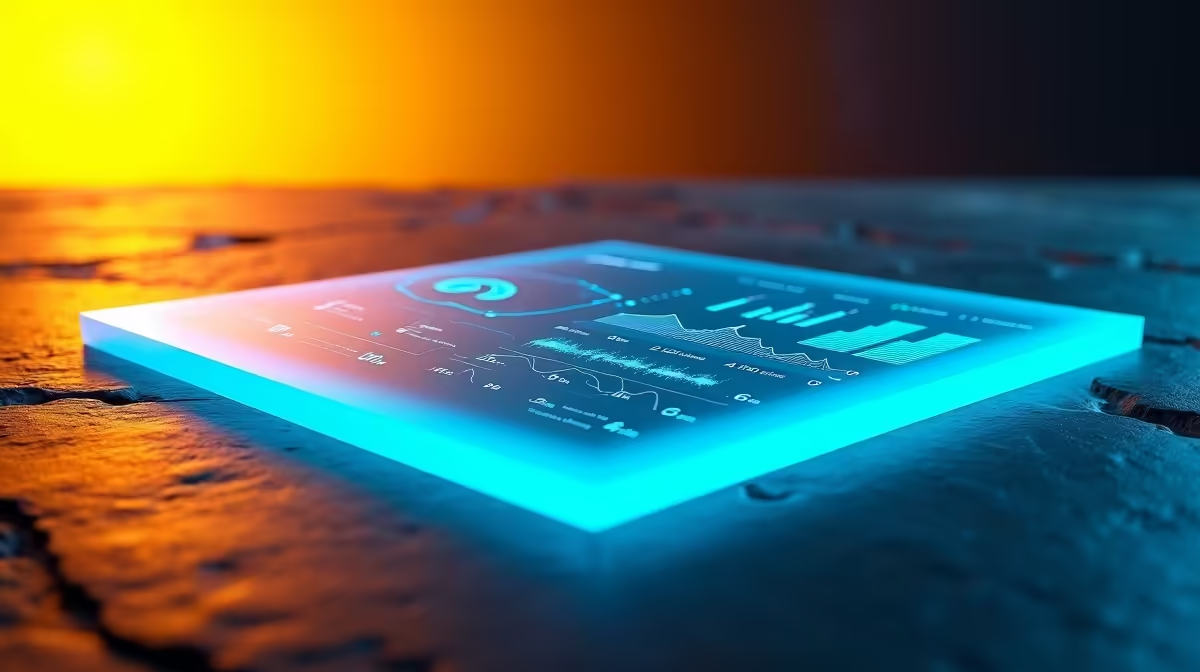
Most households treat electricity as a black box: money goes in, lights come on, and the bill arrives with no explanation. The Home Assistant Energy Dashboard turns that box into a clear picture, charting exactly where your watts go by pulling consumption, solar production, and grid usage from compatible smart meters and plugs. For an SA home running on prepaid units, it is a genuinely practical way to see what is draining your balance.
Quick Answer
The Home Assistant Energy Dashboard is a built-in tool that visualises your household electricity use over time, including grid consumption, solar generation, and per-device draw. It has shipped with Home Assistant since the 2021.8 release. You feed it data from a power monitoring device, a whole-home energy meter, a smart plug, or your meter's data port, and it shows you trends, costs, and the biggest consumers in your home.
What the Dashboard Shows You
Once it has data, the dashboard breaks your energy picture into clear flows: how much you draw from the grid, how much your solar panels produce if you have them, how much you send back, and how individual devices contribute. With a tariff price entered, it also estimates cost, so a vague monthly bill becomes a granular, near real-time view of where every unit goes.
For South African homes, the value is sharpest around prepaid electricity. Watching consumption trends day by day shows you which appliances eat the most units and when, which is exactly the insight you need to make your prepaid balance last longer.
The Hardware That Feeds It
The dashboard only displays data; something has to measure it. You have three broad options. A whole-home energy monitor clamps onto your main supply and reports total household draw. Per-device smart plugs that report energy use, such as the Tapo P110 or equivalent Shelly units, track individual appliances. Or, if your meter supports it, you can read its data port directly.
Each sensor needs to report energy in kilowatt-hours with the right metadata so Home Assistant recognises it as an energy source. Whole-home monitors give you the big-picture grid figure; smart plugs are how you pin down the specific culprits behind a high bill. Compatible monitoring hardware, from clamp meters to energy-reporting smart plugs, is stocked in Evetech's smart home section.
Setting It Up in Practice
The flow is straightforward. Add your monitoring device to Home Assistant through Settings, then Devices and Services, so its energy sensor appears. Open Settings, Dashboards, then Energy. Add your consumption sensor under the Electricity Grid section, and enter your tariff price if you want cost tracking. If you have solar, add your inverter's production sensor under Solar Panels, and configure a return-to-grid sensor if you export. Add any smart-plug sensors to track individual devices. Home Assistant then starts building its charts, and the picture sharpens as more days of data accumulate. To extend the setup with more plugs over time, check what is moving in Evetech's accessories best sellers.
Frequently Asked Questions
Do I need solar panels to use the Energy Dashboard?
No. Solar is optional. The dashboard works perfectly for tracking grid consumption alone, which is the main use for most households. You add solar and battery sensors only if you have that equipment.
Will it work with SA prepaid electricity?
Yes. It tracks consumption regardless of how you pay, so it is well suited to monitoring how fast you are burning through prepaid units and which appliances are responsible for the heaviest draw.
What hardware do I need to start?
At minimum, one power monitoring device that reports energy in kilowatt-hours. That can be a whole-home energy monitor for total usage or a smart plug for a single appliance. The dashboard itself is built into Home Assistant at no extra cost.
Can I track individual appliances?
Yes. Smart plugs that report energy use let you monitor specific devices, so you can see exactly how much a geyser, fridge, or PC contributes to your total. Add each plug's sensor to the dashboard to break out per-device figures.
Is the Energy Dashboard free?
The dashboard is a built-in Home Assistant feature with no charge. Your only cost is the monitoring hardware that supplies it with data.