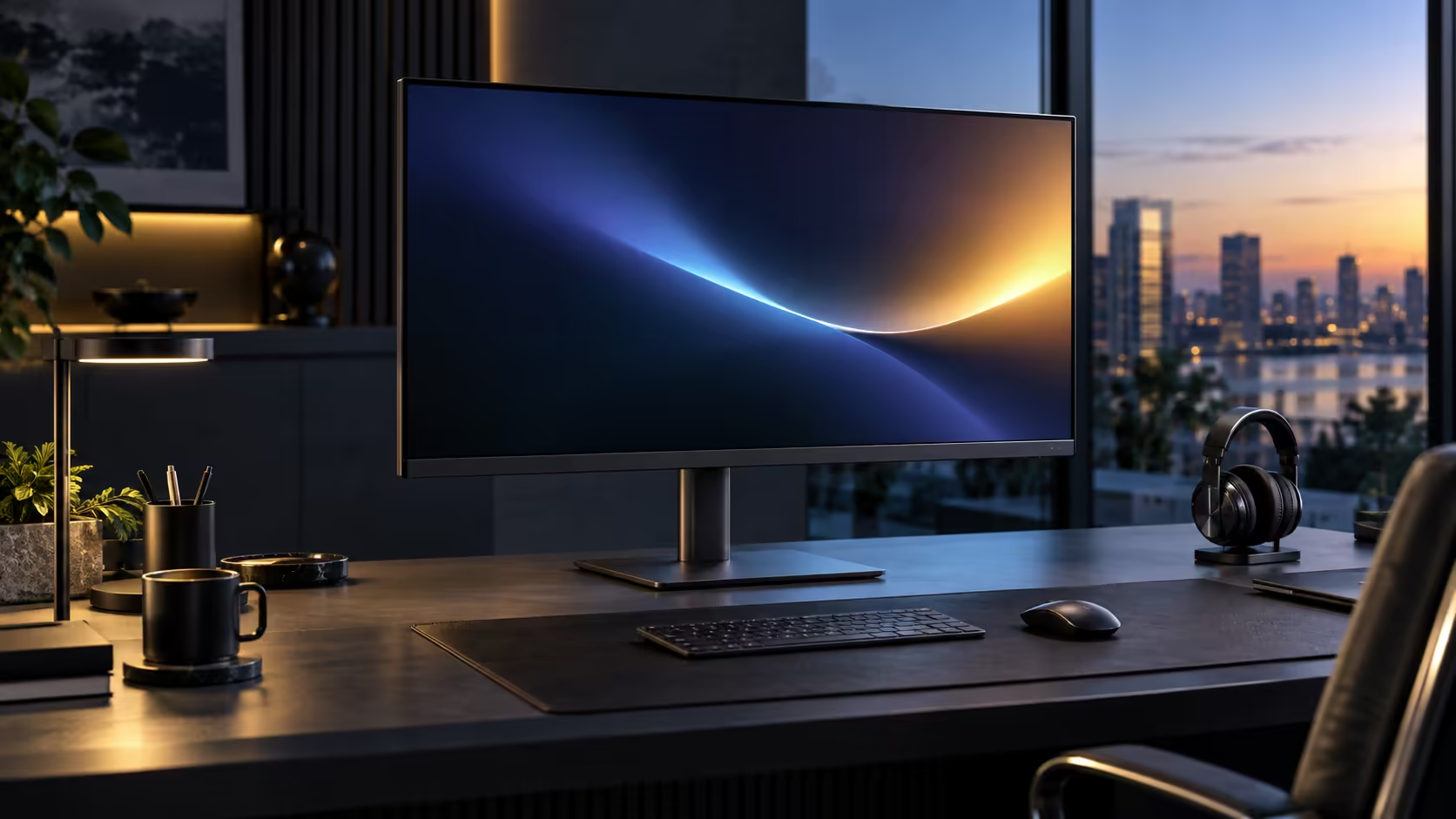
Getting viewing distance wrong on a 32-inch screen is the single most common reason people find a large monitor uncomfortable, and it is also the easiest thing to fix, since it costs nothing beyond moving the desk or chair a little. Dell's Pro 32 Plus P3225DE, at R8,799, has a specific, measurable answer for how far back to actually sit.
Quick Answer
About 70 to 90cm suits a 32-inch QHD screen at normal scaling. That is close enough to read body text without leaning in, and far enough that your eyes are not sweeping from corner to corner. The R8,799 Dell Pro 32 Plus is sold as a 31.5-inch panel.
📏 Why 70 to 90cm is the right range for this specific size and resolution
This range is not an arbitrary suggestion; it balances two competing needs that both matter for comfort.
Sit closer than 70cm and a 32-inch panel begins to fill more of your peripheral vision than is comfortable for sustained work, requiring more eye and head movement to take in the full width. Sit further than 90cm and text starts to look smaller than ideal at this panel's roughly 93 pixels per inch density, pushing you to either increase Windows scaling or accept slightly harder-to-read small text. The 70 to 90cm band sits in the middle, where the whole screen fits comfortably in view and text remains legible without adjustment.
🪑 Translating that distance into an actual desk setup
A distance figure only helps once it is translated into where your chair and desk actually need to sit relative to each other.
Measure from where your eyes naturally sit when seated normally to the front of the monitor's screen, not the edge of the desk, since stands and mounting arms add some depth of their own. If your current desk puts you closer than 70cm at this screen's default position, sliding the monitor further back on the desk, or moving the whole desk slightly further from the wall, closes that gap without needing new furniture.
👁️ What happens if you cannot comfortably reach 70cm
Not every desk has room to spare, and it is worth knowing the practical fallback if the ideal distance is not achievable.
If your desk genuinely cannot accommodate 70cm of viewing distance, increasing Windows scaling from 100% to 110% or 125% compensates by making text and interface elements larger at whatever closer distance you are stuck with, trading away some of the extra desktop space this resolution and size combination otherwise provides. This is a reasonable compromise rather than a failure, and it is worth doing deliberately rather than simply enduring text that feels slightly too small at a distance that is too close.
📐 Adjusting the stand to match your distance, not just your height
Distance and height adjustment work together, and getting one right while ignoring the other leaves the setup only half-solved.
Once your viewing distance is set, adjust the stand's height so the top third of the screen sits level with your eyes at that specific distance, since the correct height can shift slightly as distance changes. The Dell Pro 32 Plus P3225DE's stand covers height, tilt, swivel and pivot, giving enough range to dial in both together rather than compromising on one to fix the other. The full office monitor range is worth a look, a VESA arm from monitor accessories helps if that is still not enough travel, and a desk mat tidies the rest of the desk.
Frequently Asked Questions
What happens if I sit too close to a 32-inch monitor?
The screen fills more of your peripheral vision than is comfortable, requiring more eye and head movement to see the full width clearly.
Does 70 to 90cm apply to gaming as well as office work?
This range is specifically for comfortable office and productivity work; gaming distance preferences vary more by personal taste and the type of game being played.
Can Windows scaling fully compensate for sitting closer than ideal?
It compensates for text size, making content easier to read at a closer distance, though it does not solve the wider field-of-view issue that comes with sitting too close to a large panel.
Is 90cm the maximum comfortable distance, or can I sit further back?
90cm is a practical upper guide for keeping text comfortably legible at 100% scaling; sitting further back is fine if you are comfortable increasing scaling or reading larger text.
Ready to find the right distance for your own desk?
Measure from your eyes to the screen, then adjust height and scaling together once distance is set.