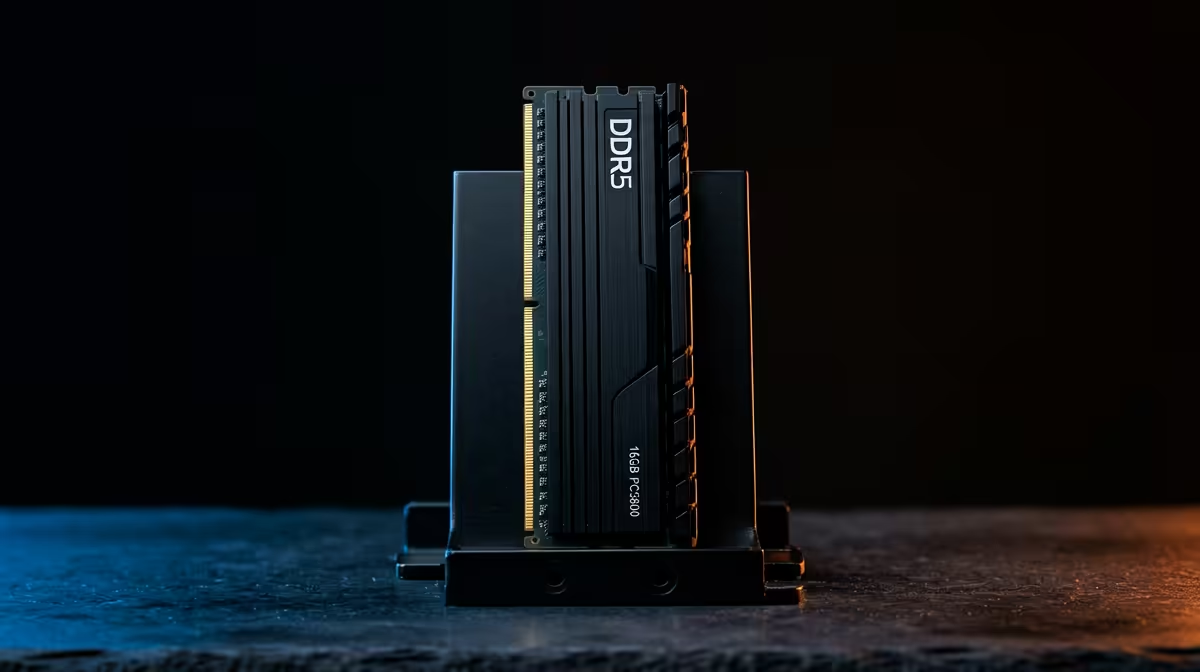
DDR5 buying comes down to capacity over headline speed, matched to what you actually run on home lab servers. The common mistake is paying for DDR5-7200 while skimping on the gigabytes that keep real work smooth.
Quick Answer
For home lab servers, capacity beats speed, so 64GB or more of DDR5 matters more than tight timings, and the real question is ECC. DDR5 has on-die ECC, but that is not full ECC; for true ECC you need ECC UDIMMs plus a supporting board like AM5 Pro or Intel W680. A 64GB non-ECC DDR5 kit runs around R3,500-R5,000 at Evetech.
The ECC Question Home Labs Miss
Many buyers think DDR5's on-die ECC protects their VMs. It only corrects errors inside the chip, not across the bus, so it is not the data-integrity ECC servers rely on. For a serious home lab running databases or storage, fit ECC UDIMMs on a board that supports them (AM5 with a Pro 4000-series chip, or Intel W680). ECC kits run a little slower, which barely matters for server workloads.
Capacity And Platform For A Home Lab
More RAM lets you run more VMs and containers, so 64GB is a sensible floor and 128GB suits heavier labs. Speed past DDR5-5600 gives almost nothing on server tasks, so do not pay for DDR5-7200. For home lab servers, choose the platform first: confirm ECC UDIMM support on the board, then buy capacity over headline frequency.
FAQ
Is 32GB or 64GB DDR5 better for my use?
For gaming, study and most creation, 32GB at around R2,200-R3,200 is the sweet spot. Heavy 4K editing, large datasets, home labs or many VMs justify 64GB at around R3,500-R5,000. Capacity helps more than speed for those tasks.
Does DDR5 speed really matter?
Less than capacity for most workloads. DDR5-6000 CL30 is the practical sweet spot on AM5; DDR5-7200 costs more for gains you rarely feel. Fit the data in RAM first, then consider speed.
Do I need ECC DDR5 for a server or home lab?
DDR5's on-die ECC is not full ECC. For real data-integrity protection you need ECC UDIMMs on a supporting board like AM5 Pro or Intel W680. For gaming and general use, standard non-ECC DDR5 is fine.
for your workload first, then enable the EXPO or XMP profile so the kit runs at its rated speed. For most SA builds, 32GB DDR5-6000 is the value sweet spot; step to 64GB only for heavy work.