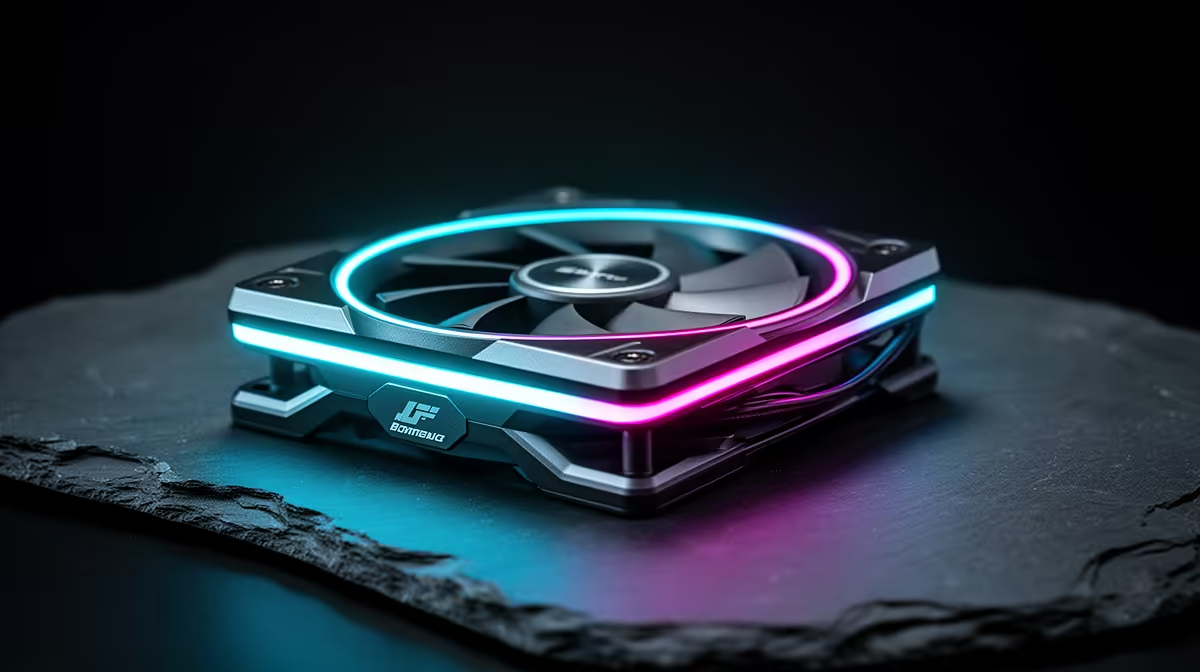
A travel-friendly study rig is usually small and lives in res, a flat, or a backpack between home and campus. The priority is quiet, reliable cooling, so several flashy fan specs simply do not matter and waste budget.
Quick Answer
When buying case fans for a travel-friendly study setup, ignore RGB lighting, extreme RPM ratings, and exotic high static-pressure claims; a compact build needs quiet, efficient airflow, not show. Two or three quality 120mm fans near R450 to R750 keep a small-form-factor or mini PC cool and unobtrusive in res or a shared space.
Ignore RGB and the lighting tax
RGB fans cost R150 to R300 more each and add nothing to cooling, while drawing extra cabling that clutters a compact case. For a study setup you carry around, that complexity and cost are pure downside. A plain R200 fan with a fluid-dynamic bearing cools just as well and stays quieter during late-night essay sessions in a shared room.
Ignore extreme RPM and over-spec airflow
Fans advertising 2000-plus RPM and huge CFM figures are aimed at heavy gaming towers, not a small study PC that rarely stresses its cooling. High RPM means more noise for performance you will not use. A fan that peaks around 1200 to 1400 RPM near 25 dBA is quieter and more than enough for a compact build doing coursework and light gaming.
What to actually prioritise
Focus on low noise, a quality bearing for longevity through transport, and the right size for your small case, often 120mm or 92mm. Quiet, efficient airflow keeps a mini or small-form-factor PC stable without drawing attention in res. Spend the R450 to R750 saved by skipping RGB and overkill fans on storage or RAM, which a study machine feels far more.
FAQ
Is RGB worth it on study setup case fans?
No. RGB adds R150 to R300 per fan and extra cabling without improving cooling. For a compact, portable study PC, a plain quiet fan with a good bearing is the smarter buy.
Do I need high-RPM fans for a small study PC?
No. High-RPM, high-CFM fans suit heavy gaming towers and just add noise on a small study rig. Fans peaking around 1200 to 1400 RPM near 25 dBA cool a compact build quietly and adequately.
What matters most in case fans for a portable setup?
Low noise, a durable bearing that survives transport, and the right size for your small case. Quiet, efficient airflow beats flashy specs, and the money saved is better spent on an SSD or RAM.
Skip RGB and over-spec fans for a portable study PC; pick two quiet 120mm fans near 25 dBA and put the saved R450 toward more storage or RAM.