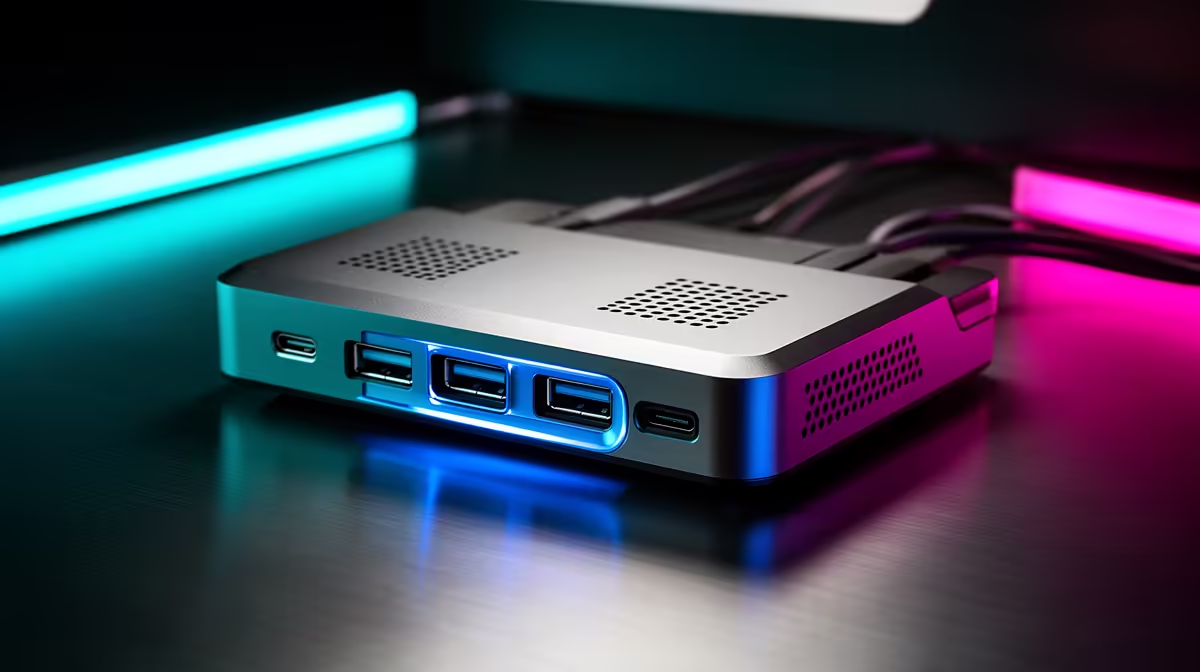
Docking station spec sheets are crowded, and for a clean cable-managed desk most of the headline numbers do not matter. The goal is fewer, tidier cables, not the longest feature list. This guide separates the specs that genuinely reduce clutter from the ones that just inflate the price for a South African buyer.
Quick Answer
For a clean cable-managed setup, the overrated specs are extra legacy ports you never use, marketing-grade 100W passthrough you do not need, and triple-display support on a single-monitor desk. What matters is one upstream USB-C cable, the right number of downstream ports, and a dock that mounts out of sight, typically R1,500 to R4,500.
Overrated: Port Count And Legacy Connectors
A 13-in-1 dock looks impressive but adds bulk and unused sockets. For a tidy desk, count the ports you actually plug in daily, usually a monitor, keyboard, mouse, headset and one storage device, and buy for that plus one spare. Legacy VGA and extra USB-A ports rarely earn their place. A focused 6-to-8-port dock keeps cables minimal and the unit small enough to hide behind the monitor.
Overrated: Maximum Power Passthrough You Will Not Use
Docks advertise 85W to 100W USB-C power delivery, but a thin-and-light laptop often charges happily on 65W. Paying for 100W passthrough only matters if you run a power-hungry 15-inch creator laptop. Match the wattage to your actual machine so you are not funding headroom you never touch, and you free up budget for better build quality or a single-cable design.
What Actually Matters: One Clean Upstream Cable
The spec that truly reduces clutter is a single USB-C upstream cable carrying display, data and power together. Pair that with a dock you can mount under the desk or behind the monitor, and route everything through one channel. DisplayLink versus native DP Alt Mode matters only if you need extra displays; for one or two monitors, native passthrough keeps things simple and lag-free at 1440p 60Hz.
FAQ
Do I need a dock with lots of ports for a tidy desk?
No, count the ports you use daily and add one spare. A focused 6-to-8-port dock stays smaller and creates far less cable clutter than a 13-in-1 unit full of sockets you never touch.
Is 100W power delivery worth paying for?
Only if your laptop genuinely draws that much, like a 15-inch creator machine. Many thin-and-light laptops charge fully on 65W, so the extra wattage is often wasted spend.
What single feature keeps a docked setup cleanest?
One USB-C upstream cable carrying video, data and power together. It replaces a tangle of separate leads with a single connection you can route neatly out of sight.
Pick an Evetech docking station sized to the ports you actually use, with a single USB-C upstream cable, then mount it behind your monitor for a genuinely clean desk.