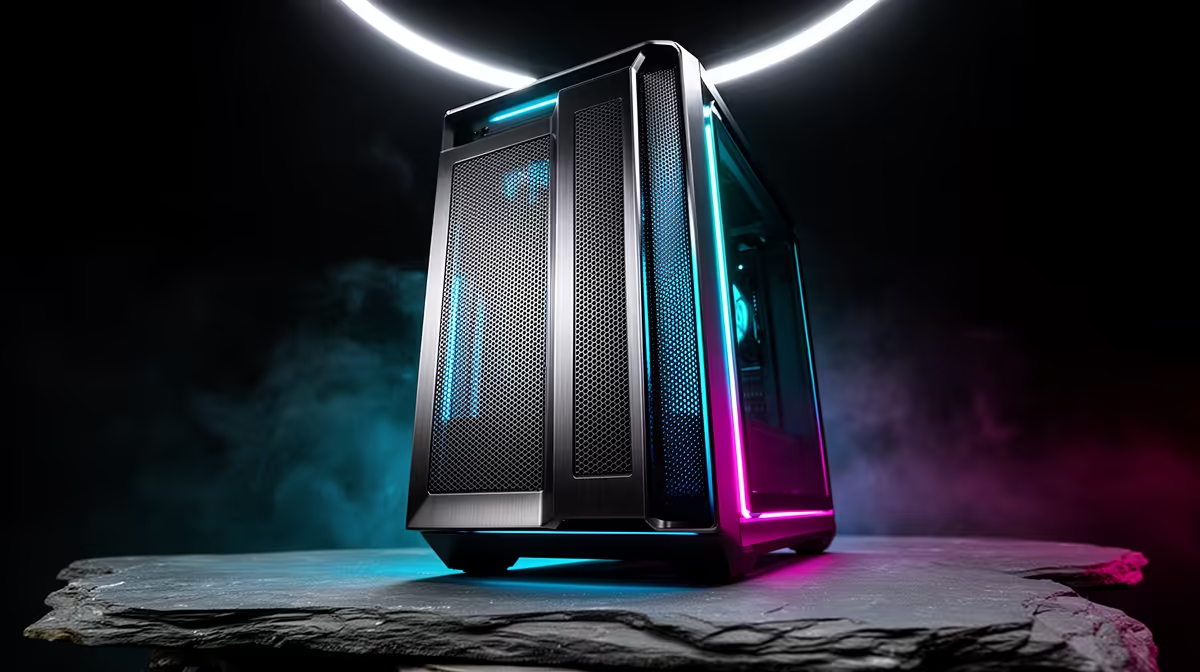
Case spec sheets list a dozen features, yet only two or three of them actually change how a budget build feels day to day. When money is tight, an atx mid-tower case earns its keep mostly through fan support and a quick front-panel USB port, with everything else counting as a bonus rather than a deciding factor.
Quick Answer
On a South African budget build, put fan support and a fast front USB port ahead of everything else, since both affect daily use and future upgrades directly. The Antec NX410 covers both for R1,199, with room for six fans and a quick USB port up front alongside a legacy port and audio.
🌀 Fan Support Comes First
A case limited to two or three fan positions caps your airflow options for the life of the build, while one with room for six, like this model, leaves space to add cooling later as budget allows rather than forcing a case swap down the line. Pre-installed ARGB fans mean the first batch of cooling and lighting is already sorted at the base price, which matters when every extra rand needs to go toward the CPU or GPU instead.
🔌 A Fast Front Port Earns Its Keep Daily
A quick USB port on the front panel gets used constantly: moving files, running an installer off a flash drive, or plugging in an external drive without reaching behind a desk for the rear ports. Paired with a legacy USB port and front audio, the connectivity on this case covers what a budget build actually uses on any given day, rather than ports that sit idle.
🪟 Everything Else Counts as a Bonus
Tempered glass, colour choice, and radiator mounting for a sizeable front unit plus a smaller one overhead matter for looks and future upgrades, but they rarely shift the daily feel of a budget build the way fan count and front ports do. Getting those two essentials sorted, then treating the rest as extra, keeps a tight budget focused on what shows up in day-to-day use.
Full specifications sit with this case in white, while other Antec sizes and finishes are worth a look if this exact model does not suit your build, and the case fan range covers anyone filling in remaining fan positions later.
Frequently Asked Questions
What case feature matters most on a tight budget?
Fan support and a fast front USB port matter most day to day, since they affect cooling flexibility and everyday convenience more than looks-driven features.
Does this case ship with enough fans for a budget build?
It arrives with pre-installed ARGB fans and room for six total, giving a solid starting point without needing an immediate upgrade.
Is tempered glass worth paying extra for on a first budget build?
It is a nice-to-have rather than essential, since it changes appearance more than performance, so prioritise fan and port count first on a tight budget.
Should radiator support influence a first budget build's case choice?
Only if liquid cooling is planned soon, since air cooling through the pre-installed fans handles most budget builds without needing that radiator clearance at all.
Does the front USB port run any slower than a rear motherboard port?
No. The speed is identical, since both connect to the same motherboard controller, making the front port a convenience upgrade rather than a performance one.
Is paying more for a six-fan-mount case worth it on a first budget build?
Usually yes, since filling those mounts gradually as budget allows works out cheaper than replacing a case later once a two or three-fan model runs out of room.
Ready to focus on what actually matters here?
Go shop the Antec build via Evetech's case range for R1,199 as listed. It's aimed at SA budget builds that need airflow over extras.