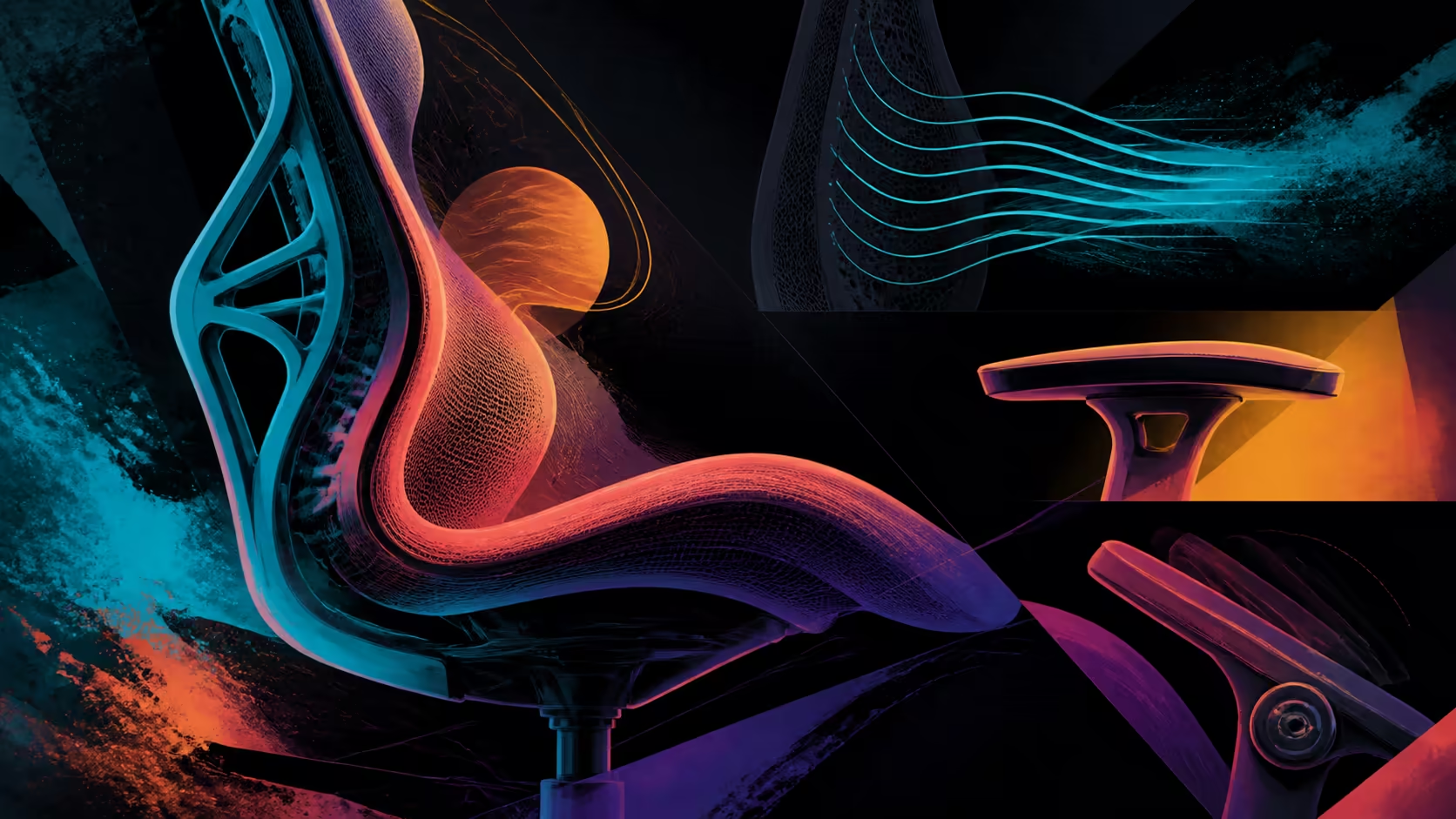
Long desk sessions magnify basic fit, forearm reach and support contact. The gaming chair features for long desk sessions that matter most are those that maintain workable positions and allow change.
Quick Answer
Check body fit before extras, then assess arms, lumbar, climate and position variety. The R16,599 AutoFull M6 Pro+ 2.0 provides dynamic lumbar, ventilation, heating, 6D folding armrests and a 160-degree recline. None can guarantee pain-free sitting.
📏 Begin with fit
Measure the intended user against the chair and desk at every contact point. Its 150kg maximum governs capacity, not seat geometry, backrest fit or forearm reach.
Browse Evetech's AutoFull gaming chair range after defining the basic fit requirements.
🦾 Align arms and lumbar
Relax each shoulder while placing the forearm supports near the active input. M6 Pro+ arm positioning covers 360 degrees and includes folding; lumbar contact responds independently as the sitter moves.
Test both through normal task changes. Exact arm axes and any lumbar control should follow the chair's model design.
🌡️ Place climate in context
Ventilation may help with warm seat conditions, while heating answers colder ones. Check controls, power and settings directly; do not assume temperatures or fan noise.
Keep climate and positional support as separate comparison tracks across Evetech's gaming chairs for South African setups.
↔️ Use position variety
The backrest reaches 160 degrees, but deep recline is not essential for active desk work. Smaller changes and regular movement may be more relevant to the routine.
At R16,599, score frequent adjustments above dramatic endpoints. A chair can improve setup options without preventing discomfort or treating a health issue.
Trace a real desk-session timeline. Begin with the first focused work block, add the moments when the input device changes, mark ordinary breaks and finish with any gaming period. Beside each stage, note the chair adjustment actually made. This reveals whether arm movement, lumbar response, neck support or recline serves repeated transitions instead of remaining a rarely used capability.
Pass the chair through a fit gate before scoring extras. Confirm body measurements against the chair, relate its positions to the desk and keep total seated load inside the limit. For shared use, make a separate map for each person. A setting that works during one task or for one user should not be treated as proof for the rest of the routine.
Evaluate climate on another line so warmth does not obscure posture changes. Record when ventilation is wanted, when heating is relevant and which operating details still need confirmation. Include scheduled movement away from the chair in the session plan. Position variety can support a more flexible setup, but neither a long feature list nor continuous sitting establishes wellbeing.
At the end of a week, compare intended adjustments with the ones actually made. A recline endpoint may look important on the shortlist yet never enter the desk timeline, while a small arm or lumbar change may occur repeatedly. Reweight the features according to this evidence. Long-session value comes from supporting ordinary variation and an appropriate routine, not encouraging someone to remain seated longer.
Carry the revised ranking into a second week and see whether it holds. If a function disappeared once the user stopped consciously testing the chair, lower its score. If a modest adjustment kept returning during task changes, document that pattern. The follow-up prevents first-week attention from inflating the value of unfamiliar controls.
Frequently Asked Questions
Which feature should be checked before extras?
Body and desk fit should pass before climate modes or maximum recline are assigned value.
How can dynamic lumbar help a long session?
It can maintain changing lower-back contact as the user moves through ordinary seated positions.
Why do armrests matter at a desk?
They help align forearms with controls without forcing the shoulders upward or extending the reach.
Where do ventilation and heating fit?
They manage warm or cold seat conditions after fit and support requirements are understood.
Is a 160-degree recline essential for desk work?
No. It expands break range but does not replace a suitable active task position.
Can these features prevent discomfort?
No chair package can guarantee pain prevention or a medical outcome.
Ready to prioritise the functions used throughout a desk session?
Explore Evetech's gaming chairs after checking fit, forearm reach, support contact and practical position changes.