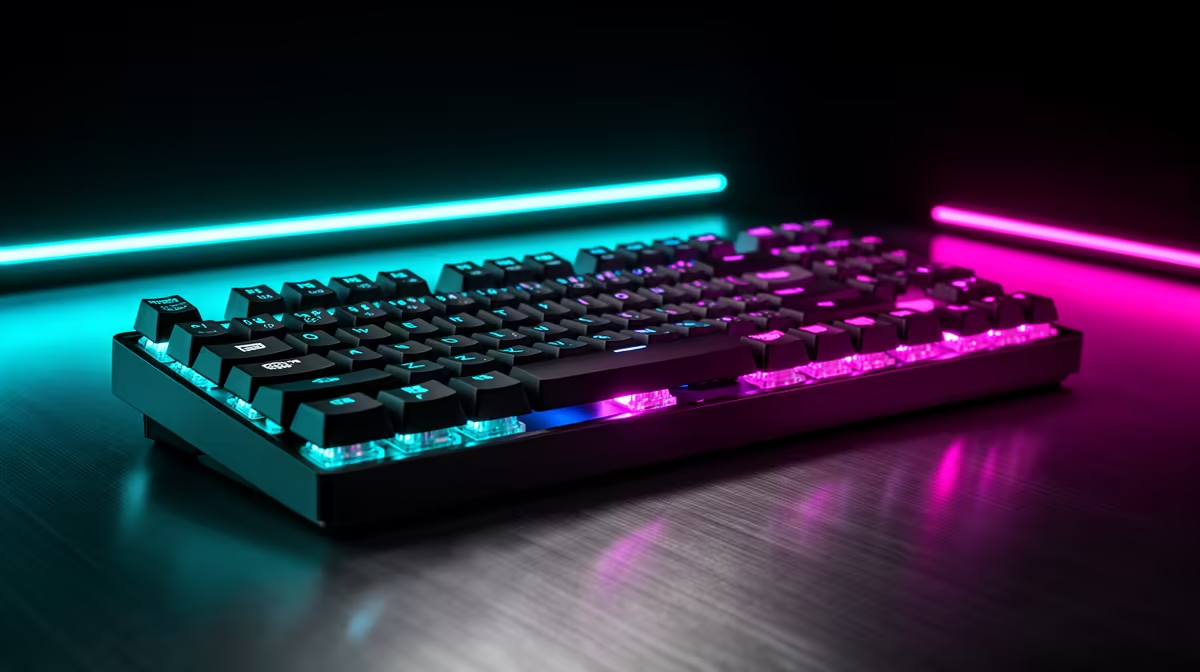
Recording lectures makes a gaming keyboard's loud switches and flashy specs work against you, because anything that clacks lands on the capture. Knowing which keyboard features are overrated for lecture recording keeps your audio clean and your spend sensible on a student budget.
Quick Answer
For recording lectures, clicky switches, RGB and high polling rates are overrated; quiet switches, a stable wired link and a comfortable layout matter most. A R900 to R1,800 quiet board such as a Redragon with silent switches or a Keychron K8 keeps typing off the recording.
Lecture-Recording Specs That Are Overrated
Clicky blue switches are loud and ruin a quiet recording, while RGB and 8,000Hz polling add cost with zero audio benefit. A numpad you rarely use during note-taking just widens the board and pushes the mic further away. The real priorities for capturing lectures are quiet tactile or linear switches, a compact TKL or 75% layout, and a reliable wired connection so a note never drops while you are mid-capture.
Quiet Student Boards In Rand
A Redragon TKL with silent or brown switches at R700 to R1,200 is the budget pick that keeps clack off the recording. The Keychron K8 around R1,400 to R2,200 adds a quality brown-switch typing feel and doubles as a daily driver for assignments. Spend the saving on a clip-on lavalier or USB mic near R700 to R1,500, which improves your lecture audio far more than any keyboard upgrade at this level.
Capture Setup For Clean Lecture Audio
Place the keyboard 30cm-plus from the mic and type lightly during the parts you record, or pause notes during key moments. Use a cardioid USB mic so off-axis key noise is rejected, and run the keyboard wired so the link never stutters during a long capture. Back the recording to a 1TB external the same day, since a lost lecture costs more than any board you could buy.
FAQ
What keyboard is quiet enough to record lectures near?
A board with silent-red or brown switches like a Keychron K8 or a quiet Redragon TKL keeps clack off the capture. Avoid blue clicky switches entirely for recording.
Do I need a numpad for lecture note-taking?
No, a TKL or 75% layout is enough and keeps the mic closer and the desk tidier. Skip the numpad unless you do heavy data entry.
Wired or wireless keyboard for recording?
Wired is safer because it never drops a keystroke mid-capture and adds no battery worry. Reserve wireless for casual use where a dropout is harmless.
silent-switch TKL board 30cm from a cardioid USB mic, and back each lecture recording to a 1TB external the same day.