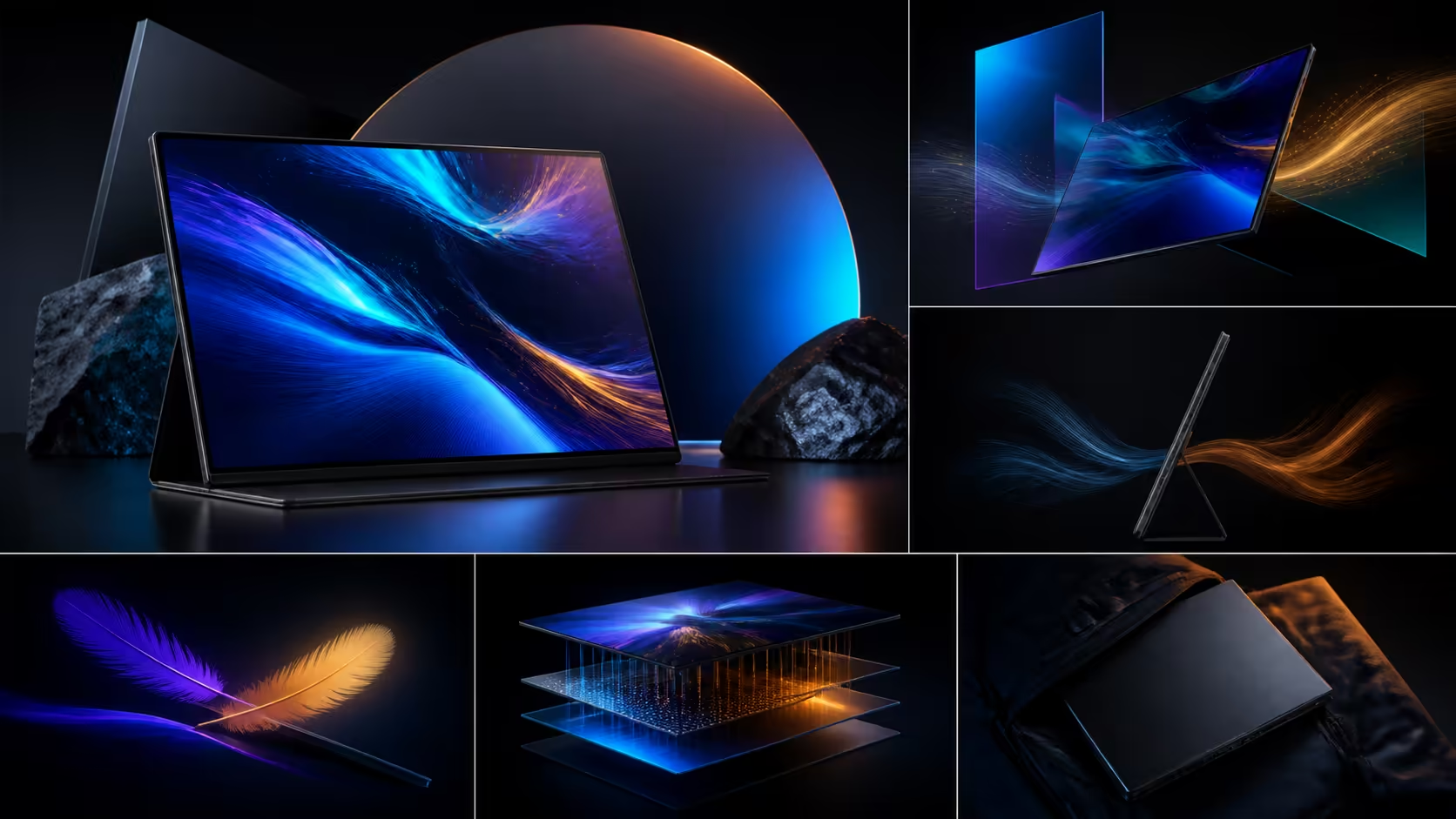
The best-value portable gaming feature is the one that removes a repeated constraint at the lowest complete cost. A portable gaming monitor value in ZAR score should keep resolution, refresh, response, image and mobility separate. The UPERFECT UColor O2 is R7,199.
Quick Answer
The best ZAR value comes when one R7,199 monitor supplies both 3K wide-gamut creative work and 120Hz 1ms gaming in a mobile format.
At R7,199, the UColor O2 offers value when its 3K OLED workspace, 120Hz refresh, 1ms response specification and USB-C single-cable route all serve the buyer. Give 500-nit HDR and 10-bit colour their own tests. Keep console modes, input latency, calibration and travel durability outside the score until an exact setup has been tested.
🧭 Rank mandatory gaming rows
Write the source device, game, target resolution, preferred refresh and connection before comparing prices. A 120Hz screen deserves value only when the source supplies useful frames and the player benefits from the motion.
Use Evetech's portable gaming-monitor category to compare complete candidates.
🧭 Keep response and latency apart
The UColor O2's 1ms figure concerns a panel transition. Controller, game, rendering and transport contribute to the full delay. Score visible motion and control feel separately with one repeatable setup.
Avoid turning a response label into a guaranteed competitive advantage.
🧭 Give image features a purpose
The 16-inch 2880x1800 OLED panel supports HDR and 10-bit colour. Test dark scenes, scaling and the intended room. Creative buyers should measure gamut and calibration, while gamers may care more about shadow readability and motion.
An image capability that remains unused deserves less value than a benefit serving the buyer every day.
🧭 Price connection and travel
On the exact host and lead, verify that USB-C supplies power, holds the picture and reaches the chosen audio destination. Protect the 6.5mm panel and include only required accessories in the total. If mobility is unnecessary, compare a fixed screen through Evetech's PC-monitor range.
The strongest ZAR value clears mandatory rows with the fewest costly workarounds.
Use rejection reasons to refine value
For every candidate removed, write one cause tied to the source, screen, room or bag. Avoid vague phrases such as less premium. A clear rejection might be an absent display mode, uncomfortable scaling or a connection route that does not recover.
These reasons remain useful when prices change, because the buyer can revisit the exact failed condition instead of rebuilding the whole shortlist.
Compare cost per repeated outcome
Divide the complete tested price across the mandatory jobs the monitor performs each week. Do not count five specifications as five outcomes when they all serve the same gaming session. Include setup time or an extra accessory only where it is observed.
The calculation is a personal decision aid, not a market benchmark. It helps show whether R7,199 replaces enough friction for this buyer.
Set a maximum workaround budget
Decide how much extra money and setup time the buyer will accept before the shortlist begins. Add a cable, protective sleeve or fixed reference only after it solves a failed mandatory row. If the limit is exceeded, reject the arrangement rather than hiding the cost.
This rule keeps ZAR value attached to complete ownership and prevents a low monitor price from winning through missing essentials.
Remove one premium feature
Use the UColor O2 at a lower refresh or without HDR for a normal session, while keeping resolution and connection stable. Note which repeated tasks become worse. A feature that can disappear without consequence should receive less value than reliable USB-C operation or readable workspace.
Subtraction makes the buyer's priorities clearer than adding points to every specification.
Multiply each benefit by how often it appears in a normal month. Connection reliability and readable space can score daily, while an occasional HDR session should receive its actual frequency.
OLED self-emission adds pure blacks and 100,000:1 contrast, while 10-bit colour covers 100% DCI-P3. The 16:10 canvas also improves everyday productivity. USB-C single-cable support can simplify the desk, although the host may need help from external power. Rank each feature by weekly use; unused resolution, speed or colour depth cannot generate practical value merely by appearing on the specification list.
Frequently Asked Questions
Which feature usually deserves the first value score?
The compatible source-and-connection path comes first because every other benefit depends on a stable picture.
Is 120Hz valuable for every game?
No. Source frame delivery, game type and player preference shape the practical benefit.
Should HDR and 10-bit colour share one score?
No. They describe different image capabilities and should be tested independently.
What is the UColor O2 price?
The monitor is R7,199. Add other costs only when a tested setup requires protection or connection equipment.
Ready to score portable-gaming features in Rand?
Compare Evetech monitor choices with mandatory source, motion, image and travel rows written first.