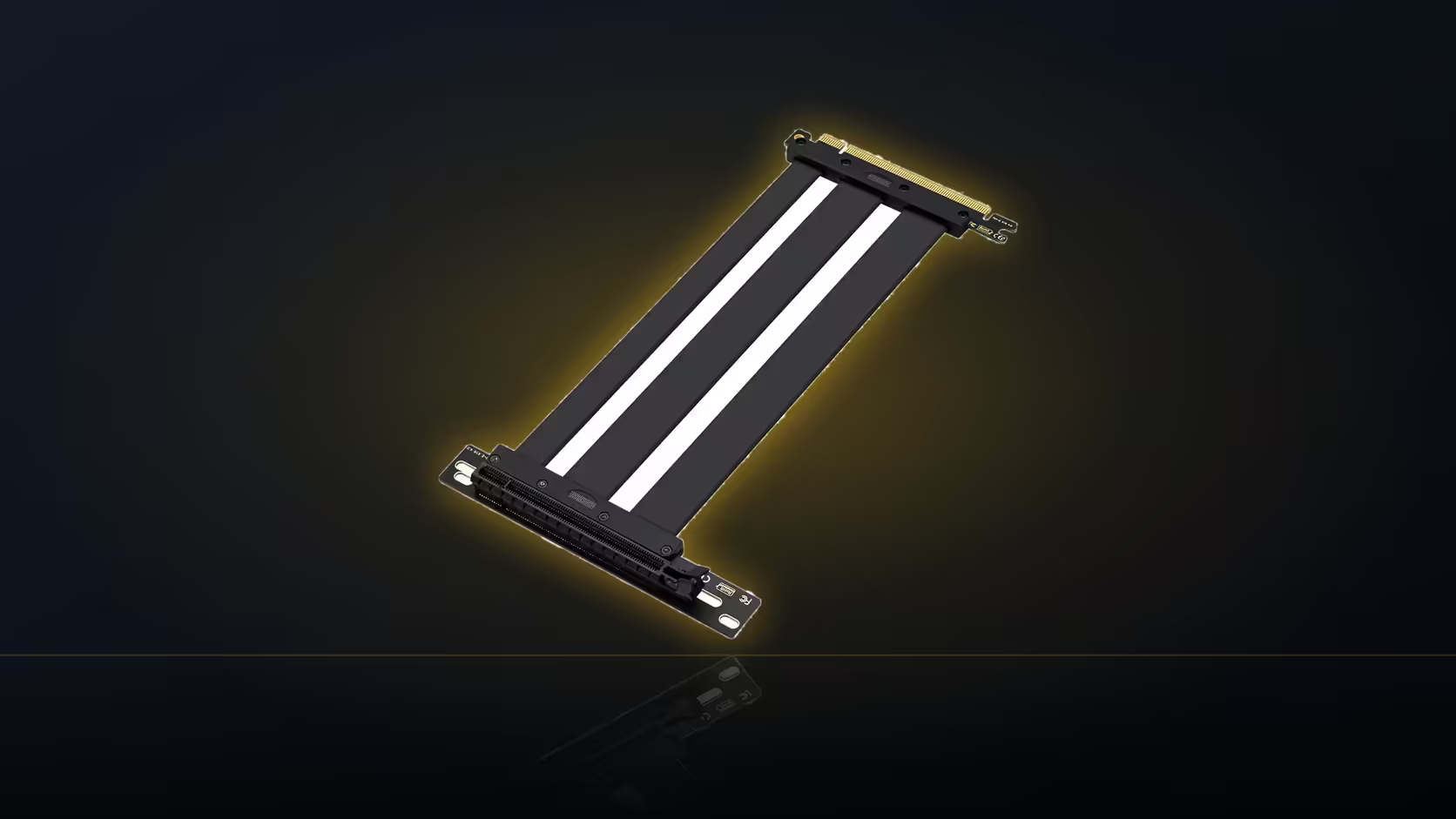
Look closely at where a riser cable meets the motherboard and you will notice the connector does not point straight up. It turns, and the direction of that turn is fixed by the manufacturer, not something you get to choose after the fact.
Quick Answer
The AsiaHorse riser's 90-degree slot connector sits at a right angle to the ribbon, and its orientation is fixed by design. At R1,299 including VAT, checking that direction against your bracket's position before ordering avoids finding out too late that the cable turns the wrong way for your case.
🧭 What the right angle is actually for
A right-angle connector exists to save space and length. Instead of the cable standing straight out of the slot and needing a separate bend to redirect it, the connector does that redirection at the source, immediately as it leaves the board. In a case with limited depth, that difference matters, since it avoids a bulky loop of cable competing for room with everything else nearby.
The trade-off is that the direction it turns is not adjustable. The connector seats into the slot one way, and whichever direction the ribbon leaves from that point is fixed by how the part was manufactured.
🔎 How to check it suits your build
Compare the product images of the riser against the actual direction your cable needs to travel, from the board slot towards wherever your bracket places the card. This is worth doing with the motherboard already in the case if possible, since the surrounding components, whether that is a chipset heatsink, RAM, or nearby cooling, are exactly what the connector and its cable have to clear once fitted.
If the direction faces the wrong way
Should the connector's turn face away from your intended route, the cable still works, but it has to curve back on itself to reach the bracket. That consumes extra length from the fixed 200mm and generally produces a less tidy route than a connector oriented the right way from the start.
🔃 Board orientation changes the answer
Not every board sits in a case the same way, and an inverted layout or a differently oriented chassis changes which direction counts as "towards the bracket" in the first place. This is another reason to check the fit physically rather than assuming a description applies universally across every build.
Clearance around the connector body is also worth a look, since it occupies space beside the slot in whatever direction it happens to turn, and that space needs to be free of other components for a clean fit.
Case accessories is worth checking alongside this orientation question, since the bracket is what actually fixes which direction the connector needs to face; a quick pass through graphics card accessories covers the rest of what the check might turn up.
Frequently Asked Questions
What does the right angle on the connector achieve?
It turns the ribbon at the slot itself rather than having it stand straight out, which suits cases with limited depth.
Can the direction it turns be changed?
No. The connector seats into the slot one way, so the direction it turns is fixed by the design rather than adjustable.
How do I check it will suit my case?
Compare the product images against the actual direction your route needs to run, ideally with the board already installed.
What happens if it faces the wrong way for my route?
The cable still works, but it has to curve back to reach the bracket, using more of the 200mm and producing a less tidy fit.
Does board orientation affect this?
Yes. A vertically mounted board or an inverted case layout changes which direction actually leads towards the bracket.
Is clearance around the connector a concern?
Yes, the connector body needs its own space beside the slot, which is worth checking regardless of which way it turns.
Checking connector orientation before you buy?
Have a look at Evetech's motherboard range to confirm your board's exact slot layout first.