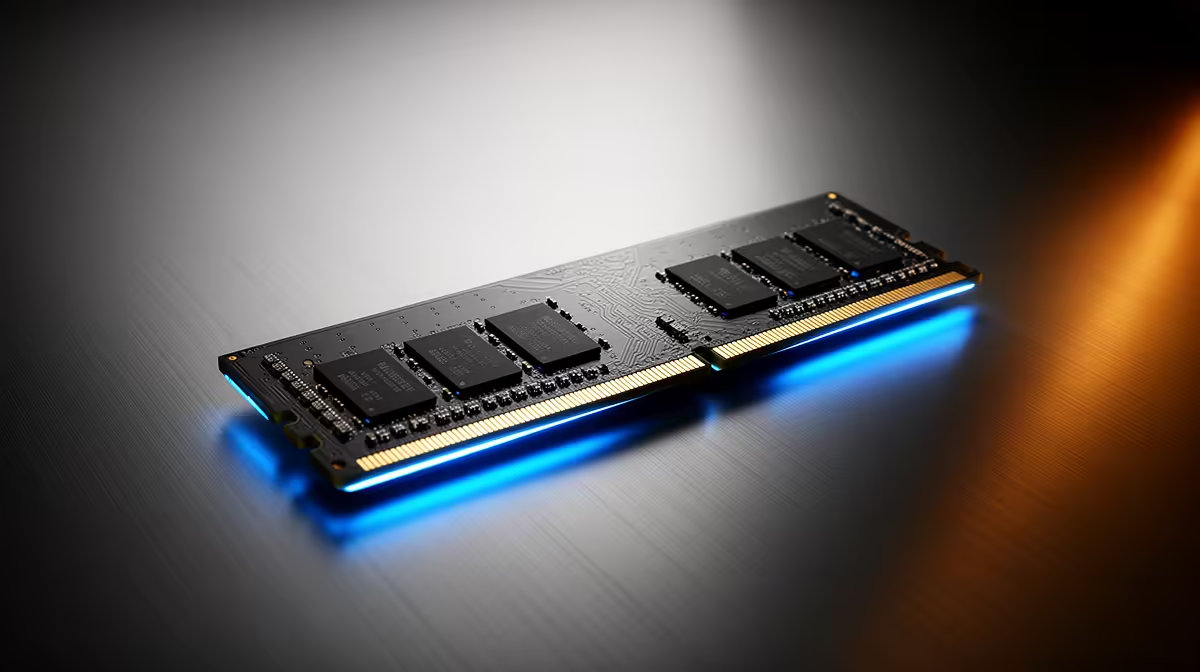
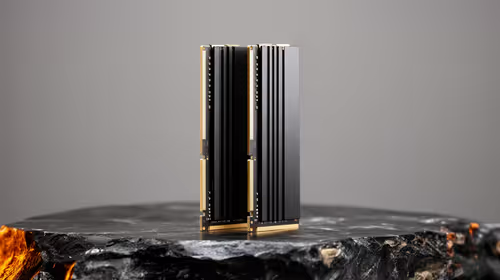
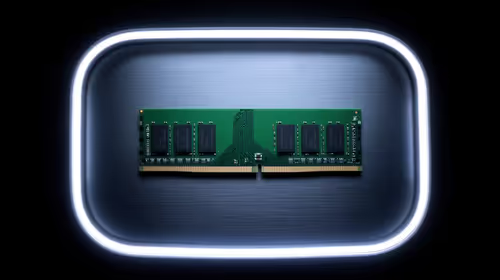
The old price gap between DDR4 and DDR5 has closed in SA, since DDR5 is now mass-produced. For a new build, DDR5 is the forward-looking pick.
Quick Answer
In SA, DDR5 now often matches or undercuts DDR4 because DDR5 ships in huge volume while DDR4 has become an ageing, low-volume part. New builds should go DDR5; DDR4 is only sensible when you are reusing an older board and CPU.
Build New On DDR5
For a fresh build, DDR5 is the forward-looking choice with more bandwidth and a clear upgrade path. Picking DDR4 today usually only makes sense if you are reusing an older board and CPU.
Future Headroom
DDR5 has room to grow in speed and capacity as the platform matures, while DDR4 is at the end of its life. Starting on DDR5 means cheaper upgrades later rather than a dead-end socket.
What To Buy
A DDR5-6000 CL30 kit at around R1,400 to R2,400 suits most new AM5 and Intel builds. Confirm the kit is on your board's QVL so it runs at rated speed without fuss.
Platform Cost, Not Just RAM
Compare the whole platform, since DDR5 boards and CPUs may differ in price from DDR4 ones. Even where the board costs a little more, the longer upgrade path usually makes DDR5 the better new-build value.
Why The Prices Flipped
DDR5 manufacturing scaled massively while DDR4 demand fell, so DDR4 lost its volume advantage. In SA that means a DDR5 kit can now match or undercut DDR4, especially at mainstream capacities.
FAQ
Why can DDR5 look cheaper than DDR4 in SA?
Because DDR5 is now mass-produced while DDR4 has wound down to lower volumes and higher per-stick cost. That narrowed or flipped the price gap, especially at mainstream capacities.
Is the whole DDR5 platform cheaper too?
Not always, since boards and CPUs differ in price. But even where a DDR5 board costs a little more, the longer upgrade path usually makes it the better new-build value.
Should I build new on DDR4 or DDR5?
DDR5, for a new build. It offers more bandwidth and a clear upgrade path, and now often costs the same or less. DDR4 only makes sense when reusing an existing board and CPU.
Buyer Tip
Check your board's QVL and enable the EXPO or XMP profile after install, then verify the rated speed in BIOS before you trust the kit.