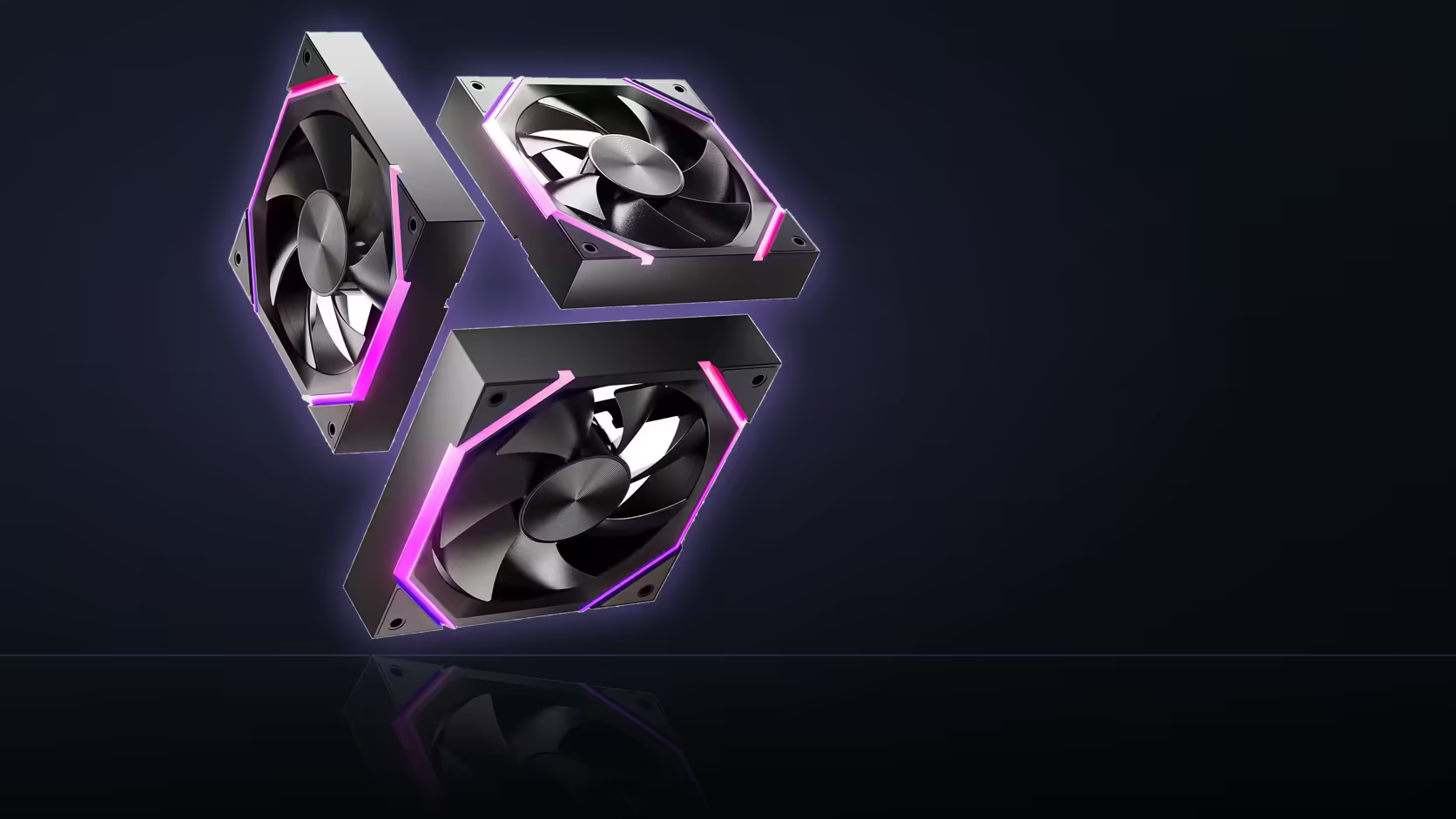
Lights pulsing away on schedule while the fan itself never seems to change speed is one of the more confusing symptoms a Nyota A12 owner can run into - and it's confusing precisely because the two systems are wired completely independently.
Quick Answer
If a Nyota A12's ARGB lighting responds correctly but fan speed never changes, the lighting chain is proven working while the PWM chain is not - they're separate connections and one working says nothing about the other. Check the fan header's PWM mode setting and curve configuration first, since those are the usual culprits. Each three-pack sells for R499.
💡 What working lights actually prove
The 5V 3-pin ARGB connection and the 4-pin PWM connection have zero relationship to each other electronically. If the lighting effect is running correctly - colours shifting, a chase pattern moving around the ring - that confirms the addressable chain and its header connection are fine. It tells you absolutely nothing about whether the PWM side is set up correctly, because they're entirely separate systems sharing nothing but the same physical fan.
Where to look next
Start with the fan header's mode setting in the BIOS. A four-pin PWM fan sitting on a header configured for voltage/DC mode instead of PWM will often ignore curve changes entirely or run at a fixed speed regardless of what the curve says - which looks exactly like the symptom you're seeing.
🔍 Other likely causes
A curve set to a flat, constant duty percentage produces the same symptom as a broken PWM connection - the fan simply isn't being told to change, because nothing in the configuration is asking it to. Similarly, a header manually forced to full speed overrides any temperature-based response entirely.
Checking the chain itself
If one fan in a linked row reports correctly while others in the same chain don't respond, the physical link between fans - rather than the board settings - is the more likely culprit. A partially seated connector between two chained fans is a common, easily overlooked cause.
Is the fan just sitting at its floor?
If the reported speed holds steady at 800 RPM and refuses to drop regardless of what the curve requests, that's the A12's documented minimum doing exactly what it's specified to do - not a fault, just the floor of its range.
🛠️ A quick isolation test
Moving the chain to a different header on the board is a reliable way to tell whether the problem follows the fans themselves or stays with the original header - a useful step if BIOS settings all look correct but the symptom persists.
Frequently Asked Questions
Does working ARGB lighting confirm the PWM connection is fine too?
No - the two systems are entirely separate. Working lights only confirm the ARGB chain, not fan speed control.
What's the first thing to check when speed won't respond?
Whether the fan header is set to PWM mode rather than voltage/DC mode in the BIOS.
Could a curve setting itself be the cause?
Yes - a curve set to a fixed duty, or a header forced to full speed, both override any temperature-based response.
What if only one fan in the chain doesn't respond?
Check the physical link between that fan and its neighbours - a partially seated connector is a common cause.
Does the motherboard show actual RPM per header?
Usually yes, which is the fastest way to confirm whether a change to the curve has actually taken effect.
Could the speed just be sitting at the fan's floor?
If it holds steady at 800 RPM and won't go lower, that's the documented minimum, not a fault in the setup.
How do I isolate whether it's the header or the fans?
Move the chain to a different header - if the symptom follows the fans, the header wasn't the problem.
Ready to sort out a fan row that isn't behaving as expected? Browse case fans and case accessories for the rest of your build.
Troubleshooting a fan row that isn't ramping as expected?
Browse Evetech's case fan range to double-check your setup against a working configuration.