Quick Answer
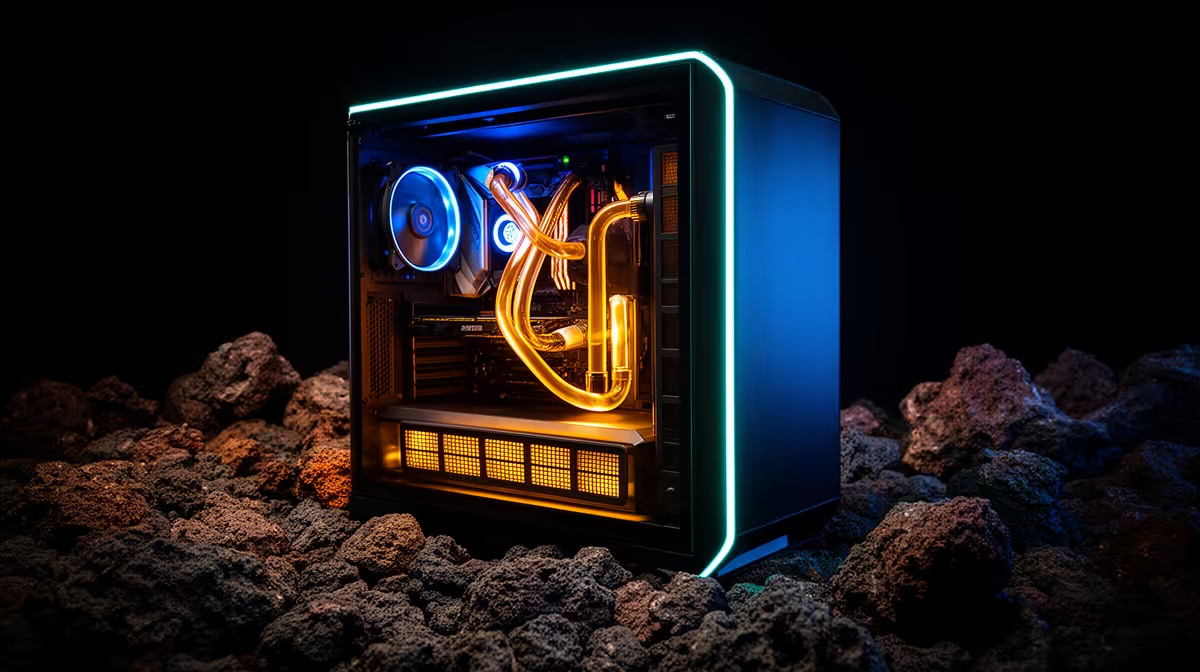
Case airflow matters more than RGB in SA builds because heat affects boost clocks, fan noise and component lifespan every gaming session. RGB can make a PC look better, but it cannot rescue a closed-front case with a hot GPU. Start with mesh intake, clear exhaust and enough fan positions, then add lighting if the budget still allows it.
The airflow basics
A good gaming case should have front or side intake, rear exhaust and clean cable space behind the motherboard tray. Two or three intake fans plus one rear exhaust is a sensible starting point. GPUs like RTX 5070-class or RX 9070 XT-class cards need fresh air more than decorative strips.
SA room reality
Summer rooms in South Africa can sit warm for hours, especially in upstairs flats or enclosed studies. A PC that benchmarks fine for five minutes can become loud after a two-hour session. Dust filters, positive pressure and regular cleaning help keep temperatures stable.
Where RGB still fits
Minimal lighting is fine when it does not block airflow or consume the cooling budget. Choose PWM fans with good static pressure before matching colours. A quiet, cool PC feels premium even when the lighting is simple.
FAQ
How many fans does a gaming PC need?
Most mid-range builds do well with three or four case fans. Hotter GPUs and glass-heavy cases may need more careful placement.
Does RGB increase temperatures?
RGB itself does not, but cases chosen for looks can restrict airflow. Mesh design matters more than lighting.
Should I use liquid cooling?
Use it when the CPU heat and case layout justify it. Many Ryzen 5 and Core i5 builds are fine with a strong air cooler.
Thermal check
Check GPU temperature after 30 minutes of gaming, not after a short benchmark; sustained heat tells the truth.
Check the practical fit before you buy.
Compare the part against your monitor, desk space, cooling, storage and weekly games so the final setup feels balanced rather than just impressive on paper.