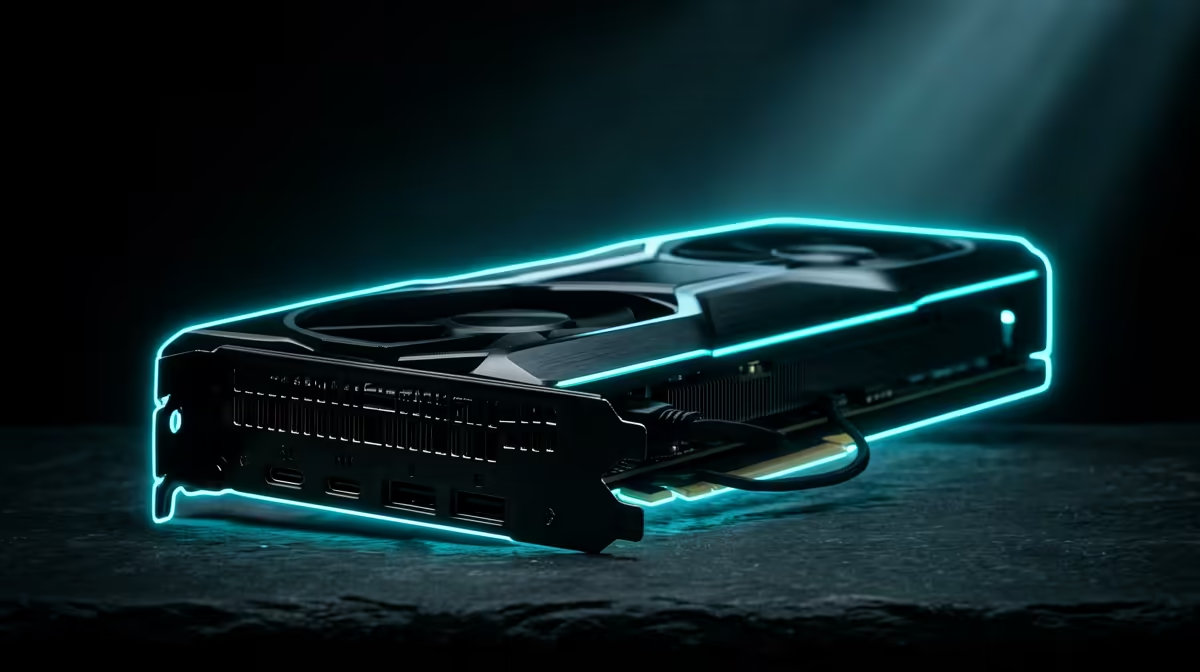
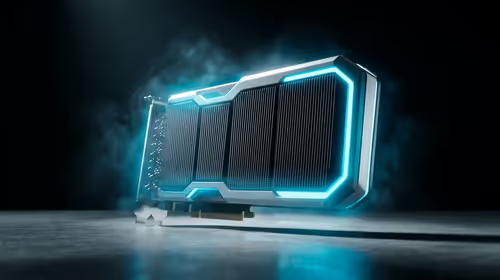
A 4K timeline that used to stutter on scrub now plays back clean. A Blender render that ran overnight finishes before lunch. That shift is what the RTX 5090 brings to a creative workstation, and it comes down to two numbers: roughly 3,352 AI TOPS and 1.79 TB/s of memory bandwidth, the latter a sizeable jump over the RTX 4090 that touches every stage of a creator's pipeline.
Quick Answer
The RTX 5090, built on the Blackwell architecture, delivers around 3,352 AI TOPS and 1.79 TB/s of memory bandwidth, roughly a 78 percent bandwidth increase over the RTX 4090. That extra throughput speeds up 3D rendering, high-resolution video editing, and AI-assisted creative tasks alike, which is why it has become the card serious creators reach for.
Where The Bandwidth Pays Off
Memory bandwidth is how fast the GPU can move data in and out of its own memory. For creators that matters constantly, because the assets are huge: 4K and 8K footage, dense 3D scenes, high-resolution textures. A jump to 1.79 TB/s means the card spends less time waiting on data and more time computing.
In a video timeline, that shows up as smoother scrubbing and faster playback of effects-heavy sequences. In 3D, it means large scenes load and manipulate without the card choking on memory traffic. The bandwidth gain over the 4090 is not a spec-sheet curiosity, it is felt at the moment you drag a playhead.
Rendering: Blender And Beyond
For GPU rendering in engines like Blender Cycles, the 5090 accelerates the actual ray-traced computation that turns a scene into a final frame. Faster renders mean more iterations in a working day, which for a freelancer or studio translates directly into more billable output or earlier finishes.
The large memory pool also lets you hold bigger, more detailed scenes entirely on the card, avoiding the slowdowns that come from spilling data elsewhere. Complex lighting, high-poly models, and 4K textures fit comfortably, so you spend time creating rather than optimising scenes down to fit.
Video: Timelines That Keep Up
In editors like DaVinci Resolve and Premiere, the 5090's throughput and media engine speed up decode, effects, colour grading, and final export. The bandwidth helps the timeline stay responsive even with multiple high-resolution layers and heavy effects stacked up, and AI-driven tools inside these apps run faster too.
That responsiveness is the difference between editing in flow and waiting on the machine. For 8K projects in particular, the headroom the 5090 provides keeps the edit interactive rather than a series of stutters and render-and-check loops.
AI Throughput For Creators
The roughly 3,352 AI TOPS figure is the card's measure for AI workloads, and modern creative tools lean on AI more every release: auto-editing, upscaling, denoising, generative fills, smart masking. The 5090 chews through these tasks quickly, so the AI features in your software feel instant rather than like a coffee break. Generative and assistive tools that once bottlenecked a mid-range card run smoothly here.
If you are weighing a card specifically for this kind of professional load, the workstation graphics card range at Evetech gathers the options aimed at render and timeline work rather than gaming alone.
Is It Right For You
The 5090 is overkill for casual editing or light hobby work, where a more modest card does the job at a fraction of the cost. It earns its place when your time is the bottleneck: professional 3D artists, video editors working at high resolutions, and anyone whose render or export queue eats real hours every day. For those users, the speed-up is the kind that pays for itself. To see how complete creator builds around this tier are configured, the most popular PC builds locally gives a sense of the components that pair well with a card this capable.
Frequently Asked Questions
How much faster is the RTX 5090 than the RTX 4090 for creators?
The headline gain is roughly a 78 percent increase in memory bandwidth, reaching about 1.79 TB/s, plus a substantial lift in AI throughput at around 3,352 AI TOPS. In practice that means faster renders, smoother high-resolution timelines, and quicker AI-assisted tasks.
Is the RTX 5090 good for Blender rendering?
Yes. It accelerates GPU ray tracing in engines like Blender Cycles and holds large, detailed scenes in memory, so renders complete faster and you can iterate more in a working day.
Do I need an RTX 5090 for video editing?
Only if you work at high resolutions or with effects-heavy projects where timeline responsiveness and export speed matter to your output. For casual editing, a more affordable card is plenty.
What makes the 5090 good for AI creative tools?
Its high AI throughput, around 3,352 AI TOPS, runs the AI features baked into modern editing and 3D software quickly, from denoising and upscaling to generative and auto-editing tools.