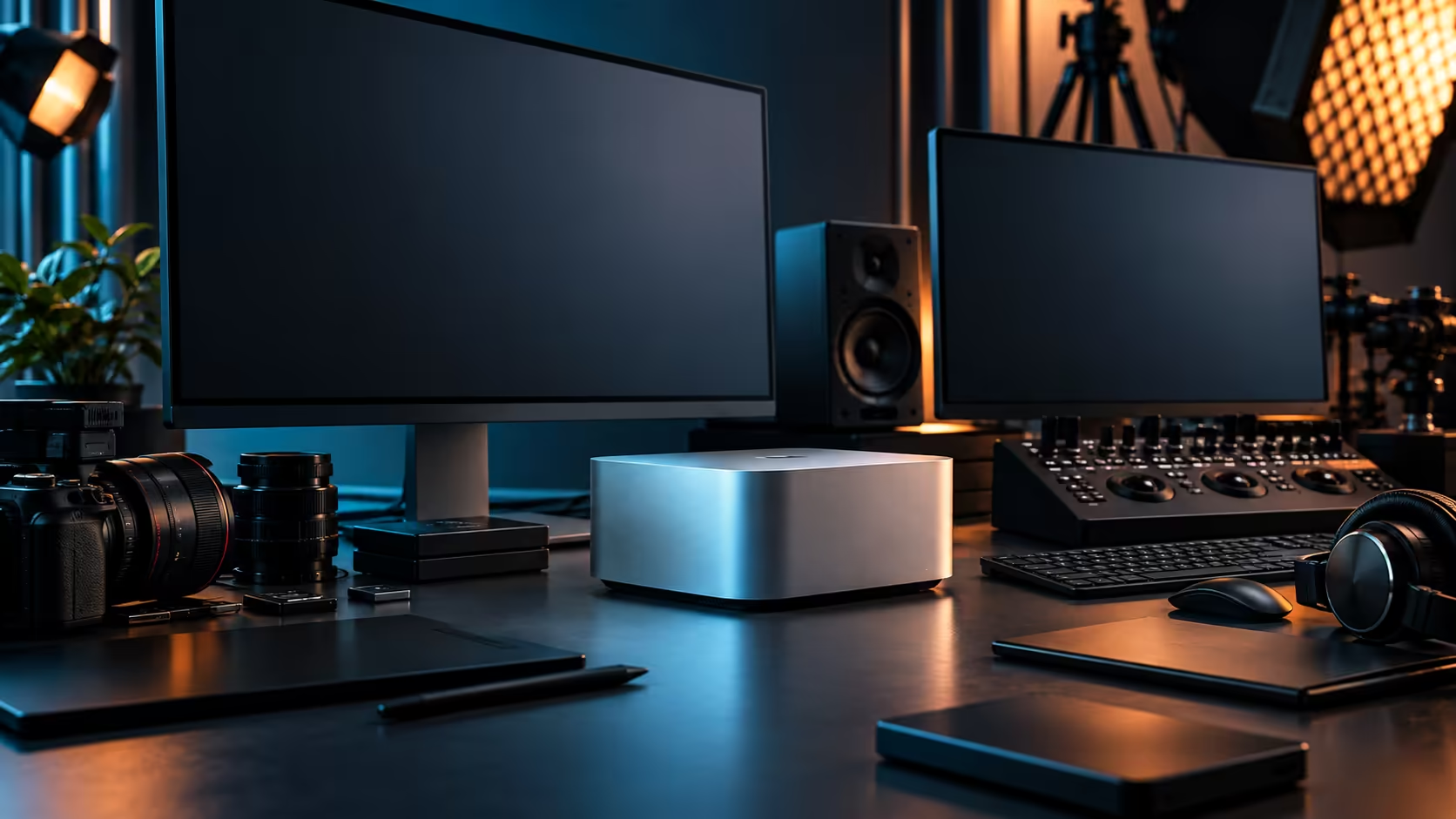
A brand-new external SSD rated for blistering speeds, plugged into a Mac Studio M5 Max, still crawls sometimes, and the drive itself is rarely the reason. The slowest link in the chain sets the result you actually see, and that link is usually a cable.
Quick Answer
Check the cable first, then the enclosure, then the drive itself, in that order, since each one has its own bandwidth rating and the slowest sets your real-world speed regardless of what the drive is capable of. A generic USB-C cable on a Thunderbolt-rated drive is the single most common cause of disappointing transfer speeds. With four Thunderbolt 5 ports, the Mac Studio M5 Max itself is rarely the bottleneck, and it's R49,499.
🧵 The cable is the first suspect, every time
This is the cheapest thing to check and the most commonly overlooked.
A drive built for Thunderbolt speeds, connected with a plain USB-C cable that only supports USB data rates, will run at whatever the cable allows, not what the drive is capable of. The connector shape is identical either way, which is exactly why this mistake is so easy to make without noticing. Check the cable's own packaging or markings for an explicit Thunderbolt certification before assuming the drive is underperforming, whether that drive comes from the external SSD range or was assembled from parts you already owned.
📦 The enclosure matters as much as the drive inside it
Two drives with identical internal components can perform very differently depending on what's wrapped around them.
A budget enclosure with an older or lower-bandwidth controller bottlenecks a fast drive inside it just as effectively as a bad cable does, and this is invisible from the outside since the enclosure looks identical to a properly specified one. The enclosure range is worth checking directly against the drive's own rated speed before assuming a mismatch is the drive's fault, particularly if you've built your own external drive from a bare internal one.
🔌 Where the drive itself actually sits in this chain
Only once cable and enclosure are confirmed adequate does the drive's own rated speed become the limiting factor.
A drive's advertised maximum speed is a ceiling, not a guarantee, and it assumes everything upstream, the cable, the enclosure, the port it's plugged into, is capable of the same rate. On a Mac Studio M5 Max with four Thunderbolt 5 ports, a properly cabled and enclosed fast drive plugged straight into one of them gets the cleanest shot at its rated speed, since nothing else is competing for that port's bandwidth.
🧪 A simple way to isolate the problem
Test each link in the chain on its own rather than guessing at which one is at fault.
Try the same drive with a known-good Thunderbolt cable if you have access to one, and compare the result. If speed improves noticeably, the original cable was the bottleneck. If speed stays the same, move on to testing the enclosure or the drive itself, ideally against a different port on the Mac Studio to rule out anything unusual with that specific connection.
Frequently Asked Questions
Why is my external SSD slower than its rated speed?
Most commonly a cable that doesn't support the required speed, followed by an underpowered enclosure. Check both before assuming the drive itself is at fault.
How do I know if my cable actually supports Thunderbolt speeds?
Check the cable's own packaging or printed markings for an explicit Thunderbolt certification. A cable that only mentions USB-C, without that certification, is the standard, slower version.
Can a cheap enclosure slow down a fast internal drive?
Yes. An enclosure's own controller and connection type set a ceiling on speed regardless of how fast the drive inside it is rated.
Does connecting through a hub reduce my external drive's speed?
It can, particularly if other devices share the same hub and compete for its total bandwidth. A direct connection to one of the Mac Studio's own Thunderbolt 5 ports avoids that contention.
Is the Mac Studio M5 Max itself usually the cause of slow external storage?
Rarely. With four dedicated Thunderbolt 5 ports, the machine itself is seldom the limiting factor; the cable and enclosure are the more likely culprits.
Ready to find out what's actually slowing down your external drive?
Check cables and enclosures built for full Thunderbolt speed before assuming the drive is the problem.