Quick Answer
No, a Gen 5 NVMe SSD should not bottleneck on an X870 board when it is installed in the CPU-connected M.2 slot with a proper heatsink. Expect up to about 10,000-14,000MB/s sequential reads on strong drives, but games still mostly feel the difference through load times, not fps. SA buyers should prioritise a 2TB drive in the broad R2,500-R6,000 band before paying extra for unused peak speed.
Check The M.2 Slot Before Buying
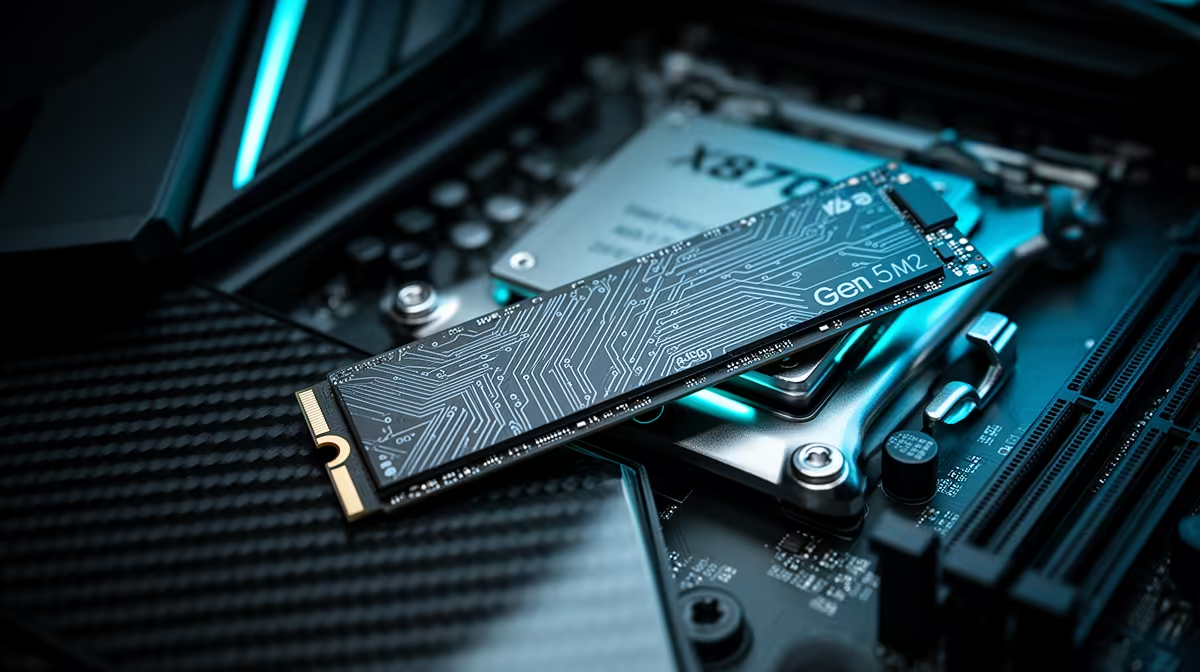
X870 boards are the right platform for Gen 5 storage because many include at least one PCIe 5.0 M.2 slot. Use the slot named in the manual as CPU-linked, then fit the board heatsink firmly. If the SSD drops speed after a long copy, heat is the limit, not the board chipset.
What Storage Changes In Games
Gaming bottlenecks from storage usually show as long loads, shader compilation pauses, or asset streaming hitches, not lower average fps. A game running at 90 fps will not become 140 fps because the SSD is faster. Capacity, thermals, and keeping 15% free space matter more for daily use.
SA Buying Notes
Named drives such as Crucial T700, Samsung 990 Pro, Kingston Fury Renegade, and WD Black SN850X show why the buying decision is not only Gen 5 versus Gen 4. Compare capacity, warranty, heatsink fit, and motherboard slot speed. In a Johannesburg or Cape Town gaming build, a bigger 2TB drive often solves more real pain than a smaller drive with a higher headline speed.
FAQ
Will Gen 5 NVMe improve fps on X870?
No, not in a meaningful way for most games. It can reduce loading and file-copy time, but GPU and CPU choice drive frame rate.
Should I buy 1TB or 2TB?
Choose 2TB if the budget allows. Modern AAA games can pass 100GB each, so capacity prevents constant uninstalling and keeps the drive from running nearly full.
Do I need a heatsink?
Yes for most Gen 5 drives. Sustained copies can heat the controller quickly, and thermal throttling wastes the speed you paid for.