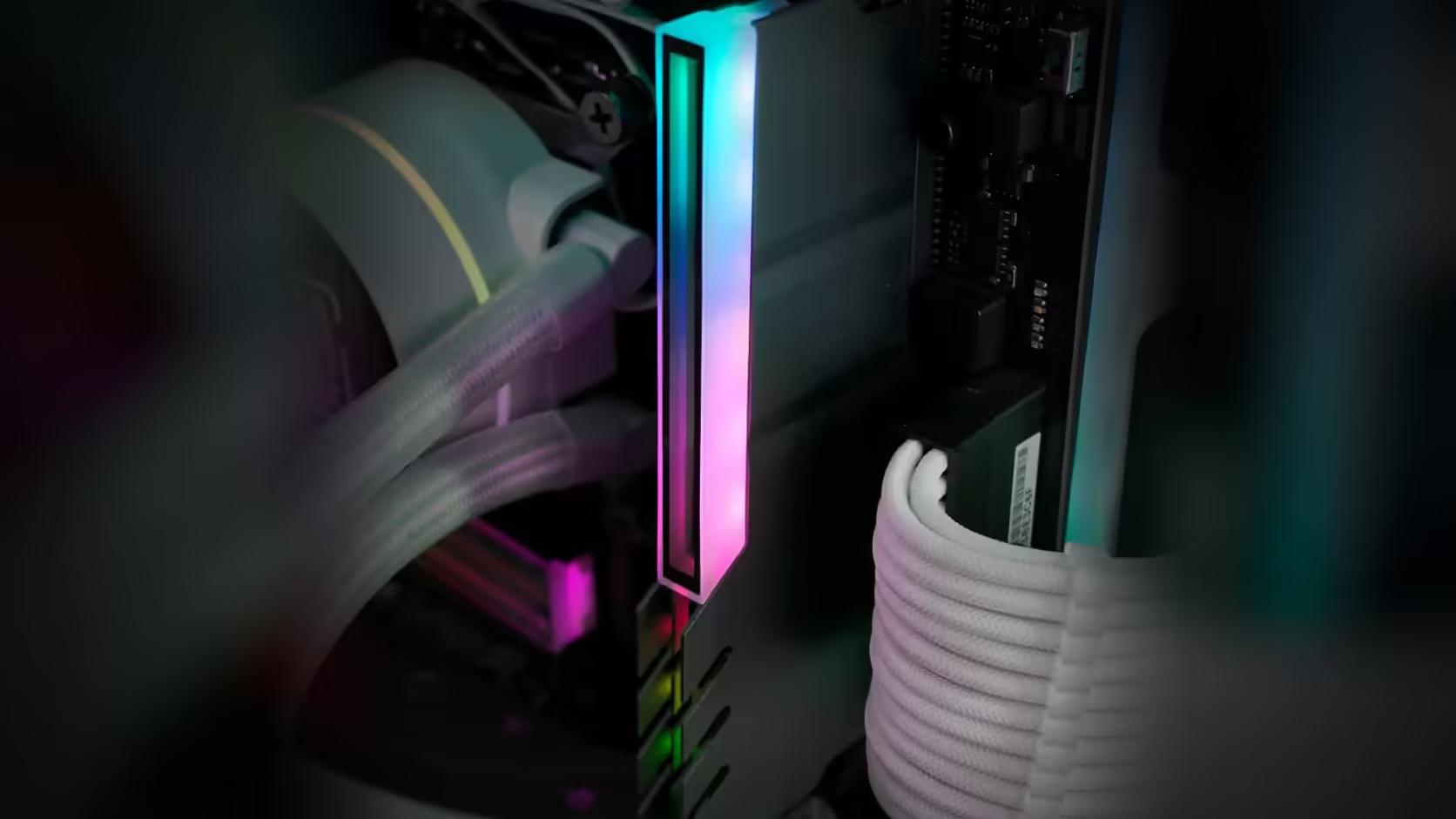
A front-mounted tower fan and a RAM cover are aiming for the exact same stretch of air, and the fan usually got there first. Whether the two can share that space is a fit question the listing itself cannot answer, so it is worth working through before a cover arrives and does not clear.
Quick Answer
It depends on your specific hardware. No dimensions are published for the R249 AsiaHorse RAM Cover ARGB Heatsink, and cooler clearance varies widely by model, so whether it clears a tower cooler's front fan is not something the listing can answer for you. The slot most at risk is the one nearest the processor, where a front-mounted fan or the lower fin stack commonly overhangs the memory area already.
📏 The gap that actually matters
Measure from the top of the installed module in the tightest slot to the nearest part of the cooler above it - the fan frame, the blades at their lowest point, or the fin stack itself. That figure is what a covered module has to clear, and it is specific to your case, your cooler mounting height, and your board's slot spacing, not something a product listing could state generically.
🔧 Two ways to buy back clearance
Sliding the cooler's front fan higher on the fin stack is the most common fix, and most tower coolers are designed to allow it without affecting cooling meaningfully. Where that is not an option, leaving the tightest slot uncovered while dressing the rest of the row is a reasonable middle ground - not a full unified finish, but no forced fit against a spinning fan either.
🧊 Air versus liquid cooling
A liquid cooler with its pump block mounted on the processor leaves the memory area open in a way a large air cooler simply cannot, which sidesteps this entire question for builds using one. For builds staying on air, checking the cooler's own published memory clearance figure is a reasonable starting point, though remember it describes bare modules rather than modules wearing a cover.
Confirm your board's supported memory generation before shopping - DDR5 memory for current platforms, DDR4 memory for the generation before it - since the cover fits either, but clearance is decided by the cooler and case, not the memory type.
Frequently Asked Questions
Which slot is usually affected?
The one nearest the processor, since that is where a tower cooler's front fan most often overhangs the memory.
How much room does it want?
Enough for the covered module plus a little margin, which without published dimensions has to be judged against the physical part.
Can the fan be moved up?
Many tower coolers allow the front fan to sit higher on the fin stack, which is the usual way to gain memory clearance.
Would leaving that slot empty help?
It can, though board manuals usually specify which slots to populate first for best memory performance.
What if the fan touches the cover?
Contact is worth avoiding entirely, since it can cause noise and wear on the fan even when nothing is damaged.
Is a liquid cooler simpler?
Usually, because a liquid cooler puts only a compact pump block on the processor, leaving the memory area far more open than a bulky air tower ever does.
Checking whether your cooler and a lit memory cover can coexist?
Browse Evetech's DDR4 and DDR5 memory options while you measure the clearance in your own case.