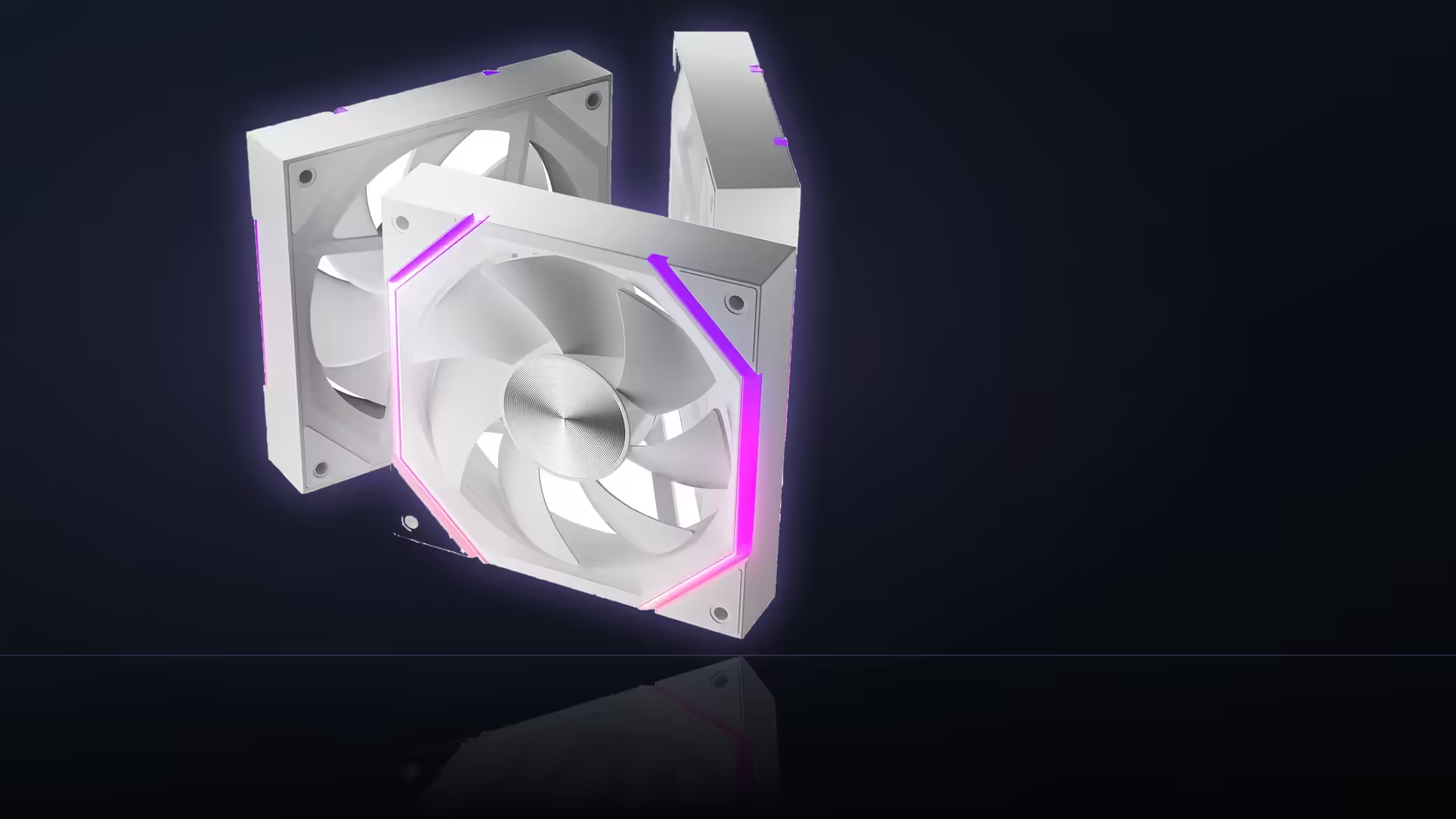
Setting a fan curve to zero percent feels like it should mean silence, but the Nyota A12's spec sheet doesn't back that expectation up. Knowing the fan's actual floor before you build a quiet-idle plan around it saves a night of confused BIOS tweaking.
Quick Answer
No - dropping the curve to zero percent won't stop a Nyota A12 fan. AsiaHorse specifies the fan across an 800 to 2000 RPM operating range, and nothing in the listing describes a zero-speed or stopped state. A curve asking for less than the fan supports simply holds it at 800 RPM instead. Pricing sits at R499 for the three-pack, available in either colour with the standard 1 Year Local Warranty.
🛑 What actually happens at a zero setting
Drop a BIOS curve to its lowest point and you'd expect the fan to fall silent - that's how a genuine zero-RPM mode works on fans built to support it. The A12's documentation gives no indication that's part of its design. Instead, expect the fan to sit at its floor of 800 RPM regardless of how low the curve requests it to go.
This isn't a fault or a bug in your setup - it's simply the range the fan is specified across, and a setting requesting less than that range's minimum doesn't produce a result below it.
Reading the spec sheet correctly
The listing states an operating range, full stop - no mention of a stopped or silent mode, no zero-RPM claim anywhere in the documentation for this model. Assuming otherwise, and building a "silent idle" plan on that assumption, is where the confusion tends to start.
🔍 What genuine silence at idle actually needs
If a fully stopped fan at idle is the goal, that's a specific feature to look for explicitly in a fan's documentation - some models built with true zero-RPM behaviour state it clearly as a headline spec. The Nyota A12, as documented, isn't one of them.
The realistic quiet floor
For this model, 800 RPM is as close to silent as a curve will get you, which is a meaningfully different target than a genuinely stopped fan. Whether that floor is audible in practice depends on the case, mounting, and how quiet the room around it is - worth testing directly rather than assuming from the spec sheet alone.
Frequently Asked Questions
Does the A12 have a documented zero-RPM mode?
No - the listing specifies 800 to 2000 RPM without describing any stopped or silent state for this model.
What happens if the curve is set below 800 RPM?
The fan holds at its 800 RPM floor rather than going lower, since that's the minimum speed it's rated for.
Is a stopped fan actually better for a build?
It trades silence at idle for zero airflow, which suits some quiet setups but is a poor fit for a warm or enclosed case.
Can the motherboard force a fan to stop regardless?
Some boards offer a stop-fan setting on certain headers, though what the fan itself does at that point is down to its own design.
What's the practical quiet floor for this model?
800 RPM, which is where a gentle curve will settle the fan at idle temperatures.
Should I test this myself before assuming it?
Yes - watching the reported RPM while lowering the curve shows exactly where the fan actually settles in your own build.
Would a different model offer true silent-idle behaviour?
Possibly, but that's a separate feature to confirm explicitly in a fan's own spec sheet rather than assume across the range.
Ready to plan idle behaviour that matches what this fan actually does? Browse case fans and case accessories before finalising your cooling setup.
Chasing a genuinely silent idle?
Check Evetech's case fan range for models that document a true stopped state before assuming yours can.