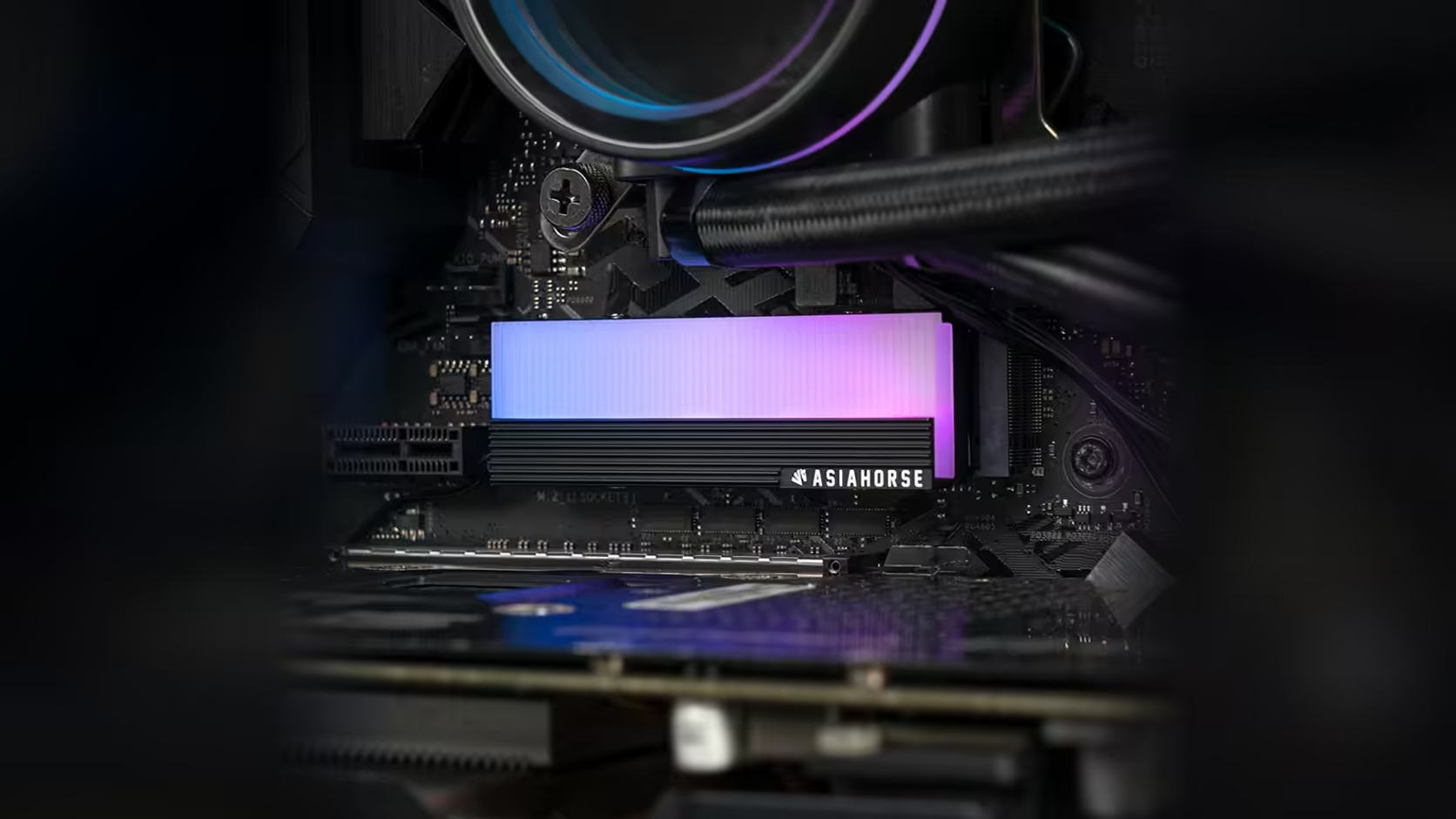
Two boards from two different manufacturers rarely lay out their M.2 slots the same way, and that is the real question behind this one. Whether the AsiaHorse cover sits neatly on your system depends on your board mounting arrangement around the 2280 slot, not just on the cover itself.
Quick Answer
The AsiaHorse M.2 heatsink is built for 2280 drives with a four-screw mount, and it retails at R199 with VAT already counted in, a number Evetech can revise at any point. Whether it fits cleanly depends on where your board's standoff sits and what surrounds that slot, since these details vary from one motherboard to the next. Comparing the cover against your specific board area before fitting is the only way to know for certain.
🧩 What actually varies between boards
Motherboards differ in more than just where the M.2 slot is positioned. The standoff height, the presence or absence of a factory M.2 heatsink over that slot, and how close neighbouring components sit to the mounting points can all differ between two boards that otherwise look similar on paper. None of that is visible from a generic product listing for the cover itself.
The board's own heatsink usually has to go
If your motherboard ships with its own heatsink covering the M.2 slot, as most mid-range and higher boards do now, that needs to come off before this cover goes on. Both occupy the same physical space above the drive, and only one can be fitted at a time.
🔍 Checking your own board area
The most reliable method remains a direct look at the slot with the board in front of you, ideally before the drive is even installed. Note what sits nearby: a chipset heatsink, the edge of the first PCIe slot, or any raised component close enough to interfere. A specification sheet cannot substitute for that view, since these details are specific to each board design rather than the cover.
🔽 Lower slots are often more forgiving
Where a board provides more than one M.2 position, the lower slots tend to sit in more open board area, away from the graphics card and the chipset heatsink cluster near the CPU. That can make fitting considerably easier, though it is worth checking the board manual for any bandwidth difference between slots before moving a drive purely for ease of access. Evetech stocks the solid state drive range for that move, with case accessories worth a separate look for the tools the fit calls for.
Frequently Asked Questions
What varies from board to board around the M.2 slot?
Standoff position, whether a factory heatsink already covers the slot, and what board components sit close enough to interfere with a cover's mounting.
Does the board's own M.2 heatsink need removing first?
In most cases, yes, since it occupies the same space the aftermarket cover is meant to fill.
Is the drive's fixing to the board separate from the cover's screws?
Yes. The drive's own fastener to the standoff is distinct from the four screws that secure this cover.
What could physically obstruct the cover on a given board?
Nearby components, a chipset heatsink, or the edge of an adjacent expansion slot, depending on the specific board layout.
Does drive thickness make a difference?
It can. A double-sided drive is thicker than a single-sided one, and the cover is designed to sit closely against whatever drive it covers.
Not sure how your board's M.2 area is laid out?
Check Evetech's solid state drive range and match your purchase to what your specific board actually allows.